


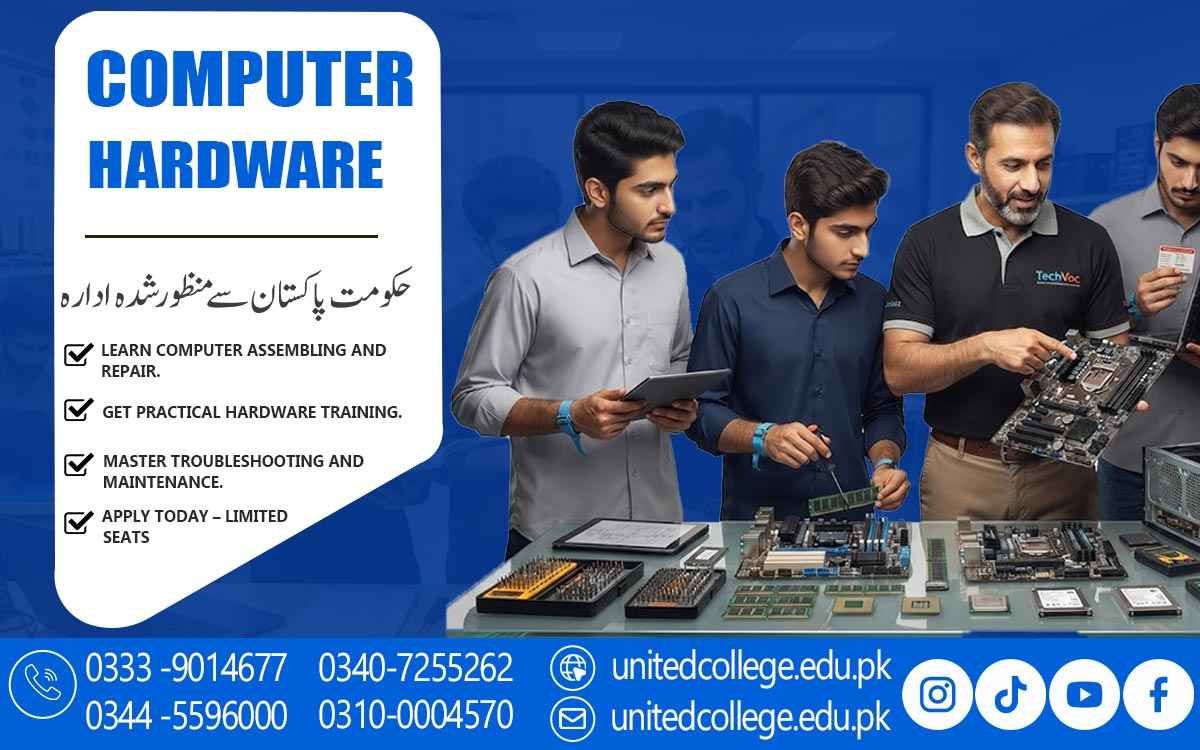

Computer Hardware Course in Okara – Practical Skills & Training
When a Computer Problem Leaves You Confused
A computer can suddenly stop turning on, become unusually slow, overheat, restart without warning, or make strange sounds during normal use. For someone who only uses a computer, these problems can be difficult to understand, but basic hardware knowledge can make the situation much clearer. A computer hardware course in Okara can help learners understand what happens inside a computer and how different components work together.
Students can learn about computer parts, hardware installation, troubleshooting, maintenance, and basic repair through practical learning. Instead of simply memorizing technical names, learners can understand what a particular component does and how its failure may affect the system. This makes computer hardware training useful for beginners, students, fresh learners, and anyone interested in developing practical PC repair skills.
Discovering the Components Behind Every Computer
A computer contains several important components, and each one has a specific role in making the system work. The motherboard connects many internal parts, while the processor or CPU handles instructions and calculations. RAM provides temporary working space for active programs, while hard drives and SSDs store files and operating system data. The power supply provides electricity to the system, and the cooling system helps control heat during operation.
A computer hardware course helps learners understand these components through simple explanations and practical examples. For instance, a computer may become slow when several programs are running because of limited or faulty RAM, while storage problems may cause slow startup or difficulty opening files. Understanding these differences gives learners a useful foundation for computer repair and helps them see how individual components contribute to the complete system.
Understanding How the Motherboard Connects Everything
The motherboard acts as a central platform where many computer components connect and communicate with each other. The processor, RAM, storage devices, expansion cards, and other hardware rely on suitable connections with the motherboard to function properly. During computer hardware training, learners can understand different motherboard sections, slots, connectors, and the importance of selecting compatible components.
For example, not every RAM module or processor will work with every motherboard, so checking specifications before installation is an important part of hardware work. Learners can also understand how a motherboard problem may affect several functions at once because many components depend on it. Instead of treating the motherboard as just another computer part, students can learn why it plays such an important role in system operation. This knowledge can make hardware installation, upgrades, and troubleshooting more organized and easier to understand.
Learning the Difference Between RAM, HDD, and SSD
RAM and storage devices may both be associated with computer performance, but they perform very different jobs. RAM temporarily holds information that the computer is actively using, which is why a system with insufficient or faulty RAM may freeze, slow down, or struggle when multiple programs are open. A hard disk, on the other hand, provides long-term storage for files, applications, and the operating system. An SSD also provides long-term storage but uses electronic memory rather than the moving parts found in traditional hard drives.
Learners studying a computer repair course can understand these differences through practical examples and learn how to identify symptoms that may point toward memory or storage problems. They can also learn why storage upgrades and RAM upgrades require compatibility checks. This type of practical understanding helps beginners make better decisions when diagnosing a slow computer or planning a hardware upgrade.
Turning Computer Assembly Into a Practical Skill
Computer assembly gives learners an opportunity to see how separate components become a complete working system. In a computer hardware course, students can learn how to install RAM, connect storage devices, attach power cables, position components correctly, and prepare a computer for startup. They can also learn about computer disassembly and the careful removal of components when repair or replacement is required. This practical experience helps learners understand how different parts fit together and why each connection matters.
Hardware installation is not simply about fitting a part into an available space; compatibility, connection type, power requirements, and motherboard support also need to be considered. For example, installing an unsuitable RAM module can create problems even if it physically fits into the system. Practical exercises can help learners develop a careful approach to assembly and understand why components should never be forced into place. These skills can provide a useful foundation for PC repair, hardware upgrades, and routine computer servicing.
Finding the Cause Instead of Guessing the Fault
When a computer develops a problem, replacing components randomly is not an effective troubleshooting method. Hardware fault finding usually begins with observing the symptoms and then moving through a series of checks to identify the possible cause. If a computer does not turn on, a technician may inspect the power connection, cables, PSU, switch, and other basic areas first. If the system starts but produces no display, RAM, monitor connections, graphics-related hardware, and other components may need to be examined.
Frequent freezing could involve RAM, storage, overheating, drivers, or another issue. A technician may also check whether the problem occurs regularly or only during certain tasks, as this can provide useful clues. Through hardware troubleshooting, learners can develop the habit of testing one possibility at a time instead of making assumptions. This approach can improve their understanding of computer diagnostics and help them recognize why patience, careful observation, and logical testing are important when dealing with hardware faults.
Solving Overheating and Power-Related Problems
A computer needs stable power and proper cooling to operate reliably, making the power supply and cooling system important parts of hardware maintenance. The PSU distributes electrical power to different components, while fans, heat sinks, and airflow help remove heat from the system. A computer that suddenly shuts down during demanding work, becomes extremely hot, or produces unusually loud fan noise may require an inspection of its cooling or power-related components.
Dust buildup can restrict airflow, while a faulty fan may prevent proper cooling. During practical computer training, learners can study how these symptoms may appear and what areas a technician should check. They can also learn the importance of keeping ventilation areas clear and maintaining suitable airflow. Understanding these issues helps learners connect hardware troubleshooting with preventive maintenance and recognize that overheating or unstable power can sometimes affect several parts of a computer.
Understanding BIOS, Drivers, and System Startup
A computer can sometimes turn on but fail to start the operating system correctly, and this is where BIOS, storage detection, and drivers become relevant. BIOS or firmware helps initialize hardware during the startup process, and learners can study its basic role in recognizing important system components. They can also learn about common boot-related issues, such as a computer failing to detect a storage device or displaying an error before the operating system loads.
Operating system installation can also be studied from a hardware-support perspective, including checking storage, preparing the system, and ensuring that essential hardware is recognized. Drivers are equally important because they help the operating system communicate with devices such as network adapters, sound hardware, and printers. Understanding these areas helps learners distinguish between physical hardware problems and software or configuration issues during computer diagnostics.
Building Safe Maintenance Habits for Long-Term Hardware Care
Proper computer maintenance is not limited to repairing a system after something goes wrong. In a computer hardware course, learners can also develop habits that protect computer components and help identify problems early. Practical training can introduce safe cleaning methods, careful handling of internal parts, proper cable management, and basic inspection of fans, ports, connectors, and other components. Before opening a computer, shut down the system and disconnect it from power, and handle components carefully to reduce the risk of physical or static damage.
Learners can also become familiar with warning signs such as unusual sounds, excessive heat, loose connections, or repeated startup problems. For students and beginners in Okara, developing these hardware maintenance skills alongside troubleshooting knowledge can provide a more complete understanding of computer servicing. At United College of Technology, practical learning can help learners connect safe handling with computer repair, maintenance, and technical skill development.
Frequently Asked Questions (FAQs)
A computer hardware course teaches learners about computer components, assembly, hardware installation, troubleshooting, maintenance, and basic repair.
Learners can study motherboards, processors, RAM, HDDs, SSDs, power supplies, cooling systems, cables, connectors, peripherals, BIOS, drivers, and hardware troubleshooting.
Yes. Beginners can start by learning about individual components and gradually develop practical skills in computer assembly, maintenance, and fault finding.
Yes. Practical computer repair training can introduce learners to common hardware faults, diagnostics, component replacement, installation, and troubleshooting methods.
Hardware training can cover the components and repair considerations of both desktop and laptop computers, depending on the practical training setup.
Admission Open: Start Your Professional Journey Today!
Join United College of Technology and build a career with practical training, recognized certifications, and Gulf job support. Seats are limited.
Apply Now via WhatsAppContact Information
- Address: Rawalpindi: F-272 Main New Katarian Stop, Old IJP Road | Lahore Campus: Lahore, Pakistan
- Phone/WhatsApp: 0340-7255262 / 0333-9014677 / 0301-5044340 / 0310-0004570 / 051-8770756
- Website: unitedcollege.edu.pk
















Leave a Comment