


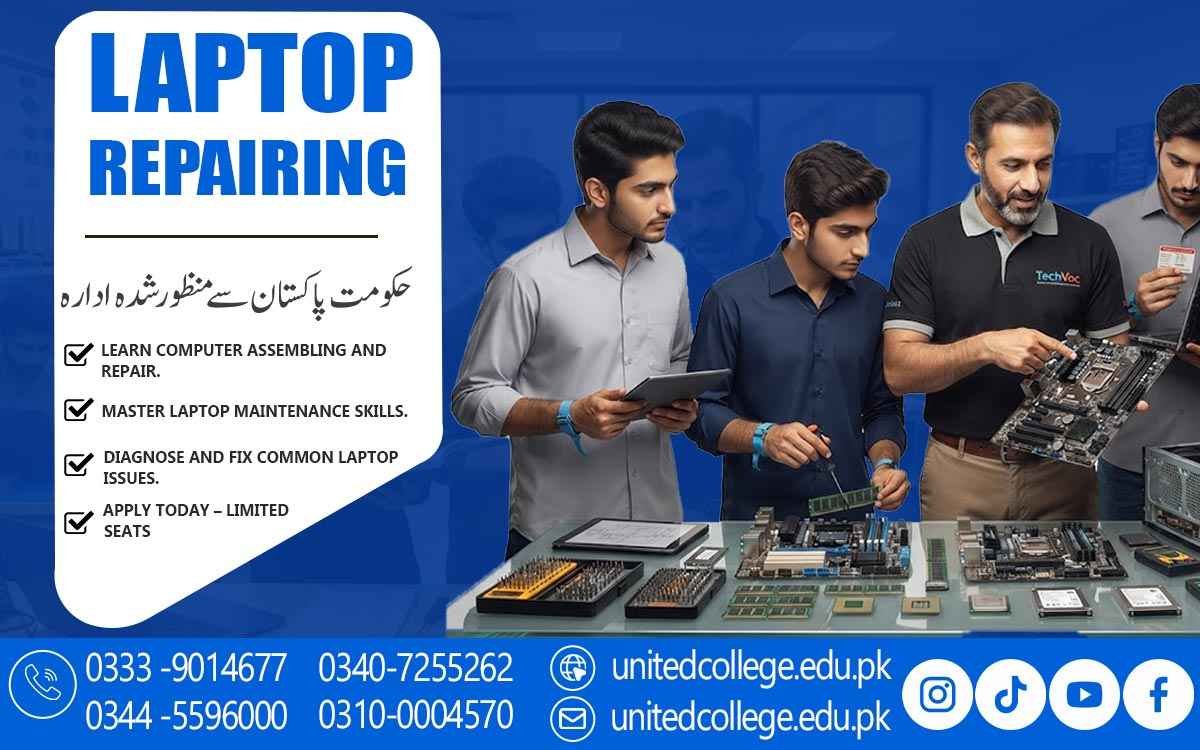

Laptop Repairing Course in Murree for Professional Laptop Repairs
Introduction to Laptop Hardware Repair Procedures
A Laptop Repairing Course in Murree introduces students to the basic procedures used for inspecting, maintaining, troubleshooting, and repairing laptop hardware. Students first learn how laptops are constructed and how different components work together to support normal system operation.
The training covers important hardware parts such as the motherboard, processor, RAM, storage devices, battery, cooling fan, display, keyboard, touchpad, and charging components. Understanding these parts helps students recognize the possible causes of common hardware problems.
Students also learn the importance of following an organized repair process. Proper inspection, careful handling, testing, and reassembly are important steps that can help reduce the risk of unnecessary damage during laptop servicing.
Understanding Laptop Parts and Their Functions
Every laptop contains several components that perform different functions. During the Laptop Repairing Course in Murree, students learn about internal and external hardware and understand the purpose of each major part.
The processor handles system instructions, RAM supports temporary data processing, and storage devices hold operating systems and personal files. Students also study batteries, cooling systems, screens, keyboards, ports, and other components used in laptop systems.
This knowledge provides a foundation for practical repair work. When students understand how individual parts function, they can more easily inspect a laptop and identify which component may be connected to a particular problem.
Learning Safe Disassembly and Reassembly Practices
Proper disassembly is an important part of laptop repair. Students learn how to prepare a laptop before opening it and how to remove covers, screws, cables, and components carefully.
A Laptop Repairing Course in Murree also teaches students how to keep removed parts organized during repair work. Proper organization can make reassembly easier and helps ensure that components and connectors are returned to their appropriate positions.
After completing inspection or repair work, students practice reassembling the laptop correctly. They learn to check connections and hardware placement before testing the system.
Exploring Storage, RAM and Processor Components
Storage, RAM, and processors are essential components of laptop systems. Students learn about hard drives, SSDs, different RAM modules, and processor functions during their technical training.
The Laptop Repairing Course explains how storage and memory can affect laptop performance. Students also learn about common symptoms that may indicate problems with memory or storage components, such as slow operation, startup issues, or system errors.
Through practical activities, learners can practice inspecting, removing, installing, and testing suitable hardware components. They also learn the importance of careful handling when working with sensitive electronic parts.
Practicing Laptop Troubleshooting and Diagnosis
Troubleshooting is a major part of professional laptop servicing. Students enrolled in a Laptop Repairing Course in Murree learn how to examine common symptoms and follow logical steps to identify possible hardware problems.
Training may cover issues such as laptops failing to start, unexpected shutdowns, overheating, slow performance, display problems, charging difficulties, and hardware connection faults.
Students learn to inspect relevant components before deciding what repair may be required. This systematic approach helps them understand how different symptoms can be connected to different hardware areas.
Studying Common Display and Power Faults
Display and power problems are frequently encountered during laptop servicing. Students learn about screens, display cables, batteries, charging ports, adapters, and related connections.
During the Laptop Repairing Course in Murree, learners study common symptoms such as a blank display, charging failure, battery issues, or a laptop that does not power on. They learn basic inspection methods for these situations.
Practical training can help students understand how to test relevant connections and components. They also learn suitable replacement procedures for selected parts while following safe handling practices.
Applying Effective Laptop Maintenance Methods
Regular maintenance is an important part of keeping laptop hardware in suitable condition. Students learn how dust, heat, blocked ventilation, and poor hardware connections can contribute to performance and hardware issues.
A Laptop Repairing Course in Murree teaches learners about basic cleaning, cooling-system inspection, connection checking, and careful hardware handling. These practices are useful for both preventive maintenance and repair work.
Students also learn to use suitable tools and follow safe procedures while maintaining laptops. Developing these habits can help learners perform technical tasks in a more organized and careful manner.
Preparing for Practical Laptop Repair Responsibilities
Practical training allows students to apply the concepts they learn throughout the Laptop Repairing Course in Murree. They can practice hardware identification, laptop inspection, troubleshooting, component replacement, testing, and maintenance.
Students gradually become familiar with different repair situations and learn to approach each task step by step. Continued hands-on practice can improve their understanding of laptop hardware and servicing procedures.
After gaining sufficient practical knowledge and experience, learners can explore opportunities in laptop repair shops, computer service centers, technical workplaces, or independent servicing. Further practice can help them continue developing their technical repair abilities.
Frequently Asked Questions (FAQs)
A Laptop Repairing Course in Murree teaches students about laptop hardware, internal components, troubleshooting, maintenance, testing, and basic repair procedures.
Students learn about motherboards, processors, RAM, storage devices, batteries, cooling systems, screens, keyboards, charging components, and other laptop hardware.
Yes, practical activities can include laptop disassembly, component inspection, troubleshooting, replacement, testing, reassembly, and maintenance.
Yes, beginners can learn laptop repairing from basic hardware concepts and gradually develop their practical knowledge through training.
Yes, students learn basic troubleshooting methods for problems involving power, display, storage, memory, overheating, charging, and other hardware components.
Admission Open: Start Your Professional Journey Today!
Join United College of Technology and build a career with practical training, recognized certifications, and Gulf job support. Seats are limited.
Apply Now via WhatsAppContact Information
- Address: Rawalpindi: F-272 Main New Katarian Stop, Old IJP Road | Lahore Campus: Lahore, Pakistan
- Phone/WhatsApp: 0340-7255262 / 0333-9014677 / 0301-5044340 / 0310-0004570 / 051-8770756
- Website: unitedcollege.edu.pk
















Leave a Comment