


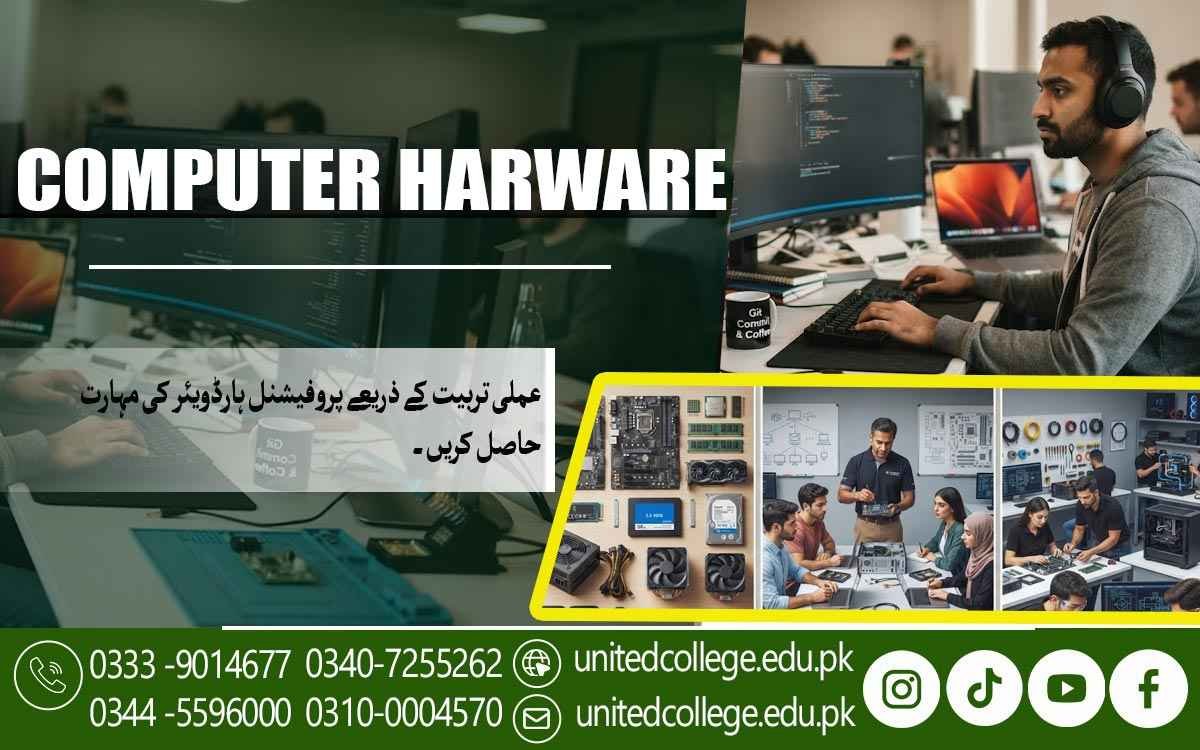

Computer Hardware Course in Dera Ismail Khan for IT Careers
Professional Computer Hardware Training for Modern IT Careers
The Computer Hardware Course in Dera Ismail Khan is designed for individuals who want to develop practical computer hardware skills and build a successful career in the growing information technology industry. Modern organizations, educational institutions, government offices, and private companies rely heavily on computer systems, creating a continuous demand for skilled hardware technicians who can install, repair, maintain, and upgrade computer equipment efficiently.
This course combines theoretical knowledge with practical workshop sessions to help students understand every major hardware component used in desktop computers. Participants learn how different parts work together, how to identify faulty components, and how to perform repairs using professional methods. Training is delivered in a practical environment where students gain confidence by working directly with computer systems instead of relying only on classroom lectures.
Whether you are a beginner or someone looking to improve existing technical skills, this training provides a strong foundation for employment in computer repair centers, IT departments, service companies, educational institutes, and self-employment. By completing the course, students are prepared to meet modern industry requirements and confidently handle a wide range of computer hardware tasks.
Understanding Computer Hardware Components and Their Practical Functions
A computer system consists of several important hardware components that work together to deliver reliable performance. During the course, students gain a complete understanding of the motherboard, processor, RAM, storage devices, power supply, cooling systems, graphic cards, and peripheral devices. Learning the purpose and operation of each component helps students understand how complete computer systems function.
Students also learn how different hardware specifications affect computer speed, stability, and overall performance. During the Computer Hardware Course in Dera Ismail Khan, they study the compatibility of processors with motherboards, memory configurations, storage technologies, graphics cards, and power requirements to build reliable computer systems. This knowledge enables learners to select suitable hardware for personal, business, educational, and industrial applications while ensuring maximum system efficiency, compatibility, and long-term performance.
Practical demonstrations allow students to identify genuine hardware components, recognize damaged parts, and understand common hardware failures. By combining theoretical concepts with practical observation, learners develop the technical knowledge required to diagnose computer problems accurately and recommend suitable hardware solutions.
Developing Practical Skills in Computer Assembly and Hardware Installation
Computer assembly is one of the most valuable skills for every hardware technician. In this course, students learn the proper procedures for assembling desktop computers from individual components while adhering to professional safety standards. We practice every installation step carefully to ensure reliability and long-term system performance.
Participants receive hands-on experience in installing processors, RAM modules, storage drives, cooling systems, power supplies, expansion cards, and peripheral devices. They also learn cable management techniques that improve airflow, simplify maintenance, and create professionally organized computer systems. Proper installation reduces the risk of hardware damage and improves system efficiency.
The practical training environment allows every student to repeatedly assemble and disassemble computer systems until they become confident in their abilities. By the end of this section, learners can independently build complete computer systems, perform hardware upgrades, and verify that every installed component operates correctly according to industry standards.
Learning Professional Hardware Troubleshooting and Fault Diagnosis Techniques
Hardware troubleshooting is one of the most important responsibilities of a computer hardware technician. The Computer Hardware Course in Dera Ismail Khan teaches students a systematic approach to identifying hardware problems quickly and accurately through practical training and real-world troubleshooting exercises. Instead of replacing parts without proper testing, learners understand how to diagnose faults using professional techniques, ensuring accurate repairs, reduced maintenance costs, and improved system reliability.
Students learn to recognize common hardware issues such as power failures, overheating, motherboard faults, RAM errors, hard disk failures, display problems, boot errors, and BIOS-related issues. They practice checking each component individually to determine the exact cause of a malfunction. This structured troubleshooting process saves time, reduces repair costs, and improves customer satisfaction.
Practical exercises allow students to work with faulty computer systems in a controlled environment. Under instructor supervision, they test hardware components, identify damaged parts, and apply suitable repair or replacement methods. These real-world activities improve confidence and prepare learners to solve technical problems efficiently in professional workplaces.
Improving Computer Performance Through Effective Hardware Maintenance
Regular maintenance is essential for keeping computer systems reliable, secure, and efficient. Throughout the course, students learn preventive maintenance techniques that reduce hardware failures and extend the lifespan of computer equipment. Proper maintenance not only improves system performance but also minimizes unexpected downtime in homes, offices, and business environments.
The training covers cleaning internal computer components, replacing thermal paste, checking cooling fans, inspecting power supplies, testing storage devices, and monitoring system temperatures. Students also understand how dust accumulation, poor ventilation, and improper handling can negatively affect hardware performance. Learning these maintenance practices helps prevent many common technical problems before they become serious.
Hands-on maintenance sessions provide students with practical experience using professional tools and safe working procedures. By following industry-recommended maintenance schedules, learners develop the ability to keep computer systems operating efficiently while improving overall reliability and reducing repair expenses for clients and organizations.
Hands-On Experience with Modern Computer Hardware Tools and Equipment
The Computer Hardware Course in Dera Ismail Khan provides practical experience with screwdrivers, anti-static wrist straps, digital multimeters, power supply testers, cable testers, thermal paste applicators, cleaning equipment, and diagnostic software. Students learn the correct use of every tool while following workplace safety procedures. This hands-on approach enables learners in Dera Ismail Khan to develop the confidence and technical expertise required to perform hardware installation, maintenance, troubleshooting, and repair tasks according to modern industry standards.
The practical laboratory environment allows learners to work directly with desktop computers, storage devices, memory modules, processors, motherboards, graphics cards, and networking hardware. They practice installing, removing, testing, and replacing different components while improving their technical accuracy and confidence. Continuous practice helps students become comfortable working with modern computer systems.
By developing practical workshop experience, students become familiar with professional repair procedures used in computer service centers and IT departments. This hands-on approach bridges the gap between classroom learning and real workplace requirements, ensuring graduates are prepared to perform hardware installation, maintenance, and repair tasks independently.
Frequently Asked Questions (FAQs)
Anyone interested in computer technology can join this course. Students, job seekers, fresh graduates, and individuals who want to start a career in computer hardware or IT support are all eligible.
You will learn computer assembly, hardware installation, troubleshooting, maintenance, component replacement, system upgrades, BIOS configuration, and basic networking through practical lab sessions.
Yes. The course emphasizes hands-on practical training where students work with real computer hardware, professional tools, and modern equipment to gain industry-relevant experience.
After completing the course, you can work as a Computer Hardware Technician, IT Support Technician, Desktop Support Engineer, Computer Repair Technician, Service Center Technician, or start your own computer repair business.
This course combines classroom learning with practical workshop experience, helping students develop the technical knowledge and hands-on skills needed to succeed in today's growing IT and computer hardware industry.
Admission Open: Start Your Professional Journey Today!
Join United College of Technology and build a career with practical training, recognized certifications, and Gulf job support. Seats are limited.
Apply Now via WhatsAppContact Information
- Address: Rawalpindi: F-272 Main New Katarian Stop, Old IJP Road | Lahore Campus: Lahore, Pakistan
- Phone/WhatsApp: 0340-7255262 / 0333-9014677 / 0301-5044340 / 0310-0004570 / 051-8770756
- Website: unitedcollege.edu.pk
















Leave a Comment