


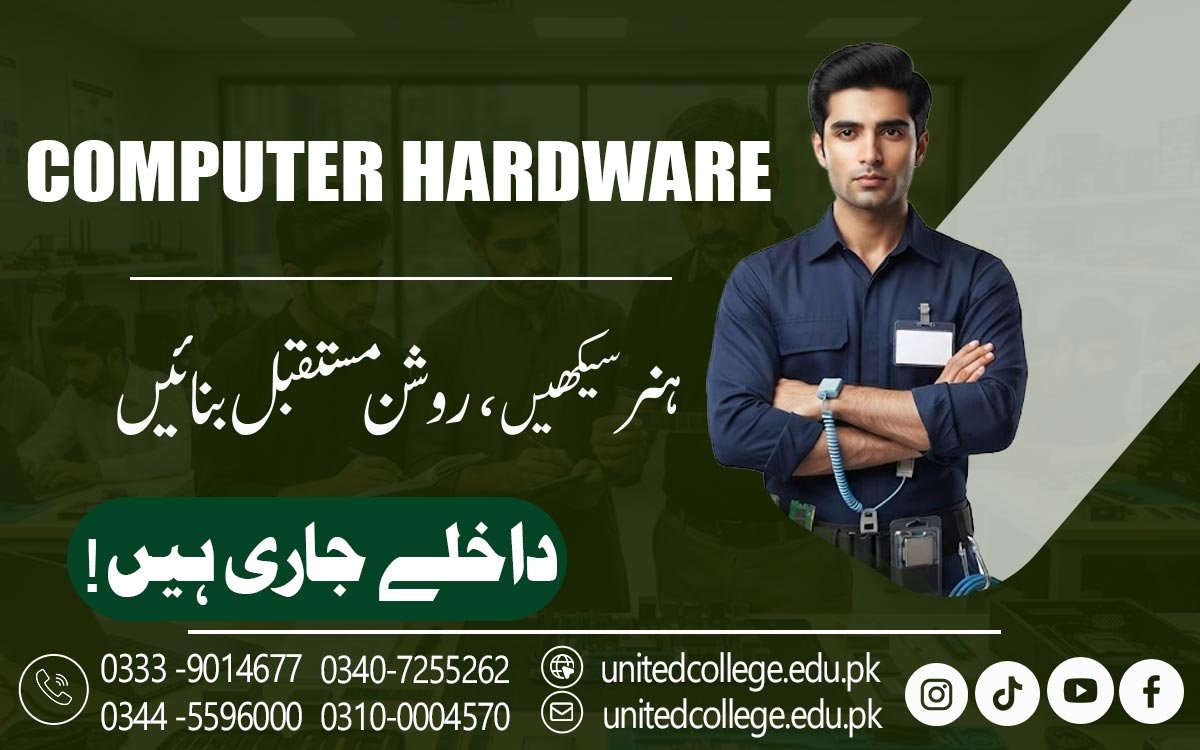

Computer Hardware Course in Vehari – Learn Hardware Solutions
Turning Hardware Practice Into Useful Technical Knowledge
A computer can suddenly become slow, refuse to start, overheat, restart without warning, freeze during important work, or make an unusual noise—and the real cause is not always obvious. Sometimes the problem is related to RAM, storage, power supply, cooling, cables, drivers, or another internal component that the average user may not immediately recognize. Even a small hardware issue can affect the way a computer performs, which is why understanding the purpose of different components can be extremely useful. Learning how these parts work, how they connect with each other, and how to check them properly can turn a confusing computer problem into something you can understand and investigate step by step.
Instead of guessing which part has failed, learners can develop a more organized approach to observing symptoms, checking connections, testing components, and identifying possible causes. This is where practical hardware knowledge becomes useful. A Computer Hardware Course in Vehari can help beginners build an understanding of computer components, repair methods, troubleshooting, maintenance, safe handling, and basic system setup through structured learning and practical exercises. With regular practice, learners can become more familiar with the hardware inside a computer and better understand how technicians approach common repair and maintenance tasks.
Why Computer Hardware Skills Matter in Everyday Technology
Computers are used in homes, offices, schools, colleges, shops, and small businesses across Vehari, and even a simple hardware problem can interrupt everyday work. A computer that takes too long to start may have a storage or memory issue, while unexpected shutdowns can sometimes be connected to overheating or power-related faults. Learning computer hardware skills helps students understand that these problems should not simply be treated as random failures. A technician first observes the symptoms, checks the relevant components, tests possible causes, and then decides what action is appropriate.
Computer Hardware course introduces learners to this way of thinking while helping them understand the physical parts inside a PC. Instead of only using a computer for browsing, documents, or entertainment, students can learn what happens behind the screen and how different components work together. This knowledge can be useful for anyone interested in computer repair, technical support, maintenance, or further IT learning. For beginners in Vehari, developing these practical computer skills can also provide a useful foundation for understanding more advanced technology later.
Exploring the Computer Components Inside a Modern PC
Before attempting any repair, a learner needs to recognize the parts that make up a computer and understand what each one does. A computer hardware course normally introduces components such as the motherboard, processor, RAM, storage drives, power supply, cooling fans, expansion cards, and connecting cables. The motherboard is the main circuit board where many important components connect and communicate, while the processor performs instructions and calculations required by the system. RAM provides temporary working memory that helps the computer handle active programs, whereas storage devices keep files, applications, and the operating system even when the computer is turned off.
Learners can also become familiar with peripheral devices such as keyboards, mice, monitors, printers, and scanners, which connect users with the computer system. Understanding these components makes later troubleshooting easier because students can connect a visible symptom with possible hardware causes. For example, a missing display may involve a monitor, cable, graphics hardware, or another issue, while a computer failing to recognize a storage drive may require checking the drive, connection, or system settings. This component-based approach is an important part of PC hardware training.
Understanding the Motherboard, Processor, RAM, and Storage
Once learners can identify computer components, they can explore how the major internal parts work together. The motherboard provides connections between many components, while the processor carries out instructions that allow software and system operations to run. RAM installation is another important practical area because incorrectly fitted memory or incompatible memory can create system problems. Students can learn how to identify RAM modules, understand basic compatibility considerations, install them carefully, and check whether the system recognizes the available memory. Storage is equally important because modern computers may use traditional hard disk drives or faster solid-state drives.
A hard drive contains spinning magnetic disks, while an SSD stores information using electronic memory and generally provides faster access to data. During training, learners can study SSD installation, hard drive replacement, storage connections, and basic checks when a drive is not detected. They can also understand why storage capacity, interface type, and compatibility matter before replacing a component. These practical lessons help beginners move beyond memorizing component names and begin understanding how individual parts contribute to overall computer performance.
Learning Computer Assembly and Safe Hardware Handling
Taking a computer apart may look simple until a small mistake damages a connector or component. Proper computer assembly and disassembly therefore require patience, organization, and safe working habits. During practical training, learners can be introduced to workshop tools and learn how to open a computer case, identify internal connections, remove components carefully, and reinstall them correctly. Safe handling is especially important because computer components can be sensitive to physical damage and static electricity. Students can learn to work with clean hands, avoid unnecessary force, organize screws and cables, and handle components by suitable areas rather than touching sensitive contacts.
They can also practice reconnecting power and data cables and checking that components are seated correctly before starting a system. Hardware installation may include adding RAM, replacing a storage drive, installing compatible expansion hardware, or connecting peripheral devices. Repeated exercises can help learners become more comfortable with the physical structure of a computer while also teaching them that good repair work is not about rushing. A careful technician checks each connection and component before moving to the next step, reducing the possibility of creating a new problem while trying to solve an existing one.
Diagnosing Hardware Problems Instead of Guessing
When a computer stops working, replacing random parts can waste time and money. A Computer Hardware Course in Vehari teaches learners to approach such problems more carefully by finding the likely cause through observation, testing, and logical elimination. In a computer repair course, learners can study common symptoms such as no power, failure to boot, a blank display, unexpected restarts, slow performance, missing storage, unusual sounds, overheating, and malfunctioning peripherals. They can learn that one symptom may have several possible causes and that proper troubleshooting requires checking each possibility instead of immediately replacing a component.
A system that becomes extremely slow might require checking storage health, RAM availability, background software, overheating, or other factors rather than immediately assuming that one component has failed. Computer diagnostics teaches learners to start with simple checks and gradually move toward more specific testing. Hardware fault diagnosis can include checking cables, observing system behavior, testing known-good components where appropriate, examining connections, and reviewing system messages. This method encourages problem-solving rather than guesswork and gives students a practical understanding of how computer technicians approach faults.
Working With Power Supply, Cooling, BIOS, and System Setup
A computer needs stable power and suitable cooling to operate properly, which makes the power supply and cooling system important areas of hardware training. The power supply unit distributes electrical power to different components, while fans and other cooling arrangements help control the heat produced during operation. Learners can study symptoms associated with power or cooling problems, such as unexpected shutdowns, excessive fan noise, high temperatures, or instability during demanding tasks. Power supply troubleshooting should be approached carefully because electrical components require appropriate safety practices. Students can also learn about BIOS or UEFI, the low-level system software that helps initialize hardware before the operating system loads.
Basic system settings may include checking whether hardware is detected, selecting boot devices, and reviewing certain configuration options. Alongside this, Windows installation and basic system setup can introduce learners to preparing a computer after hardware changes or a fresh installation. Device drivers are another important area because the operating system needs suitable software to communicate properly with many hardware devices. Understanding driver installation and device compatibility can help students investigate situations where a printer, network adapter, sound device, or other component is not working correctly after installation.
Building Practical Skills Through Maintenance and Repair Exercises
A computer does not only need attention when it breaks. Regular computer maintenance can help keep systems cleaner, organized, and easier to troubleshoot. Practical computer hardware training can introduce learners to safe cleaning methods, inspection of fans and vents, cable organization, checking connections, and identifying signs of dust buildup or physical wear. Students can learn why excessive dust may restrict airflow and contribute to higher temperatures, and why cleaning should be performed carefully rather than simply blowing or brushing components without considering sensitive parts. Preventive maintenance also involves observing unusual system behavior before it develops into a more serious problem.
Practical exercises may combine inspection, cleaning, component replacement, Windows setup, driver checks, and basic performance testing so learners can see how different skills connect in a real workshop environment. Computer hardware repair also requires knowing when a component should be repaired, replaced, or referred for more specialized work. Not every fault can be solved through a simple adjustment, and responsible technicians should recognize their limits. With repeated practice, learners can gradually improve their confidence in handling hardware repair techniques while developing a more systematic approach to computer maintenance.
Connecting Hardware Skills With Basic Computer Networking
Modern computer technicians often encounter more than internal PC components. Computers also connect to networks through hardware such as Ethernet adapters, network cables, switches, routers, and wireless devices. A computer hardware technician may need to identify whether a connectivity problem is related to the computer's network adapter, cable, port, router, or software configuration. For beginners, basic networking hardware training can provide a useful introduction to how devices communicate within a local network. Students can learn to recognize common networking components and understand the difference between a physical connection issue and a configuration problem.
This can be particularly useful in offices, educational environments, shops, and small businesses where several computers may share printers, internet connections, or other resources. The purpose is not to turn a hardware learner into an advanced network engineer immediately, but to provide enough understanding to identify common hardware-related network issues and know when further technical investigation is required. Combining IT hardware skills with basic networking awareness can make practical troubleshooting more complete because many modern computer problems involve both hardware and software working together.
Developing Workshop Confidence Through Computer Hardware Training in Vehari
Learning computer hardware is most useful when theory is connected with actual practice. A learner may remember the name of a motherboard or SSD from a textbook, but handling the component, identifying its connections, installing it correctly, and diagnosing a related fault creates a different level of understanding. A Computer Hardware Course in Vehari can provide a structured environment for learners who want to develop these practical abilities. United College of Technology offers the course for people interested in learning areas such as computer assembly, hardware installation, troubleshooting, maintenance, Windows setup, and repair-related skills.
Learners should also understand that completing a course is a starting point rather than an automatic guarantee of expertise or employment. Strong computer repair skills develop through repeated practice, exposure to different hardware problems, careful fault diagnosis, and continued learning as technology changes. For someone in Vehari who enjoys finding out why a computer is not working and wants to turn that curiosity into practical knowledge, structured computer technician training can provide a useful path toward building hands-on skills and a stronger understanding of the technology used every day.
Frequently Asked Questions (FAQs)
A Computer Hardware Course in Vehari teaches learners how to understand computer components, assemble and disassemble PCs, install hardware, troubleshoot common faults, perform maintenance, and handle basic system setup.
You can learn about motherboards, processors, RAM, hard drives, SSDs, power supplies, cooling systems, peripheral devices, hardware installation, Windows installation, drivers, troubleshooting, and preventive maintenance.
Yes. The course can be suitable for beginners, students, computer enthusiasts, and learners who want to develop practical computer repair and hardware skills from the beginning.
Yes. Practical training can introduce you to safely opening a computer, identifying components, removing and installing parts, connecting cables, and assembling the system correctly.
Yes. Hardware troubleshooting covers common issues such as startup failure, overheating, slow performance, display problems, storage detection issues, unusual noises, and power-related faults.
Admission Open: Start Your Professional Journey Today!
Join United College of Technology and build a career with practical training, recognized certifications, and Gulf job support. Seats are limited.
Apply Now via WhatsAppContact Information
- Address: Rawalpindi: F-272 Main New Katarian Stop, Old IJP Road | Lahore Campus: Lahore, Pakistan
- Phone/WhatsApp: 0340-7255262 / 0333-9014677 / 0301-5044340 / 0310-0004570 / 051-8770756
- Website: unitedcollege.edu.pk
















Leave a Comment