


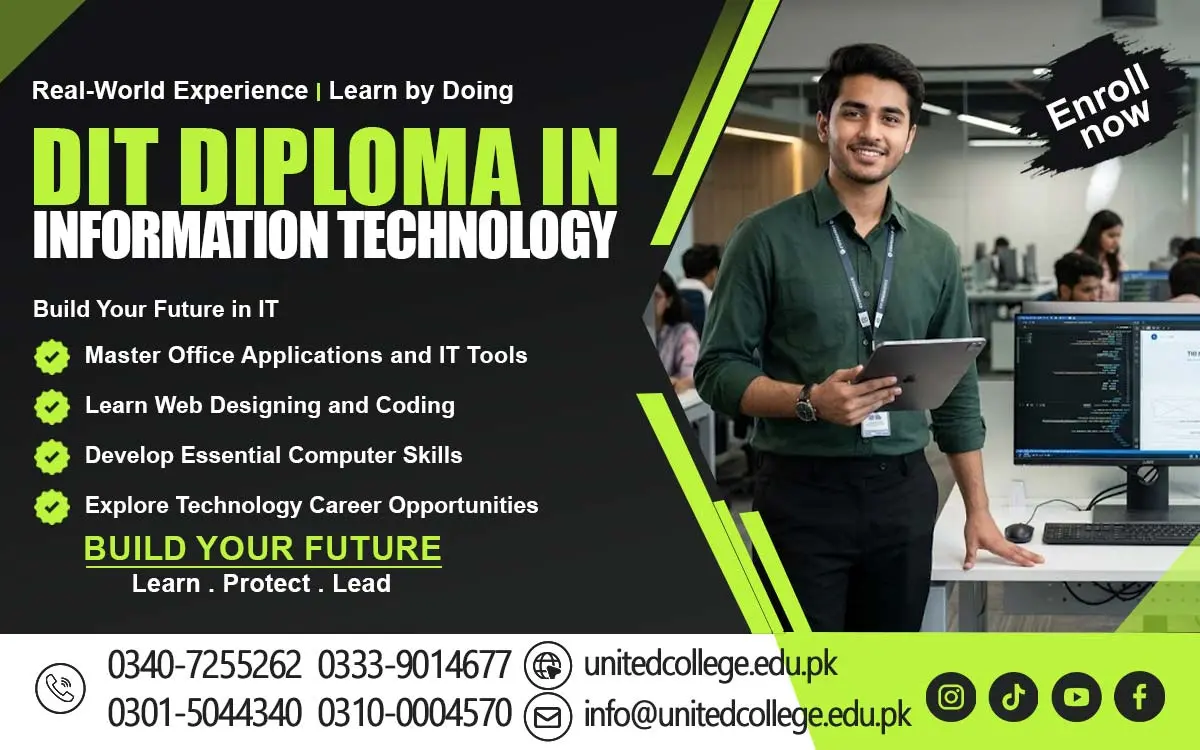

DIT Course in Swabi for Modern Computing Knowledge
Understanding Modern Computing Concepts
The Diploma in Information Technology (DIT) is a valuable learning opportunity for students who want to understand modern computing and develop practical computer knowledge. It introduces learners to computer systems, software applications, operating systems, and the role of digital technology in everyday activities. Students learn how computers process information, store files, and perform different operations. These concepts help beginners understand how technology supports education, communication, and business activities.
Modern computing also involves understanding hardware components such as processors, memory, storage devices, keyboards, and monitors. Students explore how these components work together to perform different tasks. They can also learn about operating systems and how to manage applications, adjust basic settings, and access information stored on a computer.
Understanding these concepts provides a foundation for learning more advanced IT subjects. Students who develop strong computer fundamentals can become more confident when using digital tools. This knowledge can support their academic activities, office responsibilities, and further professional training in information technology.
Developing Skills in Document Formatting
Document formatting is an important computer skill that helps students prepare clear and professional written material. During the DIT course, learners can practice using word processing applications such as Microsoft Word. They learn how to enter text, edit information, arrange paragraphs, and create documents according to different requirements. These abilities are useful for preparing assignments, business letters, reports, and official applications.
Students also explore formatting features such as font styles, headings, alignment, line spacing, page margins, and numbering. They can learn to insert tables, pictures, and page numbers to make documents more organized. Proper formatting improves readability and helps present information in a structured manner.
Another important aspect is checking documents before sharing or printing them. Students learn to review spelling, correct mistakes, maintain consistent formatting, and save files in appropriate formats. Regular practice can help learners prepare accurate documents for educational purposes and professional environments.
Working with Office Productivity Programs
Office productivity programs are widely used in organizations to complete administrative and communication tasks. The DIT course introduces students to software that helps prepare documents, manage numerical information, and create presentations. Learning these applications enables students to understand how digital tools support daily office operations.
Word processing software helps users create written documents, while spreadsheet programs assist with calculations and data organization. Presentation applications allow learners to arrange information into slides using text, images, and charts. Students can practice using these programs to prepare reports, project presentations, attendance sheets, and other common office materials.
Students also learn to save, edit, print, and share their work efficiently. Understanding these features can reduce mistakes and improve productivity when completing routine tasks. Familiarity with office applications is useful for students seeking administrative work and individuals who want to improve their computer abilities.
Learning Spreadsheet Functions and Formulas
Spreadsheet programs are useful for organizing information, performing calculations, and analyzing numerical data. During the DIT course, students learn how applications such as Microsoft Excel arrange information in rows, columns, and cells. This structure helps users maintain records and work with different types of data in an organized format.
Students can practice using formulas and functions to calculate totals, averages, percentages, and other common values. They also learn how to format cells, sort information, filter records, and apply basic data presentation techniques. These features are helpful for preparing budgets, expense sheets, attendance records, and inventory lists.
Charts and graphs allow students to present numerical information visually. By creating simple charts, learners can compare values and identify patterns more easily. Regular spreadsheet practice can help students develop useful abilities for data entry, office administration, accounting support, and general business operations.
Exploring Database Management Basics
Database management focuses on organizing information so that it can be stored, searched, updated, and retrieved efficiently. In the DIT course, students are introduced to the importance of digital databases in schools, offices, hospitals, businesses, and other organizations. These systems help maintain information about employees, customers, products, students, and daily transactions.
Learners can explore basic database concepts such as tables, records, fields, and data organization. They may also become familiar with database applications, depending on the syllabus offered by their institute. Through practical exercises, students can understand how to enter information, search for particular records, and update existing details when necessary.
Accurate data management is essential for maintaining reliable records. Students learn why incorrect entries, duplicated information, and poor organization can create problems. They can also develop an understanding of data privacy and the importance of protecting confidential information. These introductory concepts provide a foundation for further learning in database administration and information management.
Using Web Browsers and Online Resources
The internet provides access to educational materials, communication platforms, digital services, and research resources. Through the DIT course, students learn how to use web browsers and search engines to locate relevant information. They can practice searching for educational content, opening websites, downloading appropriate files, and identifying useful online resources.
Students also learn how online services support education and professional activities. Email platforms allow users to exchange messages and documents, while cloud-based tools can help people store and share files. Understanding these services helps learners manage information and communicate with others more effectively.
Online safety is another important area of digital learning. Students should understand how to recognize suspicious links, create strong passwords, protect personal information, and avoid unsafe downloads. Developing responsible browsing habits can help learners use the internet more confidently for research, communication, and future workplace activities.
Improving Digital File Organization
Digital file organization helps students maintain documents and other information in a structured manner. During the DIT course, learners practice creating folders, renaming files, copying documents, moving information, and locating saved items. These activities help them understand how to keep computer storage organized and access important information when required.
Students also learn about common file formats, including documents, spreadsheets, presentations, images, and PDF files. Understanding file extensions can make it easier to identify the type of information stored on a computer. Proper naming conventions and folder structures can also reduce confusion when working with many files.
Backup practices are another useful part of file management. Students can learn how to keep additional copies of important documents using suitable storage devices or trusted cloud services. They should also understand the importance of protecting files from unauthorized access. Good file organization habits can improve productivity in education, administration, and computer-based work.
Preparing for Computer-Based Job Opportunities
The DIT course can help students develop computer knowledge that is useful for different entry-level professional roles. By learning office applications, document formatting, spreadsheet functions, databases, and digital communication, students can build a foundation for working in offices and organizations. Employment opportunities depend on individual abilities, qualifications, practical experience, and the requirements of employers.
Possible career options include computer operator, data entry operator, office assistant, documentation assistant, and administrative support worker. Students who want to enter specialized IT fields can continue learning about computer networking, software development, web design, cybersecurity, or database management. Some positions require additional education or technical certifications.
Practical experience can help students prepare for employment more effectively. They can create sample documents, prepare spreadsheets, organize digital records, and practice routine computer operations. These activities can demonstrate their abilities and improve their confidence. With continued learning and regular practice, students can strengthen their professional foundation and explore further opportunities in information technology.
Frequently Asked Questions (FAQs)
DIT stands for Diploma in Information Technology. It is a computer course that introduces students to computer systems, office applications, databases, spreadsheets, and internet usage.
The course commonly covers computer fundamentals, document formatting, office productivity programs, spreadsheet functions, database management, internet browsing, and digital file organization.
Students interested in computer education and information technology can apply, provided they meet the admission requirements of their chosen institute.
Depending on the syllabus, students may learn Microsoft Word, Excel, PowerPoint, database applications, and other commonly used computer programs.
Spreadsheet skills help students organize data, perform calculations, prepare reports, manage records, and present numerical information through charts and graphs.
Admission Open: Start Your Professional Journey Today!
Join United College of Technology and build a career with practical training, recognized certifications, and Gulf job support. Seats are limited.
Apply Now via WhatsAppContact Information
- Address: Rawalpindi: F-272 Main New Katarian Stop, Old IJP Road | Lahore Campus: Lahore, Pakistan
- Phone/WhatsApp: 0340-7255262 / 0333-9014677 / 0301-5044340 / 0310-0004570 / 051-8770756
- Website: unitedcollege.edu.pk
















Leave a Comment