


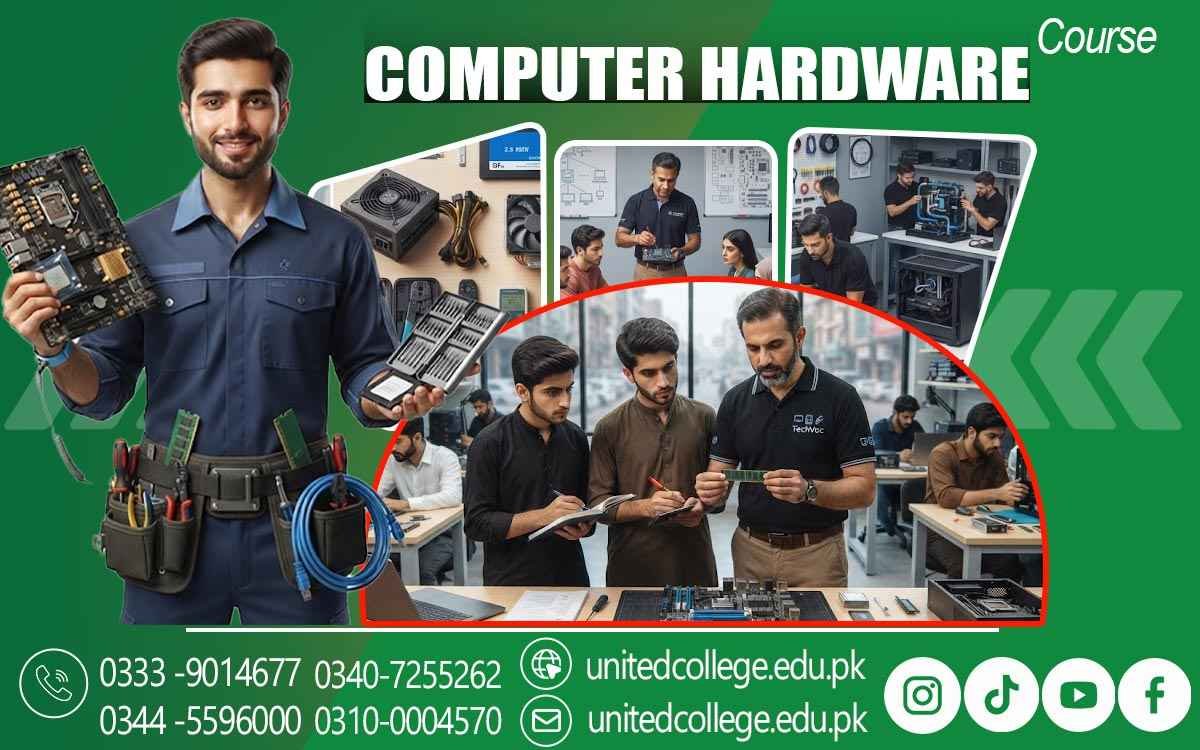

Computer Hardware Course in Hafizabad to Learn PC Repair Skills
Turn Everyday PC Use into Real Technical Skills
Computers have become an important part of offices, schools, colleges, businesses, shops, and daily work. When a computer stops starting, becomes slow, or shows a hardware error, basic user knowledge may not be enough to understand the real problem. This is where practical computer hardware skills become valuable. The Computer Hardware Course in Hafizabad allows beginners to understand what happens inside a computer and how its different parts work together.
Instead of only learning how to operate a PC, students can explore its physical components, installation methods, maintenance practices, and basic troubleshooting techniques. This type of learning can be useful for students, diploma holders, fresh learners, job seekers, and anyone interested in developing practical IT technical skills.
Step Beyond the Screen and Understand What Makes a Computer Work
Using a computer every day does not always mean understanding its internal system. A learner may know how to open software or browse the internet but still have little knowledge about RAM, storage drives, processors, or power connections. Computer Hardware Course in Hafizabad can introduce these concepts simply and practically. Students can learn how different components communicate with each other and why every part has an important role.
They can also become familiar with common hardware terms used by technicians. This basic understanding creates a stronger foundation for further learning in computer repair, technical support, and PC maintenance. For beginners, the goal is not to memorize complicated technical information but to understand how a computer is assembled, operated, checked, and maintained.
Explore the Components Hidden Inside Every PC
A computer contains several parts, and each one contributes to the overall working of the system. Practical training can help students identify the motherboard, processor, RAM, hard disk drive, solid-state drive, power supply, cooling components, and other essential hardware. RAM helps the computer handle active tasks, while HDDs and SSDs provide storage for files and software.
Students can learn how these parts are installed and what can happen when one of them develops a problem. Understanding components through physical observation can make technical concepts easier to remember. This approach also supports PC Assembly and Repair, because learners begin to recognize where components belong and how they work together inside a complete computer system.
Small Components, Important Technical Decisions
Practical hardware learning also introduces students to tasks such as checking RAM, installing storage devices, understanding processor placement, and examining power supply connections. These activities require careful handling because computer components can be sensitive. Learners can become familiar with safe ways to handle internal parts, disconnect power before working, and keep components protected from unnecessary damage.
Such habits are an important part of developing professional working practices. Rather than treating every component as simply a replaceable part, students can learn to examine the situation first and understand what may be causing the issue. This method helps connect classroom knowledge with real technical work and gives beginners a clearer idea of how hardware technicians approach basic computer tasks.
Turn PC Assembly into a Skill You Can Actually Practice
Reading about computer assembly is different from physically working with a computer. A practical computer repair course can introduce learners to the process of opening a system, identifying components, removing parts carefully, installing hardware, and checking connections. Students can practice PC assembly and disassembly under proper guidance while learning why each step matters.
After assembly, checking whether the computer starts correctly becomes another useful learning stage. Repeated practical activities can help beginners become more comfortable with computer hardware. This hands-on approach is especially useful for fresh learners who have limited experience with the inside of a PC and want to develop their technical understanding through actual practice rather than theory alone.
Connect Hardware Knowledge With System Setup
Hardware Does Not Work Separately From The Operating System And Other Software. Once Physical Components Are Installed, The Computer Needs Proper Configuration So That The System Can Recognize And Use Them Correctly. Computer Hardware Course In Hafizabad Can Therefore Include Basic Operating System Installation, Hardware-Related Settings, Drivers, And Simple Configuration Tasks. Students Can Learn Why Drivers Are Important And How Missing Or Incorrect Drivers May Affect Certain Devices.
They Can Also Understand The Relationship Between Newly Installed Hardware And The Operating System. This Area Of Training Helps Learners See The Complete Picture Instead Of Treating Hardware And Software As Two Unrelated Subjects. It Also Introduces Useful Technical Habits Such As Checking System Information, Observing Error Messages, And Confirming Whether A Newly Installed Component Is Working Properly.
Follow the Fault Instead of Guessing the Problem
One of the most useful areas of computer hardware learning is troubleshooting. A computer may fail to start, restart unexpectedly, produce unusual sounds, overheat, fail to detect storage, or show problems after a hardware change. Hardware Fault Diagnosis teaches learners to approach such situations carefully instead of immediately replacing parts. Students can learn to observe symptoms, check connections, test possible causes, and narrow down the problem step by step.
Hardware Troubleshooting can include basic startup issues, memory-related problems, storage detection errors, power problems, and other common faults. The purpose is to develop a logical approach to technical problems. When learners understand how to examine symptoms and test possible causes, they can make better decisions during basic repair and maintenance work.
Give Your Computer the Care It Needs Before Problems Grow
Good maintenance can help keep computer hardware in better working condition. Dust, poor airflow, loose connections, overheating, and careless handling can affect computer performance and component safety. Students can learn basic cleaning methods, safe component handling, cable organization, ventilation checks, and other Computer Maintenance Skills during practical training. They can also understand why a computer should be switched off and disconnected from power before internal maintenance.
Basic tools used in computer repair can be introduced so learners understand their purpose and safe use. These may include screwdrivers, cleaning equipment, testing devices, and other tools commonly used for hardware work. Learning maintenance is not only about cleaning a PC; it is also about developing careful habits that reduce unnecessary hardware problems and support responsible technical work.
Practical Training Creates Confidence Through Real Tasks
Technical confidence usually grows when learners have the opportunity to perform tasks themselves. A student who has only read about RAM installation may still feel uncertain when facing an actual computer. Hands-on Computer Hardware Training can reduce that gap by allowing learners to observe components, handle hardware, perform basic installations, and examine faults in a practical environment.
The Computer Hardware Course in Hafizabad offered by United College of Technology focuses on developing understanding through practical learning rather than making the subject unnecessarily difficult. Students can gradually become familiar with technical tools, hardware terminology, repair procedures, and troubleshooting methods. This experience can also help learners identify which areas of computer technology they want to explore further, whether that means hardware repair, technical support, networking, system maintenance, or other IT-related skills.
Carry These Technical Skills into Your Next Learning Step
Learning a Computer Hardware Course in Hafizabad can be the beginning of a wider technical journey. After developing basic knowledge of components, PC assembly, system setup, fault diagnosis, and maintenance, learners can continue improving their skills through additional practice and advanced technical subjects. Someone interested in becoming a Computer Hardware Technician can gradually explore more complex repair procedures, networking concepts, operating systems, data storage, and other areas of IT.
The important part is to develop a strong foundation first and continue learning through practice. For students and beginners in Hafizabad, gaining practical hardware knowledge can make everyday computer problems easier to understand and create a useful base for future technical education. With curiosity, patience, and regular practice, basic computer knowledge can gradually become a more practical and confident technical skill.
Frequently Asked Questions (FAQs)
A beginner should have basic computer familiarity and an interest in learning how physical computer parts function and connect.
Yes. Practical exercises can help learners compare normal system behavior with signs that may indicate a hardware-related issue.
The motherboard provides the main platform that connects important components and allows them to communicate within the computer.
Good airflow helps manage heat inside the system and supports the stable operation of internal components.
Learners can understand compatibility, component placement, connections, and basic checks before and after installing new hardware.
A solid understanding of PC components can make it easier to explore areas such as networking, system administration, technical support, and advanced troubleshooting.
Admission Open: Start Your Professional Journey Today!
Join United College of Technology and build a career with practical training, recognized certifications, and Gulf job support. Seats are limited.
Apply Now via WhatsAppContact Information
- Address: Rawalpindi: F-272 Main New Katarian Stop, Old IJP Road | Lahore Campus: Lahore, Pakistan
- Phone/WhatsApp: 0333-9014677 / 0344-5596000 / 0310-0004570 / 0301-5044340 / 0340-7255262
- Website: unitedcollege.edu.pk
















Leave a Comment