


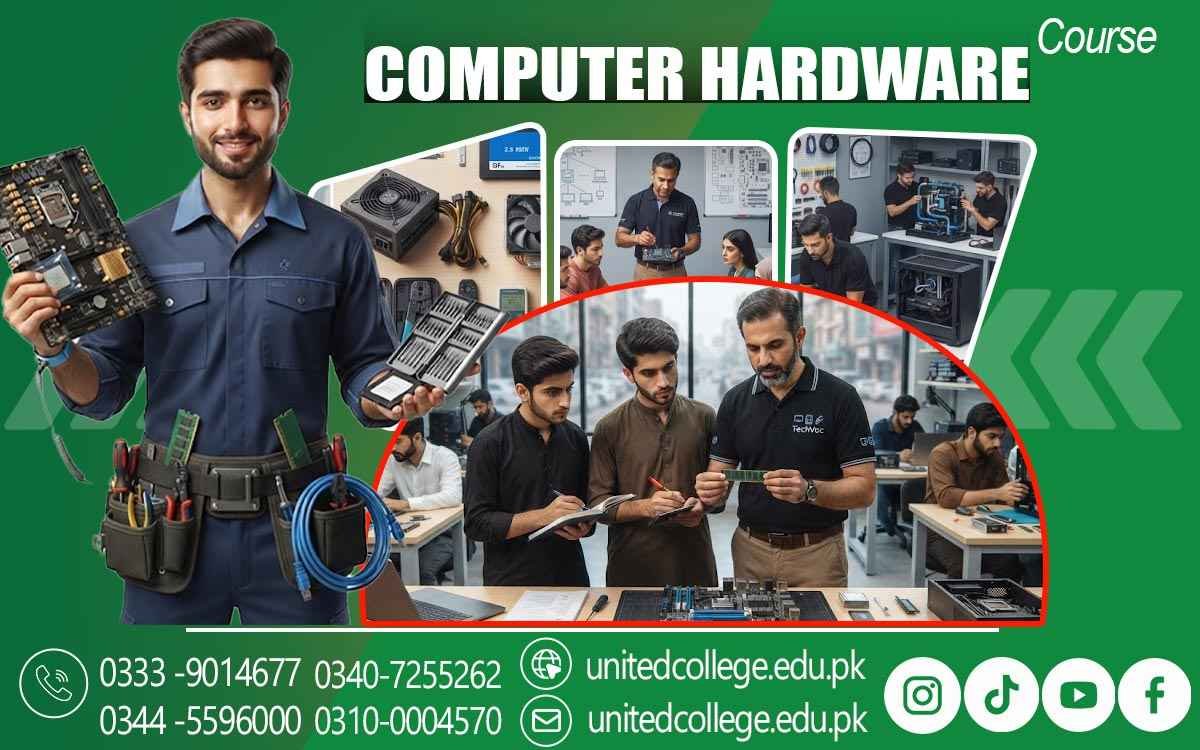

Computer Hardware Course in Lodhran for System Repair Techniques
Introduction to PC Hardware and Devices
A Computer Hardware Course in Lodhran introduces students to the basic structure of personal computers and the physical devices that make them work. Learners can understand the difference between internal and external hardware and become familiar with components such as the processor, motherboard, RAM, storage drives, power supply, cooling fans, keyboard, mouse, monitor, and other peripheral devices.
During a Computer Hardware Course in Lodhran, students can explore how different hardware parts work together to perform everyday computer operations. They can learn the purpose of input, output, processing, and storage devices and understand how these components communicate within a computer system.
This basic knowledge provides a useful starting point for beginners who want to work with computer hardware. By learning component names, functions, and connections, students can gradually become more confident in handling and examining different PC systems.
Learning the Uses of Internal Components
A Computer Hardware Course in Lodhran helps students understand the purpose of the major components installed inside a computer case. Learners can study the functions of the motherboard, CPU, RAM, storage devices, power supply, cooling system, and expansion cards. Understanding these parts is important for computer assembly and maintenance.
Through a Computer Hardware Course in Lodhran, students can also learn how internal components are connected to one another. They can identify different slots, connectors, cables, and ports and understand their basic purposes. This practical knowledge can help learners recognize whether components have been installed correctly.
Students can further explore how individual hardware parts affect the operation of a computer. They can learn why sufficient memory, suitable storage, proper cooling, and compatible components are important for reliable system performance.
Understanding Processors and Motherboards
The processor and motherboard are essential parts of a computer, and a Computer Hardware Course in Lodhran provides learners with an opportunity to study their functions. Students can explore motherboard layouts, processor sockets, RAM slots, expansion slots, ports, and other important connections.
In a Computer Hardware Course in Lodhran, learners can understand the basic role of the CPU in processing instructions and carrying out computer operations. They can become familiar with general processor specifications and learn why compatibility between the processor and motherboard matters.
Practical learning can allow students to identify processor sockets and motherboard components and understand how different hardware parts are installed. This experience can help them develop a better understanding of computer assembly and basic hardware servicing.
Exploring Hard Drives and Memory Modules
A Computer Hardware Course in Lodhran also covers memory and storage devices because they are important for running programs and storing information. Students can learn about RAM and understand its role in temporarily holding data while applications are being used.
During a Computer Hardware Course in Lodhran, learners can explore hard disk drives, solid-state drives, and different storage capacities. They can understand basic differences between storage technologies and learn how storage devices are connected to computer systems.
Students can also practice installing and removing memory modules and storage devices under proper guidance. They can learn how to check connections and determine whether a newly installed component is recognized by the computer. These practical activities can strengthen their hardware handling abilities.
Developing Computer Installation Skills
Practical installation is an important part of a Computer Hardware Course in Lodhran. Students can learn how to install different computer components and connect them correctly. This may include RAM, storage drives, power cables, cooling components, and other hardware used in desktop computers.
Through a Computer Hardware Course in Lodhran, learners can understand the importance of following installation procedures carefully. They can practice preparing the work area, handling components properly, organizing cables, and checking connections before starting the computer.
With repeated practical exercises, students can become more familiar with computer assembly and hardware installation. This experience can be useful for individuals who want to work in computer maintenance, technical support, or hardware service environments.
Checking and Troubleshooting Hardware Faults
A Computer Hardware Course in Lodhran teaches students basic methods for identifying and troubleshooting common hardware faults. Learners can study problems such as startup failures, display issues, overheating, loose connections, storage errors, and memory-related faults.
In a Computer Hardware Course in Lodhran, students can learn to follow a systematic troubleshooting process. Instead of immediately replacing components, they can inspect cables, power connections, RAM, storage devices, cooling systems, and other relevant hardware to identify possible causes.
Practical troubleshooting exercises can help learners understand how to isolate problems and test individual components. This approach can improve their ability to handle routine hardware issues and provide basic technical assistance.
Maintaining Computer Systems Effectively
Regular maintenance is an important part of a Computer Hardware Course in Lodhran. Students can learn basic procedures for keeping computer systems clean, organized, and properly connected. They can study the importance of dust removal, cable management, cooling, and careful hardware handling.
During a Computer Hardware Course in Lodhran, learners can practice inspecting internal components and checking cooling fans and connections. They can understand how dust buildup, poor airflow, and loose cables may contribute to common computer problems.
Students can also develop safe working habits when handling electronic components. Learning to use appropriate tools and follow basic precautions can help protect both the hardware and the person performing maintenance.
Gaining Foundation for Hardware Repair Work
A Computer Hardware Course in Lodhran can provide students with a strong foundation for basic computer repair and service work. By studying components, installation, troubleshooting, and maintenance, learners can develop a broader understanding of how computer systems operate.
Through a Computer Hardware Course in Lodhran, students can gain practical experience in identifying faulty connections, installing components, checking hardware performance, and performing routine maintenance tasks. These abilities can support further technical learning and help students become more comfortable with computer systems.
The knowledge gained through the course can be useful for learners interested in computer repair shops, technical support, office IT assistance, or personal computer maintenance. With continued practice and advanced training, students can further expand their hardware knowledge and take on more technical responsibilities.
Frequently Asked Questions (FAQs)
A Computer Hardware Course in Lodhran teaches students about PC components, hardware installation, computer assembly, troubleshooting, maintenance, and basic repair procedures.
Students can learn about processors, motherboards, RAM, hard drives, SSDs, power supplies, cooling systems, hardware connections, and common computer problems.
Yes, beginners can join and learn computer hardware from the basics. The training can gradually introduce them to components, installation, maintenance, and troubleshooting.
Yes, practical activities can include identifying components, installing hardware, assembling PCs, checking connections, removing and installing storage devices, and troubleshooting common faults.
Students can learn basic methods for dealing with issues such as startup failures, display problems, loose connections, overheating, memory errors, and storage-related faults.
Admission Open: Start Your Professional Journey Today!
Join United College of Technology and build a career with practical training, recognized certifications, and Gulf job support. Seats are limited.
Apply Now via WhatsAppContact Information
- Address: Rawalpindi: F-272 Main New Katarian Stop, Old IJP Road | Lahore Campus: Lahore, Pakistan
- Phone/WhatsApp: 0333-9014677 / 0344-5596000 / 0310-0004570 / 0301-5044340 / 0340-7255262
- Website: unitedcollege.edu.pk
















Leave a Comment