


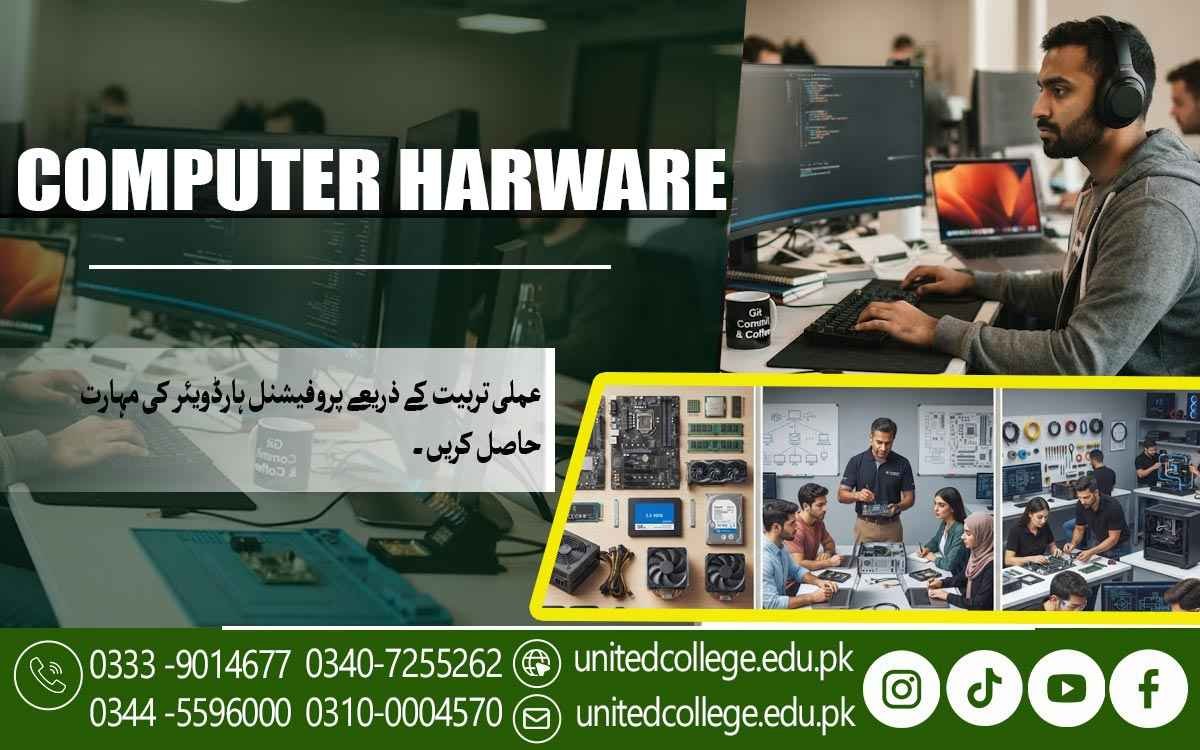

Computer Hardware Course in Sheikhupura for Technical Growth
Gain the Skills to Understand, Repair, and Maintain Modern PCs
Computers have become an important part of homes, offices, schools, businesses, and many other workplaces. When a system becomes slow, stops starting, overheats, or develops a hardware fault, basic computer operation is no longer enough. Someone needs to understand what is happening inside the machine and how its components work together. The Computer Hardware Course in Sheikhupura gives learners a practical way to explore these technical areas.
Beginners, students, fresh learners, diploma holders, and job seekers can use this training to develop a better understanding of computer systems. Instead of learning only from theory, students can explore components, connections, maintenance, troubleshooting, and repair concepts through practical learning.
Discover the Technology Hidden Inside Every Computer
A desktop computer contains several parts, and each one performs a different function. The processor handles instructions, RAM supports active programs, storage devices keep data, and the motherboard connects many of the system's major components. A power supply delivers electricity, while cooling components help control heat. During Computer Hardware Course in Sheikhupura, learners can study these parts and understand how they interact.
Knowing the purpose of each component makes it easier to recognize possible faults. For example, a storage problem may affect file access, while insufficient or faulty RAM can create different system symptoms. This basic understanding gives learners a stronger starting point for developing practical IT Technical Skills.
Build and Take Apart a PC with Greater Confidence
Computer assembly and disassembly are valuable parts of practical hardware learning. A learner can understand how components are installed, connected, removed, and checked without treating the inside of a computer as something mysterious. Practical exercises may include installing RAM, connecting storage devices, checking power cables, fitting components correctly, and identifying different internal connections.
Disassembly can help learners understand how parts are removed for inspection, cleaning, replacement, or testing. Through PC Repairing Training, beginners can gradually become more comfortable handling hardware. Careful working habits are important because computer components can be sensitive to incorrect handling or unnecessary force.
Turn Computer Faults into Step-by-Step Troubleshooting Practice
A computer problem can have several possible causes, so good troubleshooting requires a logical approach. A system that fails to start may need power connections checked, while a display problem may involve the monitor, cable, RAM, or display output. A slow computer may require attention to storage, memory, software, or other system factors.
Hardware Troubleshooting training can teach learners to observe symptoms, inspect relevant parts, test simple possibilities, and narrow down the source of a problem. Instead of replacing components without checking them, students can develop a habit of finding evidence first. This practical problem-solving approach is an important part of developing Hardware Repair Skills.
From Common Faults to Basic Repair Decisions
Beginners can work with simple examples such as loose connections, overheating, dust buildup, storage issues, unusual system behavior, or components that are not being recognized. They can learn how to decide whether a problem may involve a physical part, a connection, or a software setting.
This does not mean every fault can be solved through basic training, but learning a structured checking process can make technical work more organized. Such practice supports the development of skills useful in a Computer Repairing Course.
Connect Hardware With Operating Systems And Software
Hardware And Software Depend On Each Other For A Computer To Work Properly. Installing A New Component May Require Drivers Or Operating System Settings So The System Can Recognize And Use It. Learners Can Explore Basic Operating System Installation And Setup While Understanding How Hardware Compatibility Affects The Process. This Makes Computer Hardware Course In Sheikhupura A Useful Choice For Students Who Want To Develop Practical Knowledge Of Computer Systems.
They Can Also Learn That Some Computer Problems That Appear To Be Hardware Faults May Actually Involve Software, Drivers, Or Configuration. This Connection Helps Students Look At Computer Problems From More Than One Angle. It Also Makes The Course More Useful For Learners Who Want To Understand The Complete Working Environment Of A Computer.
Develop Maintenance Habits Before Small Problems Become Bigger
Computer maintenance is not limited to repairing a system after something goes wrong. Regular care can involve keeping the computer environment clean, checking ventilation, handling components properly, inspecting connections, and paying attention to unusual sounds or performance changes. During practical training, students can develop basic Computer Maintenance Skills that help them understand preventive care.
They can also learn why dust and poor airflow may contribute to overheating and why careless handling can create avoidable hardware problems. These habits are useful for anyone who regularly works with computers, whether at home, in an office, or in a technical setting.
Hands-On Practice Turns Technical Knowledge into Usable Skills
Practical learning gives students the opportunity to move from reading about hardware to actually working with it. Under guided learning, beginners can identify components, use suitable hardware tools, inspect connections, perform basic installation tasks, and practice troubleshooting procedures. Computer Troubleshooting Training can also encourage learners to think carefully before taking action.
A useful exercise might involve identifying why a desktop does not start and checking possible causes one by one. Another activity may involve installing a storage device and understanding the steps required for the system to recognize it. These practical situations can improve confidence and make technical concepts easier to remember.
A Strong Foundation for Wider Technical Learning
The Computer Hardware Course in Sheikhupura can be useful for learners who want to develop technical knowledge before exploring other areas of IT. Students may later become interested in networking, operating systems, technical support, system administration, or other computer-related subjects. Hardware knowledge gives them a clearer understanding of the physical systems behind these areas.
It can also support people interested in repair-shop work, technical assistance, freelance computer services, or entry-level technical tasks, depending on their additional skills and experience. The course does not guarantee a particular job or income, but it can provide practical knowledge that learners may continue developing through further education and practice.
United College of Technology Brings Practical Learning into Focus
The Computer Hardware Course in Sheikhupura is offered by United College of Technology, with learning centered on practical understanding and technical skill development. Students can explore computer components, assembly, maintenance, operating system setup, fault identification, and basic troubleshooting in a structured learning environment.
Guided practice can be particularly useful for beginners because it gives them a chance to understand technical tasks step by step. Rather than focusing only on definitions, learners can work toward understanding how computer systems operate and how different components contribute to their performance.
Put Practical Computer Skills to Work in Your Learning Journey
Understanding computer hardware can change the way learners look at the machines they use every day. The Computer Hardware Course in Sheikhupura provides a practical path for exploring components, assembly, system setup, maintenance, troubleshooting, and basic repair concepts.
Students, fresh learners, diploma holders, and people interested in technical work can use this foundation to strengthen their knowledge and continue learning beyond the basics. With regular practice, careful handling, and a willingness to understand problems step by step, computer hardware skills can become a useful part of a broader technical skill set.
Frequently Asked Questions (FAQs)
Beginners can learn the basic role of power supplies, power connections, and common signs that may indicate a power-related computer issue.
It can help learners understand component compatibility and recognize which parts may be replaced or upgraded according to a computer’s requirements.
Yes. Practical training can introduce learners to different storage types and help them understand their basic uses in desktop and computer systems.
Learners can develop habits such as switching off power, handling parts carefully, keeping the workspace organized, and avoiding unnecessary pressure on components.
Practical sessions may introduce learners to basic tools used for opening, installing, inspecting, cleaning, and working with computer hardware.
Hardware practice encourages learners to examine symptoms, consider possible causes, test simple solutions, and approach technical problems in an organized way.
Admission Open: Start Your Professional Journey Today!
Join United College of Technology and build a career with practical training, recognized certifications, and Gulf job support. Seats are limited.
Apply Now via WhatsAppContact Information
- Address: Rawalpindi: F-272 Main New Katarian Stop, Old IJP Road | Lahore Campus: Lahore, Pakistan
- Phone/WhatsApp: 0333-9014677 / 0344-5596000 / 0310-0004570 / 0301-5044340 / 0340-7255262
- Website: unitedcollege.edu.pk
















Leave a Comment