


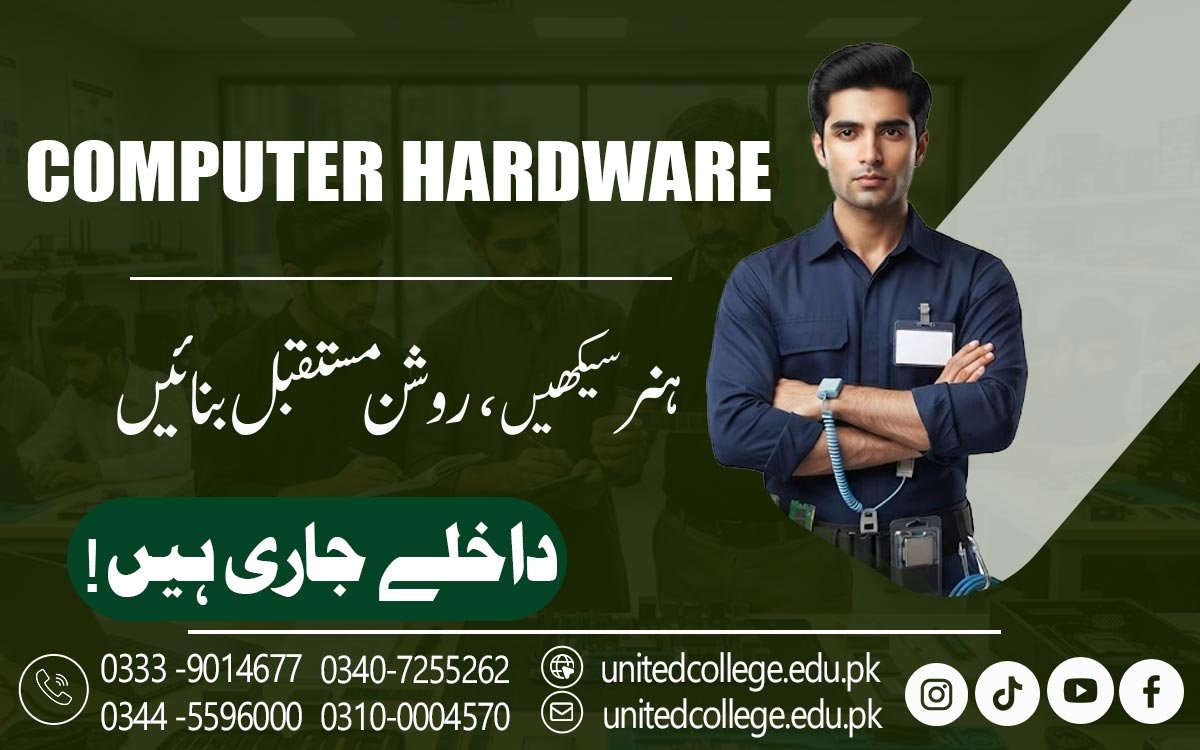

Computer Hardware Course in Bhimber AJK to Master PC Basics
Turn Computer Knowledge into Practical Technical Skills
Computers are used in schools, offices, businesses, shops, and homes, making basic hardware knowledge useful for many learners. The Computer Hardware Course in Bhimber AJK provides a practical way to understand what happens inside a computer and how its different parts work together. Instead of only learning how to operate a computer, students can explore components, installation, maintenance, fault identification, and basic repair techniques.
This learning approach can suit beginners, students, job seekers, diploma holders, and anyone interested in technical work. With suitable computer hardware training in Bhimber, learners can gradually develop confidence in handling common computer hardware tasks and understanding everyday technical problems.
Turn Everyday Computer Use into Real Technical Understanding
A computer may look simple from the outside, but many separate components work together to make it function properly. The processor handles instructions, RAM supports active tasks, storage devices keep data, and the motherboard connects major components. The power supply provides electricity to the system, while cooling components help manage heat. During a Computer Hardware Course in Bhimber AJK, learners can study these parts through practical examples instead of memorizing names alone.
Understanding the role of each component gives beginners a stronger foundation for identifying hardware issues and developing useful computer hardware skills. It also helps students understand why a computer may slow down, fail to start, show no display, or behave differently after a component is changed.
Learning Components Through Their Actual Functions
Students can become familiar with RAM, processors, hard drives, SSDs, motherboards, power supplies, cooling fans, cables, ports, and other commonly used hardware. They can learn what each part does and how it connects with the rest of the system.
For example, storage is used for keeping files and software, while RAM helps the computer manage active programs. This practical understanding makes technical terms easier to remember and creates a useful base for further IT skills in Bhimber AJK.
Hands-On PC Assembly Builds Confidence Step by Step
PC assembly is an important practical area for anyone interested in a hardware repair course. Learners can understand how different components are positioned inside a desktop and how connections are made correctly. Basic exercises may involve installing RAM, connecting storage devices, fitting power cables, checking internal connections, and understanding the correct placement of components.
Disassembly is also useful because technicians may need to remove parts for cleaning, inspection, replacement, or testing. By practicing these tasks carefully, beginners can become more familiar with the physical structure of a computer. Such activities also teach learners to work patiently because forcing a component or making an incorrect connection can damage hardware.
Troubleshooting Starts with Finding the Real Source of a Fault
Computer problems do not always have an obvious cause, which makes troubleshooting an important part of practical training. A system that does not turn on may have a power connection problem, while a computer with no display may require checks involving the monitor, cables, RAM, or display connection. Learners can be introduced to a step-by-step approach for checking simple faults before considering component replacement.
PC hardware troubleshooting teaches students to observe symptoms, inspect connections, test possible causes, and reach a reasonable diagnosis. This method is more useful than randomly changing parts because it encourages logical thinking and helps learners understand how technical problems can be narrowed down.
From Fault Detection To Basic Repair Practice
A Computer Repair Course Can Introduce Learners To Common Hardware-Related Situations Such As Loose Connections, Dust Buildup, Storage Issues, Faulty Components, Overheating, And Power-Related Problems. Students Can Learn Basic Inspection And Maintenance Procedures While Following Safe Handling Practices.
They Can Also Understand When A Component Should Be Checked, Cleaned, Replaced, Or Referred For More Advanced Technical Work. These Exercises Support The Development Of Hardware Technician Skills And Help Beginners Become More Careful When Working With Computer Systems. A Computer Hardware Course In Bhimber, AJK, Can Provide Learners With Practical Exposure To These Basic Hardware Skills.
Hardware and Software Work Together Behind the Screen
Computer hardware knowledge becomes more useful when learners understand its relationship with the operating system and software. After installing or replacing hardware, a computer may require drivers, system configuration, or operating system settings so that the new component works correctly.
Practical training can introduce learners to basic software-related checks connected with hardware problems. They can learn to recognize situations where an issue may come from a physical component and others where software or configuration may be involved. This connection helps students avoid treating every computer problem as a hardware fault and gives them a broader understanding of computer systems.
Maintenance Habits Can Protect the Performance of a Computer
Regular care is another important part of computer learning. Dust, poor ventilation, loose connections, improper handling, and unsuitable working conditions can create problems for computer components. Through practical computer training, learners can understand basic maintenance habits such as keeping suitable airflow around a system, handling components carefully, checking connections, and maintaining a clean working environment.
These computer maintenance skills are useful for anyone who regularly works with desktop computers. Learning maintenance also encourages students to identify warning signs early instead of waiting until a small issue becomes a more complicated technical problem.
A Practical Learning Path for Students and Future Technical Learners
The Computer Hardware Course in Bhimber AJK can be considered by students who want to add technical knowledge to their education, beginners who are curious about computers, diploma holders looking for an additional practical skill, and individuals interested in computer repair work. Learners do not need to start with advanced technical knowledge because the subject can be approached from basic components and simple tasks.
As their understanding improves, they can explore troubleshooting, maintenance, installation, and system-related issues in greater detail. Hardware knowledge can also support future learning in areas such as networking, technical support, operating systems, and other IT subjects because many of these fields involve interaction with computer systems.
Practical Training at United College of Technology Can Strengthen the Learning Experience
Learning computer hardware becomes more meaningful when students have opportunities to connect theory with practical tasks. United College of Technology provides practical learning opportunities for people interested in developing computer hardware knowledge in Bhimber AJK. Learners can focus on understanding components, installation procedures, maintenance practices, troubleshooting methods, and basic repair concepts.
The aim of practical training is to help students understand how computer systems work rather than simply memorize technical definitions. For beginners especially, working through real examples can make unfamiliar hardware concepts easier to understand and remember.
Make Computer Hardware Knowledge the Start of Your Technical Journey
Developing computer hardware knowledge can give learners a clearer understanding of the technology they use every day. The Computer Hardware Course in Bhimber AJK brings together component identification, PC assembly, installation, maintenance, troubleshooting, and basic repair learning in a practical direction.
These skills can help beginners become more confident around computer systems while creating a foundation for continued technical education. For students and other learners interested in practical computer work, starting with fundamental hardware skills can open the way to broader IT learning. With consistent practice and a willingness to learn, basic hardware knowledge can become a valuable part of a wider technical skill set.
Frequently Asked Questions (FAQs)
Learners may practice identifying components, connecting devices, checking system parts, performing basic maintenance, and handling simple hardware-related tasks.
Yes. It can take existing computer knowledge further by helping learners understand the physical components and technical processes behind everyday computer use.
The motherboard provides connections between major components and allows different parts of the computer to communicate and work together.
Careful handling helps protect sensitive parts from physical damage and reduces the risk of problems caused by incorrect installation or connections.
Yes. Practical exercises can help learners observe symptoms, inspect components, check connections, and understand possible causes of common faults.
Hardware knowledge can help learners understand physical computer problems and communicate technical issues more clearly when providing or receiving support.
Admission Open: Start Your Professional Journey Today!
Join United College of Technology and build a career with practical training, recognized certifications, and Gulf job support. Seats are limited.
Apply Now via WhatsAppContact Information
- Address: Rawalpindi: F-272 Main New Katarian Stop, Old IJP Road | Lahore Campus: Lahore, Pakistan
- Phone/WhatsApp: 0333-9014677 / 0344-5596000 / 0310-0004570 / 0301-5044340 / 0340-7255262
- Website: unitedcollege.edu.pk
















Leave a Comment