



Computer Hardware Course in Jhang for Smarter Technical Learning
Discover the Skills Behind Every Working PC
A computer can suddenly become slow, stop starting, show a blank screen, or fail to detect a storage device. For an ordinary user, these problems can be confusing, but someone with practical hardware knowledge can examine the system and look for the actual cause. As computers remain important in offices, schools, businesses, shops, and homes across Jhang, understanding their physical components is becoming a useful technical skill.
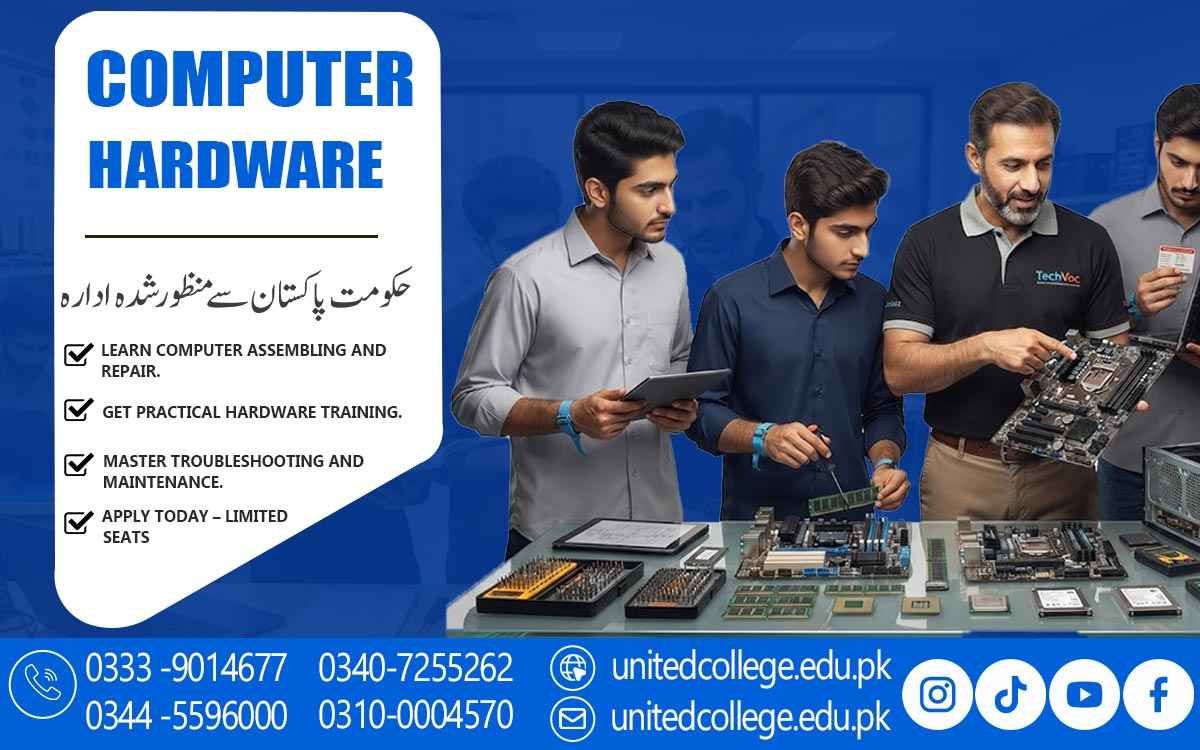
The Computer Hardware Course in Jhang introduces learners to the practical side of computers, from identifying internal parts to assembling systems and checking common faults. It can be a suitable learning path for beginners, students, diploma holders, fresh learners, and people who want to develop Computer Hardware Skills through practical training rather than only learning theory.
Turn Everyday Computer Problems into Practical Learning
Many people use computers regularly without knowing what is happening inside the system. A user may know how to install software but may not understand why a computer fails to boot or why an SSD is not detected. Computer Hardware Course in Jhang can help learners develop this understanding from the ground up. Students can become familiar with the purpose of major hardware parts and learn how those parts work together.
Instead of guessing when a problem appears, they can learn to observe symptoms and follow simple checking procedures. This approach can make technical learning more meaningful because students connect what they study with situations that computer users commonly face. It also gives beginners a clearer starting point for exploring PC repair and other areas of IT.
Get Familiar with the Parts That Keep a PC Running
A desktop computer contains several important components, and each has a specific function. Learners can study the motherboard, processor, RAM, HDD, SSD, power supply, cooling system, and other connected hardware. The motherboard provides connections for major components, while the processor handles computing tasks. RAM supports active operations, and storage devices keep files, programs, and operating system data. The power supply provides the required electrical power to the system.
Understanding these roles helps students recognize which component may be related to a particular problem. During Computer Hardware Training, learners can also practice identifying different parts by looking at real equipment. This practical recognition can make technical terms easier to understand and gives students a useful foundation before they move toward more detailed repair tasks.
Learn the Difference Between a Faulty Part and a Loose Connection
Not every computer problem means that a component needs replacement. Sometimes a loose cable, incorrectly installed RAM, a poor connection, dust, or another simple issue can affect system performance. This is why careful checking is an important part of hardware learning. Students can learn how to inspect connections and handle internal components safely before making repair decisions.
They can also understand the importance of switching off and disconnecting a computer before opening the case. Such basic safety habits are essential when working around electrical connections and sensitive hardware. Learning to inspect first and act afterward can help beginners develop a more responsible approach to PC Hardware Repair instead of changing components without understanding the actual issue.
Put Assembly Skills into Your Own Hands
PC assembly becomes easier to understand when students can see and handle the components themselves. A practical Computer Repairing Course in Jhang can introduce learners to opening a desktop case, removing components carefully, installing hardware, reconnecting cables, and checking the system after assembly. Students may practice installing RAM, connecting storage devices, positioning components on the motherboard, and understanding basic power connections.
Disassembly can be equally useful because it teaches learners how parts are removed without unnecessary force or damage. These activities can gradually improve familiarity with computer systems. For beginners, hands-on practice is especially important because it changes hardware from something seen only in diagrams into something they can identify, handle, and understand in a real working environment.
Move from Hardware Installation to System Setup
A computer is not ready for normal use simply because its physical parts are connected. The operating system, drivers, and basic system configuration also need attention. During Computer Hardware Course in Jhang, learners can explore how hardware works with an operating system and how drivers allow certain devices to communicate correctly with the system. They can learn basic operating system installation and understand the checks that may be required after adding or replacing hardware.
For example, a newly installed storage device may need to be recognized and configured before it can be used normally. This part of training helps students understand the connection between physical components and software settings. It also gives them a wider view of computer repair instead of limiting their knowledge to opening and closing a PC case.
Follow a Logical Path When a Computer Develops a Fault
Troubleshooting is one of the areas where practical thinking becomes especially important. A computer may refuse to start, restart unexpectedly, produce unusual sounds, overheat, show display problems, or fail to recognize RAM or storage. Hardware Troubleshooting teaches learners to approach these situations step by step. Instead of immediately assuming that a major component is damaged, students can learn to inspect power connections, cables, installed hardware, and visible signs of a fault.
They can then consider possible causes and perform basic checks. This process is known as Hardware Fault Diagnosis, and it helps learners develop patience and logical thinking. The goal is not to make unsupported guesses but to gather useful information before deciding what action should be taken.
Make Computer Maintenance Part of Your Technical Routine
Repair is not the only part of working with computer hardware. Regular care and correct handling can also play an important role in keeping a system in good working condition. Learners can develop Computer Maintenance Skills such as cleaning dust from suitable areas, checking airflow, organizing cables, inspecting connections, and handling components carefully. They can also become familiar with basic tools used during computer servicing and understand the purpose of each tool.
Proper maintenance practices can help learners notice unusual conditions before they become more difficult to investigate. These habits are useful for anyone interested in technical work because they encourage careful handling, organized procedures, and attention to detail. Over time, these small practices can become an important part of a learner's overall technical routine.
Hands-On Practice Turns Technical Knowledge into Confidence
Reading about computer hardware can provide information, but practical exposure helps learners understand how that information applies to real systems. The Computer Hardware Course in Jhang offered by United College of Technology provides a learning environment where students can focus on practical hardware concepts and technical guidance. Learners can become familiar with components, assembly procedures, basic system setup, maintenance methods, and troubleshooting approaches.
The purpose of this practical learning is to help students understand tasks instead of simply memorizing technical terms. For fresh learners, repeated practice can make unfamiliar equipment feel easier to handle. Students can also identify areas they may want to study further, such as computer repair, networking, operating systems, or other IT Technical Skills.
Take Your Hardware Knowledge Into The Next Stage Of Learning
Computer Hardware Skills Can Provide A Useful Foundation For People Who Want To Continue Developing Their Technical Abilities. Once Learners Understand Components, PC Assembly, System Setup, Maintenance, And Basic Fault Diagnosis, They Can Explore More Advanced Areas Through Additional Study And Practice. A Future Computer Hardware Technician Needs More Than The Ability To Identify Parts; Technical Growth Comes From Continued Learning, Careful Troubleshooting, And Experience With Different Systems.
For Students And Learners In Jhang, A Computer Hardware Course In Jhang Can Provide A Practical Way To Develop These Skills, Make Computer Technology Easier To Understand, And Prepare Learners For Further Technical Education. The Important Step Is To Begin With Strong Fundamentals, Practice Consistently, And Gradually Expand Knowledge. With The Right Learning Attitude, A Basic Interest In Computers Can Become A More Focused Set Of Practical Technical Skills.
Frequently Asked Questions (FAQs)
Yes. Learners can become familiar with how different hardware parts relate to one another and why compatibility matters when selecting components.
Students can learn basic ways to examine display-related issues, including checking connections, hardware conditions, and possible component-related causes.
Yes. Learners can understand the purpose of cooling fans, airflow, and heat management in maintaining a properly functioning computer.
Organized work makes it easier to track components, connections, tools, and repair steps while reducing confusion during technical tasks.
Yes. Beginners can learn the basic differences between HDDs and SSDs and understand their general uses in computer systems.
It encourages learners to observe symptoms, separate possible causes, and approach technical issues through logical checking instead of random changes.
Admission Open: Start Your Professional Journey Today!
Join United College of Technology and build a career with practical training, recognized certifications, and Gulf job support. Seats are limited.
Apply Now via WhatsAppContact Information
- Address: Rawalpindi: F-272 Main New Katarian Stop, Old IJP Road | Lahore Campus: Lahore, Pakistan
- Phone/WhatsApp: 0333-9014677 / 0344-5596000 / 0310-0004570 / 0301-5044340 / 0340-7255262
- Website: unitedcollege.edu.pk
















Leave a Comment