


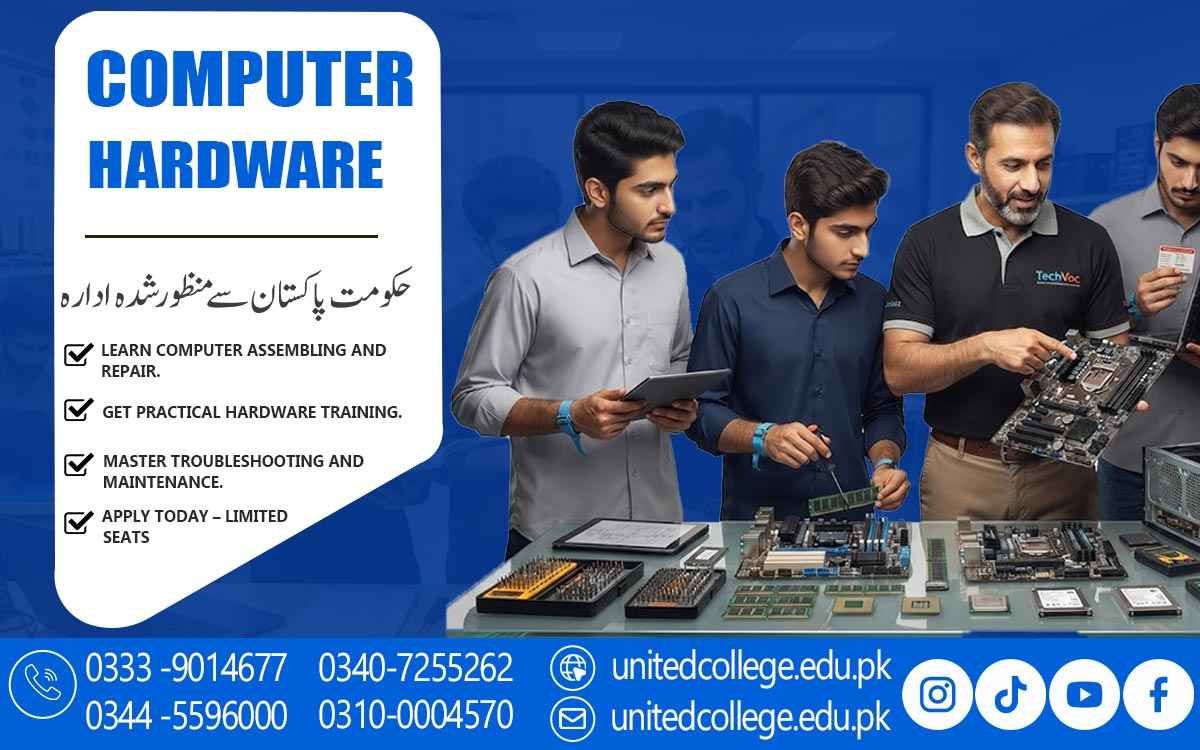

Computer Hardware Course in Bagh AJK for Practical IT Skills
Turn Practical Skills into a Stronger IT Future
Computers are now part of education, offices, businesses, shops, and many everyday activities. Because of this, understanding how a computer works and how to handle common hardware problems can be a useful technical skill. The Computer Hardware Course in Bagh AJK allows beginners to learn the practical side of computers instead of focusing only on software use.
Students can explore computer components, installation, maintenance, troubleshooting, and basic repair techniques. This type of learning can be helpful for students, fresh learners, job seekers, diploma holders, and anyone interested in technical work. With practical Computer Hardware Training in Bagh AJK, learners can gradually understand how different parts work together and how basic faults can be identified.
Build A Practical Understanding Of What Makes A Computer Work
A Computer Is Made Up Of Several Important Components, And Each Part Has A Specific Role. A Processor Handles Instructions, RAM Supports Temporary Data Processing, Storage Devices Keep Files And Programs, While The Motherboard Connects Major Components. The Power Supply Provides The Required Electrical Power To The System. During A Computer Hardware Course In Bagh, AJK, Students Can Learn The Purpose Of These Components Through Practical Examples.
They Can Also Become Familiar With Hard Drives, SSDs, Cooling Systems, Cables, Ports, And Other Common Parts. Understanding These Components Is An Important Foundation For Developing Computer Hardware Skills Because It Helps Learners Recognize How A Computer Behaves When A Particular Component Is Not Working Properly.
Understanding Components Through Practical Examples
Instead of simply memorizing component names, learners can connect each part with its practical function. For example, an SSD is used for storage and can affect system loading speed, while RAM supports the computer while programs are running.
The motherboard provides connections between different hardware components. Learning these differences helps beginners make better observations when working on a computer. This knowledge also creates a useful foundation for more advanced IT Technical Skills in the future.
From Loose Components to a Working PC
PC assembly is an important part of practical hardware learning. Students can learn how components are placed inside a computer and how they are connected safely. Basic assembly may include installing RAM, storage devices, the processor, cooling equipment, power connections, and other required parts.
Disassembly is equally important because technicians sometimes need to remove a component for cleaning, replacement, or inspection. Through PC Repairing Training, beginners can learn to handle components carefully and follow an organized process. This practical experience can make computer hardware less confusing and help learners become more comfortable working inside a desktop system.
Troubleshooting Skills That Start with Careful Observation
Hardware troubleshooting is not always about immediately replacing a component. A good troubleshooting process begins with observation. Students can learn how to check whether a computer is receiving power, whether cables are connected correctly, whether components are recognized, and whether unusual sounds or display problems are present.
They can also learn basic methods for narrowing down the possible cause of a fault. For example, a computer that does not display anything may require checking the monitor connection, RAM, graphics output, or other related areas. Such exercises help learners develop computer repair skills while understanding that fault diagnosis should be systematic rather than based on guesswork.
Basic Fault Diagnosis Without Unnecessary Complexity
Beginners can start with simple problems and gradually move toward more detailed troubleshooting. Cleaning dust from suitable areas, checking loose connections, testing basic components, and identifying warning signs are examples of practical maintenance activities.
Students can also learn why careful handling is important when working with sensitive electronic parts. These activities support the development of Computer Maintenance Skills and help learners understand how regular care can reduce common hardware-related issues.
Operating System Setup Meets Hardware Knowledge
Computer hardware does not work independently of software. After Installing Or Changing Hardware, A System May Require An Operating System Setup, Drivers, Or Basic Configuration. A Practical Computer Hardware Course In Bagh AJK Can Help Students Understand This Connection At A Beginner-Friendly Level. They May Learn How Hardware Is Recognized By An Operating System And Why Drivers Are Needed For Certain Devices.
This Part Of Practical Computer Training Helps Learners See The Complete Working Environment Rather Than Treating Hardware And Software As Completely Separate Subjects. It Can Also Make General Computer Use Easier Because Students Understand More About What Happens Behind The Screen.
Hands-On Learning Makes Technical Concepts Easier to Understand
Reading about computer components is useful, but practical work can make technical concepts clearer. During Computer Hardware Training, learners can work with real or training systems to observe components, connections, installation steps, and troubleshooting procedures. Practical exercises can include identifying hardware, assembling a desktop, checking connections, installing components, cleaning suitable areas, and investigating simple faults.
The aim is to help beginners learn through doing. United College of Technology provides opportunities for learners interested in developing practical computer hardware knowledge, allowing the subject to be approached from a skill-based perspective rather than through theory alone.
A Useful Skill Set for Students, Beginners, and Future Technicians
The Computer Hardware Course in Bagh AJK can suit people with different learning goals. Students who already use computers can gain a better understanding of the machines they work with every day. Fresh learners can begin with basic components and gradually develop more confidence with technical tasks.
Job seekers and diploma holders may also find hardware knowledge useful as an additional technical skill alongside their existing education. Someone interested in becoming a Computer Hardware Technician can use basic training as a starting point for continued learning. The course can also benefit people who want to understand computer maintenance before moving toward more advanced IT or technical fields.
Hardware Knowledge Can Strengthen Wider IT Learning
Computer hardware can connect naturally with other areas of information technology. Once learners understand how a computer is assembled and maintained, they may find it easier to explore networking, operating systems, technical support, or other IT-related subjects. Hardware knowledge also helps explain problems that may appear during software installation or system use.
This makes Computer Repairing Course training useful not only as a standalone learning area but also as a foundation for broader technical development. Continuous practice can help learners improve their ability to observe, diagnose, and solve basic computer-related problems.
Take the First Step Toward More Confident Computer Handling
Learning computer hardware is a practical way to move beyond basic computer operation and understand the technology behind everyday systems. The Computer Hardware Course in Bagh AJK can introduce learners to components, PC assembly, maintenance, operating system setup, fault diagnosis, and troubleshooting in a structured learning environment.
With guidance and hands-on practice, beginners can develop useful skills while building a stronger technical foundation. United College of Technology offers practical learning opportunities for students and learners who want to explore computer hardware in Bagh, AJK. For anyone interested in technical learning, starting with the fundamentals can create a clear path toward developing stronger computer hardware and IT skills over time.
Frequently Asked Questions (FAQs)
Learners may become familiar with basic tools used for opening, cleaning, connecting, testing, and handling computer components safely.
Yes. Students can learn how different hardware components affect system performance and how to check possible hardware-related causes.
Beginners should understand component identification, safe handling, power connections, and basic precautions before opening or modifying a system.
Practical training may cover the basic installation and connection of storage devices such as hard drives and SSDs.
Understanding hardware can help users recognize common problems, maintain their systems properly, and communicate technical issues more clearly.
Yes. Basic hardware knowledge can provide a useful foundation for exploring areas such as networking, system administration, and technical support.
Admission Open: Start Your Professional Journey Today!
Join United College of Technology and build a career with practical training, recognized certifications, and Gulf job support. Seats are limited.
Apply Now via WhatsAppContact Information
- Address: Rawalpindi: F-272 Main New Katarian Stop, Old IJP Road | Lahore Campus: Lahore, Pakistan
- Phone/WhatsApp: 0333-9014677 / 0344-5596000 / 0310-0004570 / 0301-5044340 / 0340-7255262
- Website: unitedcollege.edu.pk
















Leave a Comment