


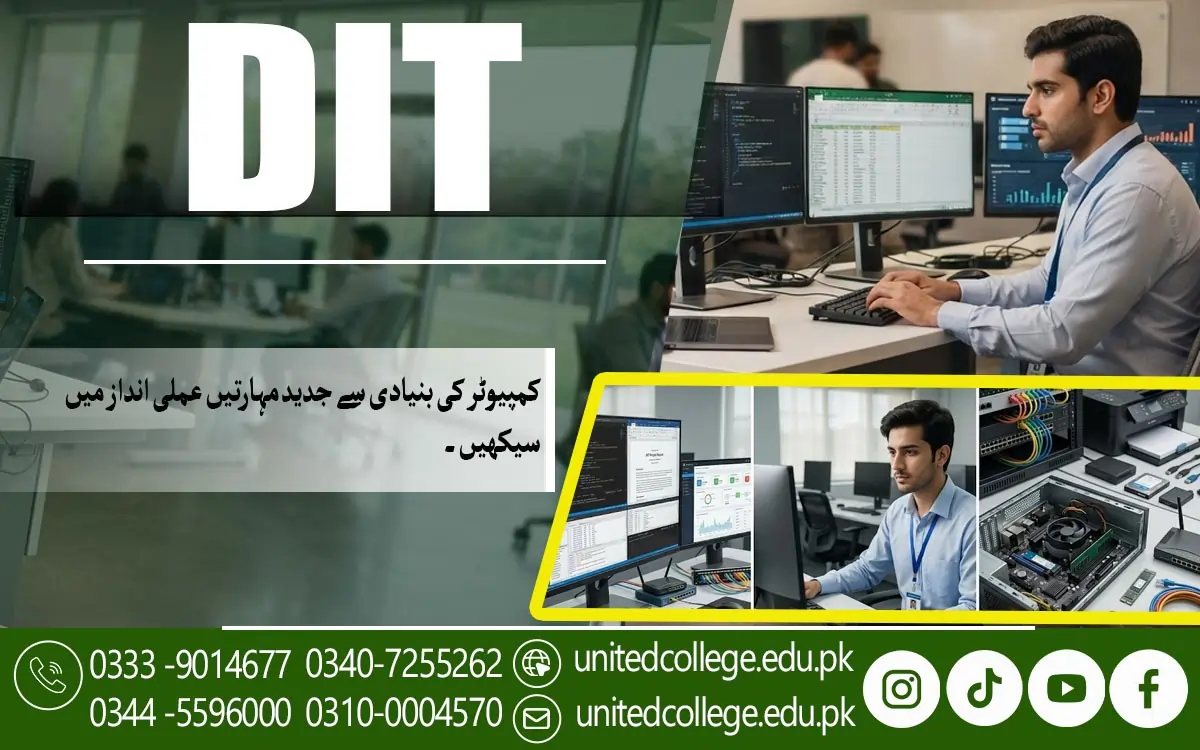

DIT Course in Haripur – Learn Practical IT and Computer Skills
The Growing Need for Practical Computer Skills Among Students in Haripur
Imagine preparing an important assignment, creating a professional CV, or applying for a job online, but struggling because you do not know how to use a computer properly. These situations can be challenging for students and beginners who have limited computer knowledge. Today, computer skills are useful in education, business, office work, and many other fields. Students in Haripur can improve their digital knowledge by learning how computers work and how common software applications are used in everyday tasks. The DIT Course in Haripur is a learning option for individuals who want to develop their understanding of information technology and become more confident using computers.
DIT stands for Diploma in Information Technology, a computer-focused course that commonly covers computer fundamentals, office applications, internet use, and other relevant IT subjects. The exact syllabus may vary depending on the institute and its current course structure. Learning these skills can help students prepare assignments, organize information, communicate through email, and complete routine digital tasks more efficiently. For job seekers, computer knowledge can also be useful when preparing applications or exploring positions that require basic office skills.
How a DIT Course Can Help Beginners Build Digital Confidence
Using a computer for the first time can feel confusing, especially when a learner does not know where to start. Opening programs, managing files, typing documents, and navigating different menus may seem difficult in the beginning. The DIT Course in Haripur can help beginners approach these tasks step by step through a structured Diploma in Information Technology program. Students can learn how to operate a computer, understand common software, organize their work, and solve simple technical problems. For example, a learner who previously saved documents without knowing their location can develop the habit of creating folders and using clear file names.
These small improvements can make daily computer use easier and more productive. A DIT diploma in Haripur may also help learners understand how different applications support educational and professional activities. However, progress depends on regular practice, the quality of instruction, and the subjects included in the course. Beginners should not feel discouraged if they need extra time to understand a particular topic. Asking questions, repeating practical exercises, and learning from mistakes are useful ways to improve. At United College of Technology, prospective students can inquire about the available training structure and practical learning opportunities before enrolling.
Computer Applications Students Can Learn During DIT Training
Knowing how to switch on a computer is only the beginning; understanding how to use different applications is what makes computer knowledge more useful. A computer course in Haripur may introduce students to several applications that support writing, calculations, presentations, communication, and information management. These programs help learners complete tasks that are common in schools, colleges, businesses, and offices. For instance, a student may use a word processor to prepare an assignment, a spreadsheet to organize survey results, and presentation software to explain a project to classmates.
Learners may also practise typing, file management, printing documents, and saving work in suitable formats. Some DIT programs introduce basic database concepts, networking, or introductory programming, depending on the syllabus. Students should check the course outline rather than assume that every subject is included. Understanding how applications differ is equally important. A spreadsheet is useful for calculations and structured information, while presentation software helps communicate ideas visually. Learning these differences allows students to select the right tool for each task.
Using Microsoft Word, Excel, and PowerPoint for Real Tasks
A student may understand a topic well but still struggle to present it professionally without the right computer skills. Microsoft Word, Excel, and PowerPoint are widely used applications that can help learners prepare and organize information more effectively. Word allows users to create letters, assignments, reports, and CVs. Students can practise changing fonts, adjusting margins, adding headings, inserting tables, and correcting spelling mistakes. Excel is designed for spreadsheets, making it useful for arranging records, performing calculations, preparing budgets, and tracking information.
Learners can practise organizing ideas, adding images, choosing readable layouts, and presenting information in a logical order. These applications are often important parts of a Microsoft Office course or a broader DIT program, although students should confirm the software covered in their chosen syllabus. Consider a learner preparing a small business project: Word can be used for the written report, Excel for the expense sheet, and PowerPoint for explaining the results. This practical connection helps students understand why office computer skills matter.
Understanding Computer Hardware, Software, and Operating Systems
What happens when a computer becomes slow, a keyboard stops responding, or a program refuses to open? Understanding the difference between hardware and software can help learners recognize common problems and respond more confidently. The DIT Course in Haripur helps beginners develop an understanding of essential computer concepts, including hardware and software. Hardware refers to the physical parts of a computer, such as the monitor, keyboard, mouse, motherboard, memory, and storage drive. Software refers to the programs and instructions that tell the computer what to do.
During suitable IT training in Haripur, students may learn how to identify common computer components, start and shut down a system correctly, install or use approved software, and manage files and folders. They can also learn basic troubleshooting steps, such as checking cable connections, restarting an unresponsive application, or confirming whether sufficient storage space is available. These activities do not automatically make someone a hardware repair specialist, but they provide a useful understanding of computer operation.
Internet Browsing, Email Communication, and Online Safety Skills
Imagine receiving an important message about an assignment or job opportunity but not knowing how to respond professionally or attach the required document. Internet and email skills can make situations like this much easier to manage. The DIT Course in Haripur helps learners develop essential digital communication skills as part of their information technology education. A Diploma in Information Technology program may teach learners how to browse websites, search for reliable information, use email services, download permitted files, and share documents appropriately. Students can practise writing clear email subject lines, greeting recipients politely, attaching the correct files, and checking their messages before sending them.
These habits are useful when communicating with teachers, training institutes, employers, and colleagues. Digital safety is another important part of responsible computer use. Learners should understand why strong passwords matter, how suspicious links can create risks, and why personal information should not be shared with unknown websites or individuals. They can also learn to recognize misleading messages, avoid untrusted downloads, and keep their software updated where possible. When researching online, students should compare information from reliable sources rather than accepting every result as accurate.
Practical Computer Exercises That Connect Learning With Everyday Work
Reading about computers is helpful, but practical experience is what allows students to apply their knowledge independently. A learner may understand the purpose of a spreadsheet but still find it difficult to create one without practising. For this reason, computer lab training and hands-on exercises are valuable parts of an effective learning experience. Students can practise creating documents, formatting reports, organizing records, preparing presentations, and managing folders. They might prepare a sample monthly budget in Excel, design a presentation about a local business, or write a formal application in Word.
These activities connect classroom learning with realistic tasks without requiring learners to have previous professional experience. Beginners can also practise typing, copying files, using printers where available, and identifying common software problems. Instructors can provide feedback on mistakes and explain how to improve the final result. Students should make a habit of repeating exercises independently instead of relying entirely on step-by-step instructions. Saving completed work and reviewing earlier assignments can help them notice their progress over time.
How to Select Suitable DIT Training at United College of Technology
Choosing a suitable training institute requires more than comparing course names. Students in Haripur should understand what they will study, how the classes are organized, and whether the learning approach matches their needs. United College of Technology (UCT) is an option for individuals interested in developing computer knowledge through information technology training. Before enrolling, prospective students should contact the institute to confirm the current DIT course availability, syllabus, duration, fee structure, admission requirements, and certificate details.
They should also ask which software applications are taught and whether students receive enough time to practise on computers. If the goal is to improve office skills, the learner may want to focus on Word, Excel, PowerPoint, email, and document management. Someone interested in further IT study may also want to understand whether the course covers networking, databases, programming, or other technical subjects. It is important to check these details directly because course content and arrangements can change.
Preparing for Further Learning and Entry-Level Digital Responsibilities
Completing a DIT course can provide a foundation for continued learning, but developing useful computer skills requires ongoing practice. Students who become comfortable with office applications, file management, internet use, and basic troubleshooting may find it easier to explore more advanced training. Depending on their interests, they could consider further study in networking, web development, programming, graphic design, database management, or other areas of information technology. Learners who prefer administrative work may choose to strengthen their typing, spreadsheet, record-keeping, and professional communication skills.
These abilities are relevant to many routine tasks, although individual job requirements vary and some positions require additional education or experience. A DIT qualification alone does not guarantee employment, a particular salary, or eligibility for every IT role. Students should review the requirements of the opportunities they want to pursue and identify any additional skills they need. Creating sample documents, preparing spreadsheets, and building simple presentations can help learners practise and demonstrate what they know. They can also continue improving through guided exercises, suitable online resources, and further courses.
Frequently Asked Questions (FAQs)
A DIT (Diploma in Information Technology) is a computer-focused course that helps students develop IT knowledge, digital literacy, and practical computer skills.
Common subjects may include computer fundamentals, MS Word, MS Excel, PowerPoint, operating systems, internet use, email communication, and basic networking, depending on the institute's syllabus.
Students, beginners, fresh learners, and job seekers interested in developing computer skills can explore the course. Specific eligibility requirements should be confirmed with the institute.
United College of Technology (UCT) is an option to contact regarding DIT training. Prospective students should confirm current course availability, admission requirements, and syllabus directly with the institute.
The duration depends on the institute and its course structure. Contact United College of Technology to confirm the current duration of the DIT course.
Admission Open: Start Your Professional Journey Today!
Join United College of Technology and build a career with practical training, recognized certifications, and Gulf job support. Seats are limited.
Apply Now via WhatsAppContact Information
- Address: Rawalpindi: F-272 Main New Katarian Stop, Old IJP Road | Lahore Campus: Lahore, Pakistan
- Phone/WhatsApp: 0340-7255262 / 0333-9014677 / 0301-5044340 / 0310-0004570 / 051-8770756
- Website: unitedcollege.edu.pk
















Leave a Comment