


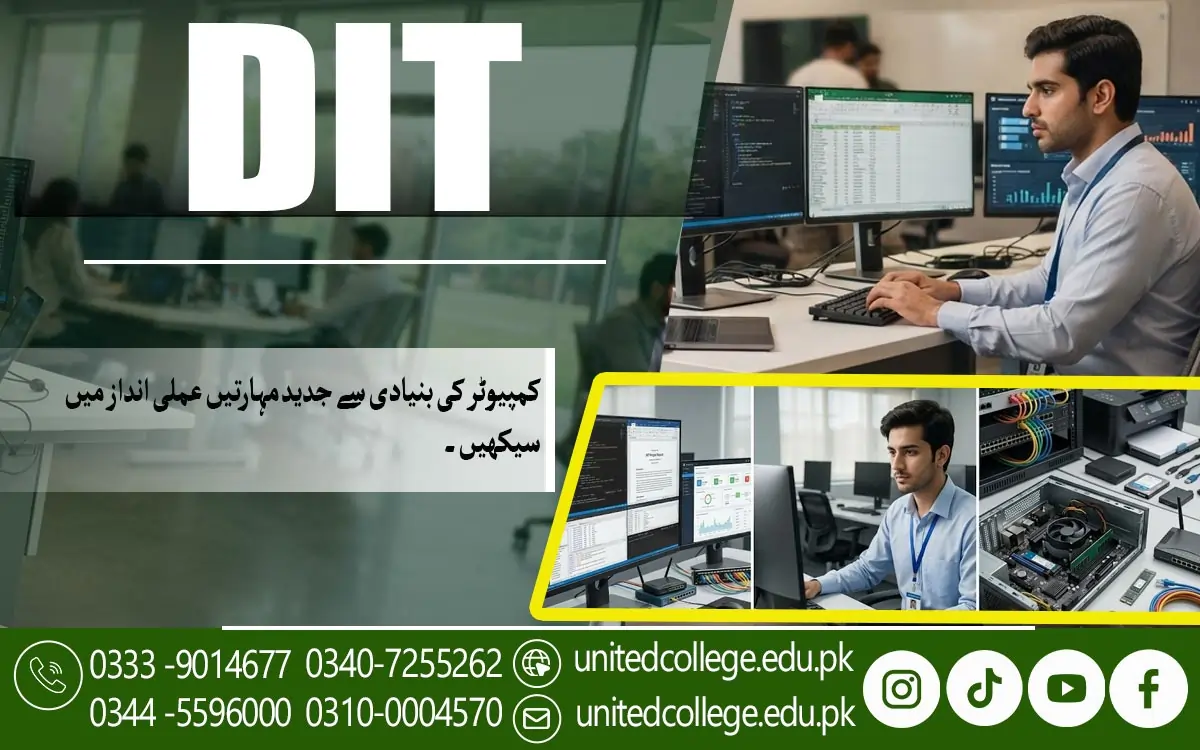

DIT Course in Lower Dir for Digital Learning
Learning Core Concepts of Computer Technology
The DIT Course in Lower Dir is a useful learning opportunity for students who want to understand computer technology and develop practical digital abilities. Computers are widely used in education, business, communication, and administration. Through this course, learners can explore how computer systems work and how technology helps people complete everyday tasks, organize information, and improve productivity. It provides a foundation for students who want to gain confidence in using computers for academic and professional purposes.
Students learn about essential computer components, including processors, memory, keyboards, monitors, and storage devices. They also explore the difference between hardware and software and understand how these components work together. Basic operating system knowledge helps learners open applications, manage files, adjust settings, and perform common computer operations.
Understanding core computer concepts can make it easier for students to learn advanced applications in the future. These fundamentals are useful when preparing documents, managing records, communicating online, and completing office tasks. By developing a clear understanding of computer technology, learners can prepare themselves for further education and different technology-related activities.
Understanding Common Business Applications
Business applications help organizations manage information, communicate effectively, and complete administrative tasks. During the DIT course, students become familiar with software used for document creation, calculations, presentations, and information management. These applications are commonly used in offices, educational institutions, shops, and other workplaces.
Students can learn how word processing software helps prepare letters, reports, applications, and official documents. They also explore spreadsheet applications for organizing data and performing calculations. Presentation programs allow learners to arrange information into slides for educational projects, meetings, and business discussions. Understanding these tools helps students recognize how software supports different workplace responsibilities.
Practical exercises allow learners to apply their knowledge to everyday situations. They can prepare sample reports, organize numerical information, and create presentations using suitable applications. Regular practice can improve accuracy and confidence when working with office software. These abilities may also help students prepare for entry-level administrative roles that require basic computer knowledge.
Creating Organized Digital Documents
Creating organized digital documents is an important skill for students who want to work with computer applications effectively. The DIT Course in Lower Dir introduces learners to word processing tools that allow them to prepare, edit, and format written information. Students can practice creating assignments, business letters, applications, notices, and reports for different purposes.
Learners explore formatting features such as headings, paragraph alignment, font selection, page margins, line spacing, and bullet points. They can also practice inserting tables, images, and page numbers to make documents more structured. Proper formatting improves readability and helps present information in a professional manner.
Students also learn to save their documents, use meaningful filenames, and organize files into appropriate folders. Reviewing spelling and checking the layout before printing or sharing are important parts of document preparation. These habits help reduce errors and make digital information easier to manage in academic and professional environments.
Working with Spreadsheet Data and Tables
Spreadsheet applications are useful for organizing information, performing calculations, and preparing reports. In the DIT course, students can learn how programs such as Microsoft Excel arrange information in rows, columns, and cells. These tools are commonly used to maintain attendance sheets, expense records, budgets, inventory lists, and other business information.
Students practice entering data into tables, formatting cells, and using formulas for basic calculations. They may learn to calculate totals, averages, and percentages while exploring functions that simplify repetitive tasks. Sorting and filtering tools help organize information and make specific records easier to locate. These features are valuable when working with large amounts of data.
Charts and graphs provide a visual way to present numerical information. Students can create simple charts to compare figures and identify patterns. They also learn the importance of checking entries and keeping spreadsheet information accurate. Developing these abilities can support future work in data entry, office administration, record management, and other computer-based tasks.
Exploring Information Storage and Retrieval
Information storage and retrieval involve saving digital data and finding it when required. Businesses and educational institutions use computer systems to maintain records, documents, customer details, and other important information. Through the DIT course, students can understand how organized storage systems make information easier to manage and access.
Students learn about different storage options, including hard drives, solid-state drives, USB flash drives, memory cards, and cloud storage services. They can practice creating folders, renaming files, moving documents, and locating saved information. These activities help learners develop better file management habits and keep their computer work organized.
Students may also explore basic database concepts, such as records, fields, and tables. They learn how information can be entered, searched, updated, and retrieved through suitable applications. Protecting stored data is equally important, so learners should understand backups, file security, and responsible handling of confidential information. These skills are useful for maintaining reliable digital records.
Practicing Internet and Email Applications
Internet applications are important tools for education, research, communication, and business activities. The DIT course helps students learn how to use web browsers and search engines to find relevant information. They can practice opening websites, accessing educational resources, downloading appropriate files, and using online services for different tasks.
Email is another important part of digital communication. Students learn how to compose messages, write clear subject lines, attach documents, and organize incoming emails. These abilities can help them communicate with teachers, employers, customers, and colleagues. Learners may also become familiar with online meetings and file-sharing tools that support communication across different locations.
Safe internet use should be part of computer learning. Students need to understand how to create strong passwords, identify suspicious links, avoid unsafe downloads, and protect personal information. They should also learn to evaluate online information carefully before relying on it. Responsible use of internet and email applications helps learners communicate more confidently and safely.
Developing Efficient Digital Work Habits
Efficient digital work habits help students complete computer tasks in an organized and productive manner. During the DIT course, learners can develop routines for managing files, preparing documents, entering information, and using office applications. These habits make it easier to handle multiple tasks without losing important information or repeating unnecessary work.
Students can practice using keyboard shortcuts, maintaining organized folders, saving work regularly, and reviewing documents before sharing them. They can also improve typing accuracy and learn to manage their time while completing computer-based assignments. Attention to detail is especially important when entering numerical information or preparing official records.
Responsible digital habits also include protecting data and maintaining an organized computer workspace. Students should create backups of important files, use secure passwords, and avoid opening suspicious attachments. By combining practical computer knowledge with careful work habits, learners can improve their performance in educational activities and prepare for routine responsibilities in professional environments.
Preparing for Further Studies in Information Technology
The DIT course can provide students in Lower Dir with a foundation for further education in information technology. By studying computer fundamentals, business applications, spreadsheets, digital documents, and internet tools, learners can identify areas they want to explore in greater depth. These subjects introduce important concepts that may support future technical training and academic development.
Students interested in specialized fields can continue learning about computer networking, programming, web development, database management, cybersecurity, or software development. Each area requires different knowledge and practical abilities, so learners should consider their interests and educational goals when choosing their next step. Some advanced programs may also have specific admission requirements.
Practical experience can help students prepare for further studies. They can create sample documents, build spreadsheet projects, practice managing digital records, and improve their typing skills. Exploring tutorials and completing small computer-based projects can strengthen their understanding of the subjects covered in DIT. With consistent practice and continued learning, students can develop a stronger foundation for future education and potential career opportunities in technology.
Frequently Asked Questions (FAQs)
The Diploma in Information Technology (DIT) is a computer education program that introduces students to computer technology, office applications, digital documents, spreadsheets, internet use, and information management.
Common subjects include computer fundamentals, business applications, word processing, spreadsheet tools, file management, databases, internet applications, and digital work practices. The exact syllabus depends on the institute.
Students interested in developing computer knowledge can apply if they meet the admission requirements of their chosen institute.
Depending on the syllabus, students may learn word processing software, spreadsheet applications, presentation programs, email services, and basic database tools.
Information storage helps users keep documents and records organized, while retrieval allows them to find specific information when needed.
Admission Open: Start Your Professional Journey Today!
Join United College of Technology and build a career with practical training, recognized certifications, and Gulf job support. Seats are limited.
Apply Now via WhatsAppContact Information
- Address: Rawalpindi: F-272 Main New Katarian Stop, Old IJP Road | Lahore Campus: Lahore, Pakistan
- Phone/WhatsApp: 0340-7255262 / 0333-9014677 / 0301-5044340 / 0310-0004570 / 051-8770756
- Website: unitedcollege.edu.pk
















Leave a Comment