


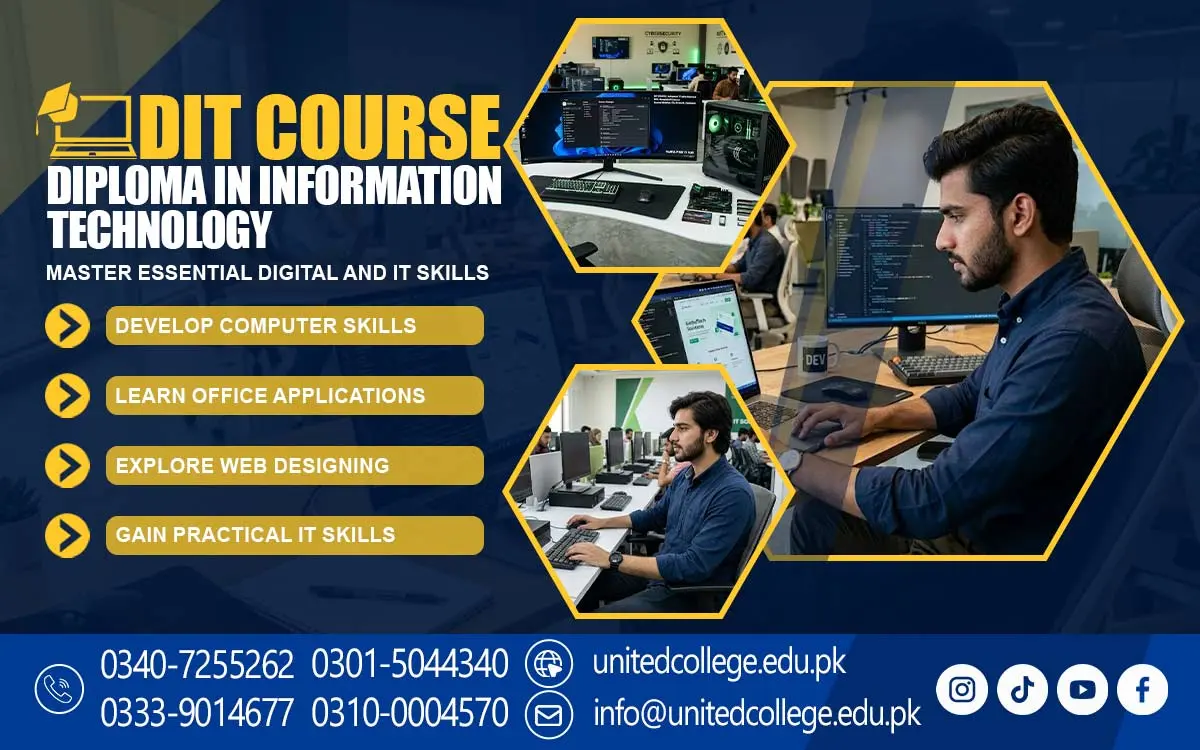

DIT Course in Sibi Characters to Improve Computer Knowledge
Digital Knowledge That Connects Education with Everyday Work
Technology has changed how people study, communicate, manage information, and complete office tasks. From preparing assignments to maintaining business records, computers are now useful in many areas of daily life. In Sibi, students, beginners, and job seekers can benefit from learning how digital tools work and how to use them for practical purposes.
The DIT Course in Sibi is an option for people who want to develop their understanding of computers and information technology. DIT stands for Diploma in Information Technology, a type of computer education that generally introduces learners to computer operations, software applications, digital communication, and other IT concepts.
Build Computer Confidence Through Clear, Practical Learning
Starting computer education can feel difficult when someone has little or no previous experience. Simple activities, such as saving a document, arranging files, or using an unfamiliar application, may require time and practice. A structured learning approach can help beginners understand these tasks step by step instead of trying to learn everything at once.
DIT Course in Sibi can be relevant to students who want to improve their computer knowledge, fresh learners exploring technical education, and individuals who need digital skills for everyday responsibilities. Understanding how computers operate can help learners use common applications more confidently and complete tasks with greater care.
Understand the Technology Behind Every Computer Task
Knowing how to use software is important, but understanding basic computer concepts can make learning more meaningful. A computer contains physical components called hardware, including the keyboard, monitor, processor, and storage devices. Both work together to help users complete different tasks. A Diploma in Information Technology Course in Sibi may introduce learners to operating systems, file management, hardware basics, software installation concepts, and data handling, depending on the syllabus.
File management is another useful skill. Learners can practice creating folders, choosing meaningful file names, saving documents in suitable locations, and finding information when required. These small habits help prevent confusion when working with many assignments or office records. Understanding data is equally important. Data includes information such as names, dates, numbers, and descriptions.
Turn Office Applications into Everyday Productivity Tools
Computer applications help people prepare information in clear and organized formats. Word processing software is commonly used for writing letters, applications, reports, and assignments. Learners can practice changing fonts, adjusting spacing, adding headings, and arranging paragraphs to make documents easier to read. Spreadsheets provide another useful set of skills. They organize information into rows and columns and can perform calculations through formulas.
These activities introduce practical ways to manage numbers and records. Presentation software allows users to arrange ideas into slides for classroom projects, meetings, and explanations. Together, these applications support Office Automation Skills, which means using computer tools to complete common administrative tasks more efficiently. A Diploma in Information Technology Course may also introduce learners to printing documents, handling different file formats, and sharing digital information.
Use the Internet with Confidence and Digital Responsibility
Internet knowledge is an important part of modern computer education. Students use online resources to research topics, find learning materials, and explore educational opportunities. Email allows people to communicate professionally, send documents, and receive important information without relying on printed letters.
However, effective internet use also requires awareness of online risks. Beginners should learn to recognize suspicious links, avoid downloading unknown files, protect passwords, and keep personal information private. They should also check whether online information comes from a reliable source before using it in assignments or reports.
Explore Databases and Introductory Programming Step by Step
Information technology includes more than office applications and internet use. Some DIT curricula also introduce database concepts, programming fundamentals, or other technical subjects. Whether these topics are included in a particular program depends on its verified syllabus. A database is an organized collection of information that can be stored, searched, and updated.
Programming introduces the idea of giving a computer a set of instructions to perform a task. Beginners may learn about simple commands, logical steps, variables, or basic problem-solving methods if introductory programming is part of their course. These concepts encourage learners to break complicated tasks into smaller steps. Students do not need to master every technical subject immediately.
Connect Computer Knowledge with Learning and Work in Sibi
Computer literacy can support different educational and professional goals. Students can use digital tools to prepare assignments, arrange research notes, and create presentations. People who handle records may benefit from spreadsheets and organized files, while individuals interested in administrative work may find document preparation and email communication particularly useful. The DIT Course in Sibi may help learners prepare for further study and develop skills relevant to suitable entry-level responsibilities that involve computers.
For local learners, choosing computer education should involve considering personal interests and future goals. Someone who enjoys organizing information may prefer office applications, while a person interested in technology itself may wish to continue towards programming, networking, or other specialized fields. The course is offered by United College of Technology.
Make Consistent Practice the Starting Point for Progress
Learning computer skills takes patience, regular practice, and a willingness to solve problems. Reading instructions can introduce a concept, but using the software independently helps learners understand how it works. Preparing a document, correcting formatting, organizing folders, and creating a spreadsheet are practical exercises that reinforce classroom learning.
When an error occurs, identifying its cause can be a useful learning experience rather than a reason to give up. Technology also changes over time, so continued learning matters. Once learners understand basic applications, they can gradually explore new tools and more advanced subjects. Strong foundational knowledge makes it easier to adapt when different software or digital tasks become necessary.
Take the Next Step Towards a More Capable Digital Future
Computer education can open the door to new ways of learning, organizing information, and handling everyday responsibilities. For students, beginners, and job seekers in Sibi, developing practical computer skills can be a valuable step towards greater digital confidence. From document preparation and spreadsheets to safe internet use and basic IT concepts, each skill can contribute to a stronger understanding of modern technology.
The DIT Course in Sibi is worth exploring for those who want to strengthen their computer knowledge and prepare for further learning. The most meaningful progress comes from combining suitable training with regular practice, curiosity, and realistic goals. By building skills gradually and applying them to real tasks, learners can become more confident computer users and better prepared to explore future educational and professional possibilities.
Frequently Asked Questions (FAQs)
Learners can become familiar with formats such as PDF, DOCX, and XLSX and understand which file type is suitable for documents, reports, and spreadsheets.
Troubleshooting teaches learners to identify common computer problems, check possible causes, and try suitable solutions instead of immediately seeking assistance.
Yes. Basic presentation skills help learners arrange ideas logically, select readable layouts, and explain information clearly during academic or workplace discussions.
Cloud storage allows users to save files online and access them through supported devices. Understanding it can help learners manage documents and share information more conveniently.
Learners can practice checking entries, using consistent formats, organizing information, and reviewing records to reduce common data-handling mistakes.
They should consider their interests, existing knowledge, learning goals, and the skills required in their preferred field before choosing further technical training.
Admission Open: Start Your Professional Journey Today!
Join United College of Technology and build a career with practical training, recognized certifications, and Gulf job support. Seats are limited.
Apply Now via WhatsAppContact Information
- Address: Rawalpindi: F-272 Main New Katarian Stop, Old IJP Road | Lahore Campus: Lahore, Pakistan
- Phone/WhatsApp: 0340-7255262 / 0333-9014677 / 0301-5044340 / 0310-0004570 / 051-8770756
- Website: unitedcollege.edu.pk
















Leave a Comment