


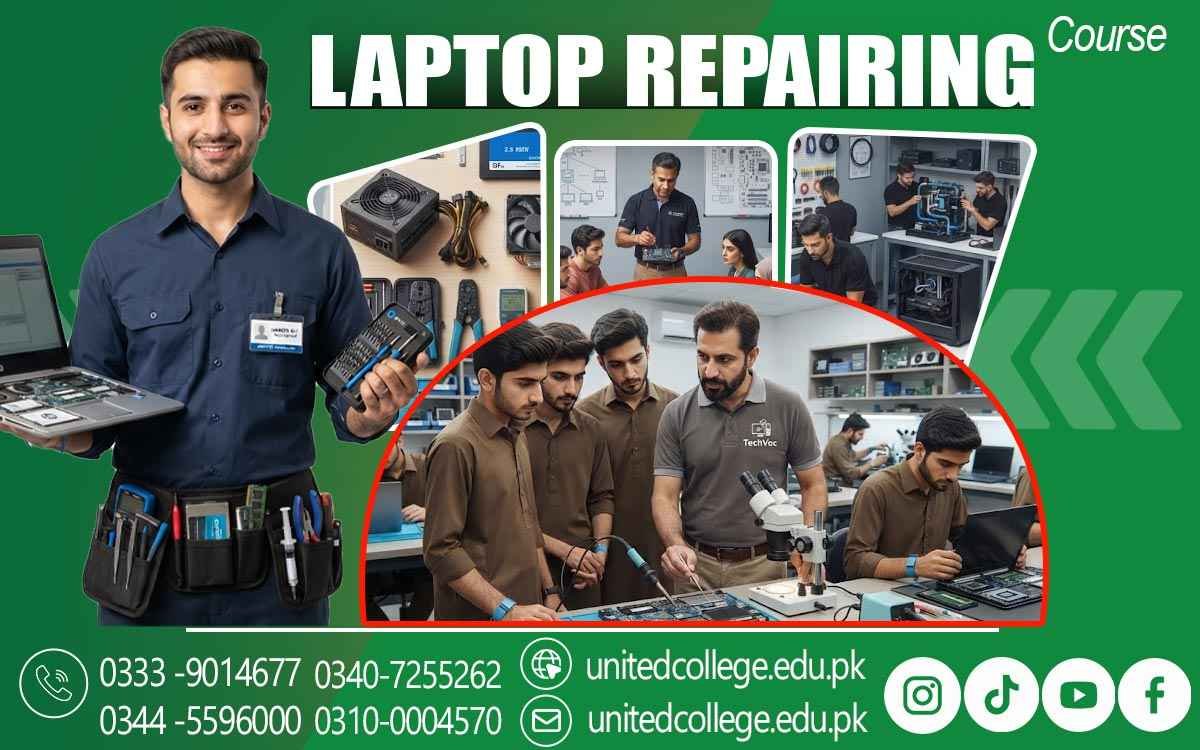

Laptop Repairing Course in Sialkot – Advanced Repair Techniques
Turn Technical Skills into Your Career Advantage
A laptop can become a problem at the worst possible moment. A student may be preparing an important assignment, a freelancer may be working against a deadline, or a business may need access to essential files when the device suddenly stops working. In these situations, knowing how to identify and resolve laptop problems is far more valuable than simply knowing how to operate a computer.
The Laptop Repairing Course in Sialkot can give beginners a practical way to understand what happens inside a laptop and how common technical faults can be approached. From identifying hardware components to learning troubleshooting techniques, students can develop skills that have practical value in everyday situations. For people interested in technical work, this learning path can become a foundation for building confidence and exploring future opportunities.
When Laptop Dependence Grows, Practical Repair Skills Become More Valuable
Laptops are used across education, offices, businesses, freelancing, retail, and personal activities. Students rely on them for research and assignments, while professionals use them for communication, documentation, design, accounts, and many other tasks. Because of this dependence, even a small technical issue can interrupt someone's routine. A laptop repair technician can help identify the reason behind problems that ordinary users may not understand.
A device may overheat, become unusually slow, stop charging, display a blank screen, or shut down unexpectedly. These symptoms can have different causes, so effective repair requires proper diagnosis rather than guesswork. For learners in Sialkot, the Laptop Repairing Course in Sialkot helps develop practical repair skills and provides an understanding of how to examine laptop problems and apply suitable solutions. The goal is not simply to learn how to replace a component but to understand laptop systems, identify faults, and approach repairs with proper technical knowledge.
The Learning Journey Begins with Understanding What Is Inside the Laptop
Before attempting any repair, a learner needs to understand the main laptop hardware components. Each part has a specific role, and a problem in one area can affect the performance of the entire device. The motherboard acts as the central platform connecting many internal components. RAM helps the computer manage active tasks, while an HDD or SSD provides storage for files, applications, and the operating system.
The battery supplies power when the laptop is being used without a direct connection to electricity. Students can also learn about displays, keyboards, touchpads, cooling systems, speakers, charging ports, and other internal parts. Understanding these components gives beginners a foundation for laptop hardware repair and helps them recognize where certain faults may originate.
From Symptoms to Solutions: Building a Better Troubleshooting Mindset
Good repair work begins with observation. When a laptop does not start, for example, the technician should not immediately assume that one particular component has failed. The problem may involve power delivery, the battery, charging equipment, internal connections, or another hardware issue. Through laptop diagnostics, learners can develop a systematic way of examining faults.
This approach can make technical problems feel more manageable. Troubleshooting can also involve software. A laptop may work physically but experience operating system errors, driver problems, software conflicts, or performance issues. Learning laptop software troubleshooting alongside hardware knowledge can help students develop a more complete understanding of repair work.
Hands-On Practice Is Where Laptop Repair Knowledge Starts Becoming Useful
Reading about a motherboard or watching a repair video can introduce a concept, but practical experience provides a different kind of understanding. Learners need opportunities to see how components are positioned, how connections are handled, and how devices are carefully opened and reassembled. Practical laptop repair training can introduce beginners to the responsible use of repair tools, component handling, inspection, cleaning, and basic repair procedures.
Working carefully is especially important because laptop components and internal connections can be delicate. Hands-on practice can also improve confidence. A learner who has repeatedly examined components and worked through common faults may become more comfortable approaching unfamiliar repair situations. Over time, this experience can turn basic knowledge into usable laptop technician skills.
Common Laptop Problems Become Learning Opportunities in Real Repair Work
Different faults require different approaches. A laptop that has become very slow may need software checks, storage evaluation, or other investigation. An overheating device may require attention to its cooling system and maintenance condition. A charging issue can involve the charger, battery, charging port, or internal power-related components. Display problems can also have several possible causes.
Keyboard problems may involve individual keys, connections, or the keyboard assembly itself. These examples show why hardware troubleshooting is an important part of laptop repair training. Students learn that the visible symptom is not always the actual cause. Developing the habit of checking the situation carefully can help future technicians avoid unnecessary replacements and improve their repair decisions.
Laptop Maintenance Adds Another Layer to a Technician’s Skill Set
Repairing a fault is only one part of caring for a laptop. Regular maintenance can also help users avoid certain preventable problems. Dust accumulation, poor ventilation, careless handling, and unsuitable operating conditions can affect device performance over time. The Laptop Repairing Course in Sialkot helps learners understand the importance of maintenance along with repair techniques to keep devices working efficiently.
Cleaning procedures, careful component handling, appropriate ventilation, and responsible usage can all be part of a technician's practical knowledge. Maintenance skills can also be useful when dealing with customers. A technician may not only repair an existing issue but also guide users about basic practices that can improve laptop performance and extend device life.
Why Sialkot Can Be a Useful Setting for Developing Technical Ability?
Sialkot has a wide range of educational, commercial, professional, and business activities where computers and laptops are used for everyday tasks. Students, offices, shop owners, freelancers, and professionals may all depend on functioning devices to complete their work. This creates a practical environment in which computer-related technical services can remain relevant.
People who develop computer repair skills can explore how their abilities may be applied in local service environments, repair shops, or independent technical work. The value of learning laptop repair is not limited to one specific workplace. The skills can be useful wherever laptops are used and technical problems need to be understood.
United College of Technology Connects Structured Learning with Practical Skill Development
Learning technical subjects independently can sometimes be confusing for beginners because they may not know which concepts to learn first. Structured training can help learners move through fundamental topics in a more organized way. United College of Technology offers the Laptop Repairing Course in Sialkot for individuals interested in developing practical knowledge related to laptop repair.
The course provides a starting point for learners who want to understand hardware, troubleshooting, maintenance, and repair techniques in a structured learning environment. Students should view training as a foundation rather than an instant career solution. Continued practice, exposure to different laptop models, better diagnostic ability, and ongoing learning are important for developing professional competence over time.
A Repair Skill Can Develop into Several Technical Work Directions
After gaining suitable knowledge and practical experience, learners can explore different paths within the repair field. Some may work with an established technician or computer repair business to gain hands-on experience with customer devices and real technical situations. Others may explore technical support environments, laptop servicing, or computer hardware repair.
A professional laptop technician needs more than technical knowledge. Accuracy, customer communication, responsible handling of devices, problem-solving, and service quality all influence long-term development. Completing a course does not guarantee employment or business success, but it can provide a useful starting foundation for people who are willing to keep improving.
Independent Repair Work Begins with Trust, Experience, and Consistent Service
The idea of working independently can be attractive to learners who want to build their own technical service. However, independent work requires preparation. Customers need confidence that their devices will be handled carefully and that the technician will diagnose problems honestly. A person developing an independent repair service may gradually build experience through smaller repair tasks before taking on more complicated work.
Good documentation, careful testing, appropriate laptop repair tools, and clear communication can help create professional working habits. Over time, practical experience can become just as important as classroom learning. Each new device and repair situation can introduce a technician to different hardware designs and troubleshooting challenges.
Students and Beginners Can Start Building Skills Without Knowing Everything First
Laptop repair can be suitable for people who are curious about computers and interested in practical technical work. Students may explore it as a skill alongside their education, while beginners can use structured training to develop their understanding from the basics. People who enjoy solving problems may also find laptop repair engaging because every fault can require a different approach.
Instead of following exactly the same process every time, technicians often need to examine the symptoms and think carefully about possible causes. The important part is being willing to learn gradually. Beginners do not need to know every repair technique on their first day. With consistent practice, they can build their knowledge of hardware, software, maintenance, and laptop repair techniques step by step.
Turn Practical Laptop Knowledge into a Stronger Professional Direction
A technical skill becomes meaningful when it can be applied to real problems. Laptop repairing teaches learners how to understand hardware, investigate faults, use tools responsibly, and approach technical challenges with greater confidence. The Laptop Repairing Course in Sialkot can provide a practical starting point for students, beginners, and aspiring technicians who want to develop these abilities. From laptop hardware repair and diagnostics to software troubleshooting and maintenance, learners can build a foundation that may support further technical growth.
For anyone in Sialkot who wants to move beyond simply using technology and learn how to work with it, laptop repair can offer a practical direction. With structured learning through United College of Technology, regular hands-on practice, and a commitment to continuous improvement, a simple interest in laptops can gradually become a valuable professional skill.
Frequently Asked Questions (FAQs)
Yes, learners can become familiar with common storage technologies and understand how storage devices affect data access, system performance, and upgrade options.
Laptops contain many small screws and components that may look similar but fit in different places. Organizing them helps make reassembly easier and reduces the chance of misplaced parts.
Yes, repair knowledge can help technicians inspect used devices, identify faults, perform suitable maintenance, and determine which components may need attention before reuse.
Beginners should understand safe power handling, careful component removal, proper workspace habits, and responsible use of repair tools before working on internal laptop parts.
Yes, learners can develop an understanding of compatible components and upgrade procedures, helping them recognize when a device may benefit from suitable hardware improvements.
Testing helps confirm that the original problem has been addressed and that other functions are working properly. It can also reveal issues that may need additional attention.
Admission Open: Start Your Professional Journey Today!
Join United College of Technology and build a career with practical training, recognized certifications, and Gulf job support. Seats are limited.
Apply Now via WhatsAppContact Information
- Address: Rawalpindi: F-272 Main New Katarian Stop, Old IJP Road | Lahore Campus: Lahore, Pakistan
- Phone/WhatsApp: 0340-7255262 / 0333-9014677 / 0301-5044340 / 0310-0004570 / 051-8770756
- Website: unitedcollege.edu.pk
















Leave a Comment