


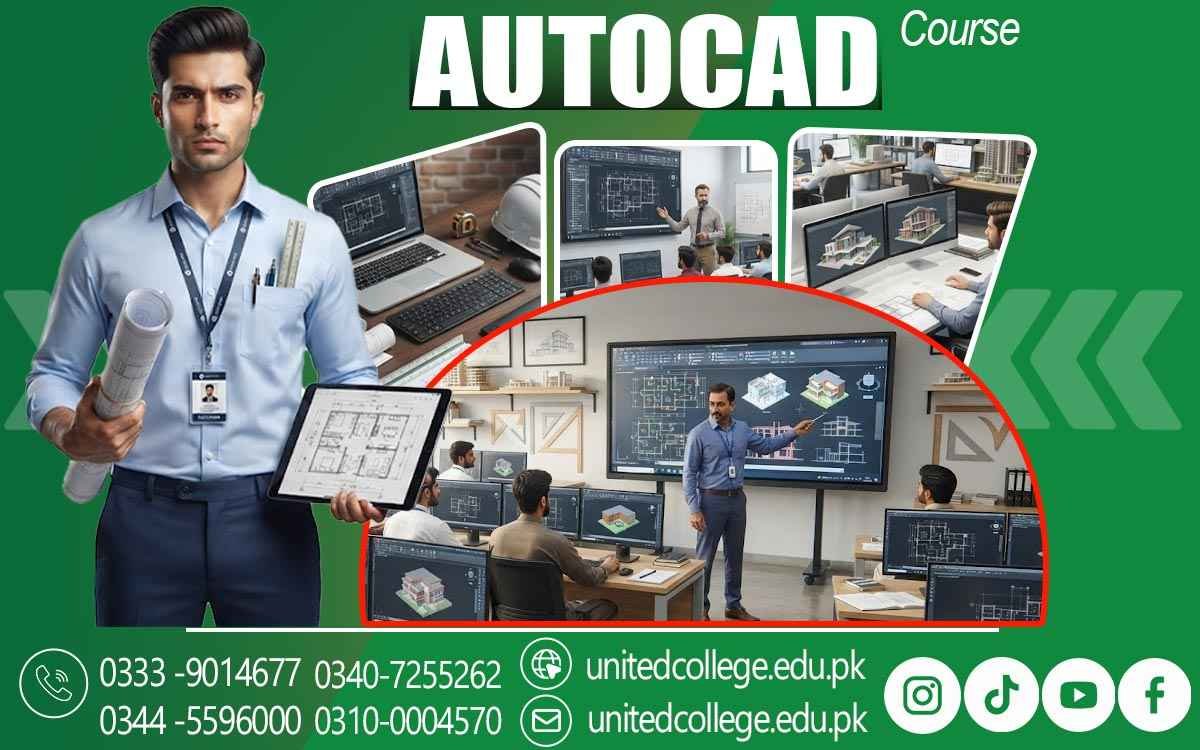

AutoCAD Course in Lodhran to Learn Computer-Aided Design
Getting Familiar with AutoCAD and Its Working Environment
The first step in learning AutoCAD is understanding its working environment. The software contains different menus, panels, commands, toolbars, and drawing areas that help users perform various design tasks. Becoming familiar with these features makes it easier to work efficiently.
In the AutoCAD Course in Lodhran, learners can explore the main parts of the software and understand how different tools are used. Beginners can learn how to open drawings, select commands, create objects, and manage their workspace. This basic knowledge creates a foundation for more advanced practice.
A comfortable understanding of the AutoCAD interface can also reduce confusion while working on technical drawings. Students can gradually learn where different functions are located and how they work. With regular exercises, they can become more confident using the software independently.
Learning the Process of Creating Digital Drawings
Digital drawings are created by combining different objects and design elements. AutoCAD allows users to draw lines, circles, arcs, rectangles, and many other shapes according to specific requirements. These objects can then be arranged to create complete technical drawings.
The AutoCAD Course in Lodhran gives learners an opportunity to practice the process of creating digital drawings. Students can learn how individual elements are placed and connected to develop a structured design. Practical exercises can help them understand how simple objects become part of a larger drawing.
Creating digital drawings also requires attention to detail. Learners need to consider position, size, alignment, and measurements while working. Continued practice can help them improve their drawing accuracy and develop better control over CAD tools.
Understanding Drawing Commands and Their Uses
AutoCAD includes many commands that make digital drafting easier and more efficient. Different commands are used for creating objects, changing their position, modifying their shape, or managing drawing elements. Learning these commands is an important part of developing practical CAD knowledge.
During the AutoCAD Course in Lodhran, students can learn the purpose of commonly used drawing commands. They can practice commands for creating lines, circles, rectangles, arcs, and other basic elements. Understanding when and how to use these commands can improve the overall drafting process.
Command knowledge also helps learners complete tasks more efficiently. Instead of manually repeating every action, users can apply suitable commands to perform specific operations. With regular practice, students can become faster and more comfortable while preparing technical drawings.
Exploring Different Methods of Design Editing
Editing is an essential part of digital drafting because drawings often require corrections and modifications. AutoCAD provides tools that allow users to move, copy, rotate, trim, extend, mirror, and resize different objects. These functions make it possible to improve a drawing without starting again from the beginning.
The AutoCAD Course in Lodhran allows students to practice different editing techniques. Learners can understand how objects can be adjusted when project requirements change. They can also learn how unnecessary portions can be removed and existing elements can be repositioned.
Good editing skills can save time and improve the quality of a drawing. Students who understand modification tools can make changes more confidently and maintain better control over their designs. This practical ability can be useful when working on detailed technical projects.
Practicing Scale, Units, and Measurement Settings
Scale and measurement are important when preparing accurate technical drawings. Different projects may require different units and measurement systems. Understanding these settings helps ensure that objects are created at the appropriate size and that the drawing represents the intended dimensions.
Through the AutoCAD Course in Lodhran, learners can practice setting units and working with measurements. They can understand how distances, sizes, angles, and scales affect digital drawings. This knowledge helps students develop better awareness of accuracy in technical drafting.
Proper measurement practices are especially important in drawings that may later be used for practical purposes. Incorrect dimensions can affect the interpretation of a design. By practicing measurement settings regularly, students can improve their ability to prepare precise and reliable drawings.
Creating Clear and Well-Structured Drawing Layouts
A well-structured layout makes a technical drawing easier to understand. Different objects, measurements, labels, and design elements should be arranged in an organized manner. AutoCAD provides tools that help users control the placement and presentation of these elements.
Students taking the AutoCAD Course in Lodhran can practice creating organized layouts for different drawing requirements. They can learn how to position objects, maintain suitable spacing, and keep related information together. These practices can make their digital drawings clearer.
Good layout preparation also improves the overall presentation of a project. A drawing should not only be technically accurate but should also communicate information effectively. Learners can develop this ability through repeated layout exercises and practical assignments.
Using CAD Techniques for Practical Design Assignments
Practical assignments allow students to apply the concepts they learn during AutoCAD training. Instead of only studying individual commands, learners can combine different tools to complete drawing tasks. This helps connect theoretical knowledge with actual design work.
The AutoCAD Course in Lodhran can provide opportunities to practice CAD techniques through different types of assignments. Students can work with drawing creation, editing, measurements, layouts, and object organization. Such exercises can strengthen their overall understanding of computer-aided drafting.
Project-based learning can also improve problem-solving abilities. Learners may need to decide which commands or tools are most suitable for a particular task. This process can help them become more independent and confident while working with AutoCAD.
Preparing for Future Opportunities in Drafting
AutoCAD knowledge can provide a useful foundation for people interested in technical drafting and digital design. Many technical environments require drawings that are accurate, organized, and easy to understand. Developing CAD skills can therefore support learners who want to explore different technical career paths.
The AutoCAD Course in Lodhran helps students build familiarity with important drafting concepts and software functions. With continuous practice, learners can improve their drawing accuracy, editing ability, measurement knowledge, and layout preparation skills.
Future progress also depends on continued learning and practical experience. Students can strengthen their AutoCAD abilities by practicing different projects and exploring more advanced design techniques. A strong foundation can help them become better prepared for further technical education and professional opportunities.
Frequently Asked Questions (FAQs)
The course covers digital drawing, CAD commands, editing tools, measurements, units, layouts, and basic techniques for preparing technical designs.
Yes, beginners can start with the AutoCAD interface and basic drawing commands before moving toward more detailed drafting tasks.
They help learners create drawings with accurate sizes and proportions, which is important for clear and reliable technical designs.
Students can improve their drawing, editing, dimensioning, layout preparation, object arrangement, and computer-aided drafting skills.
Yes, AutoCAD knowledge can provide a useful foundation for further learning and technical work involving digital drawings and design layouts.
Admission Open: Start Your Professional Journey Today!
Join United College of Technology and build a career with practical training, recognized certifications, and Gulf job support. Seats are limited.
Apply Now via WhatsAppContact Information
- Address: Rawalpindi: F-272 Main New Katarian Stop, Old IJP Road | Lahore Campus: Lahore, Pakistan
- Phone/WhatsApp: 0340-7255262 / 0333-9014677 / 0301-5044340 / 0310-0004570 / 051-8770756
- Website: unitedcollege.edu.pk
















Leave a Comment