


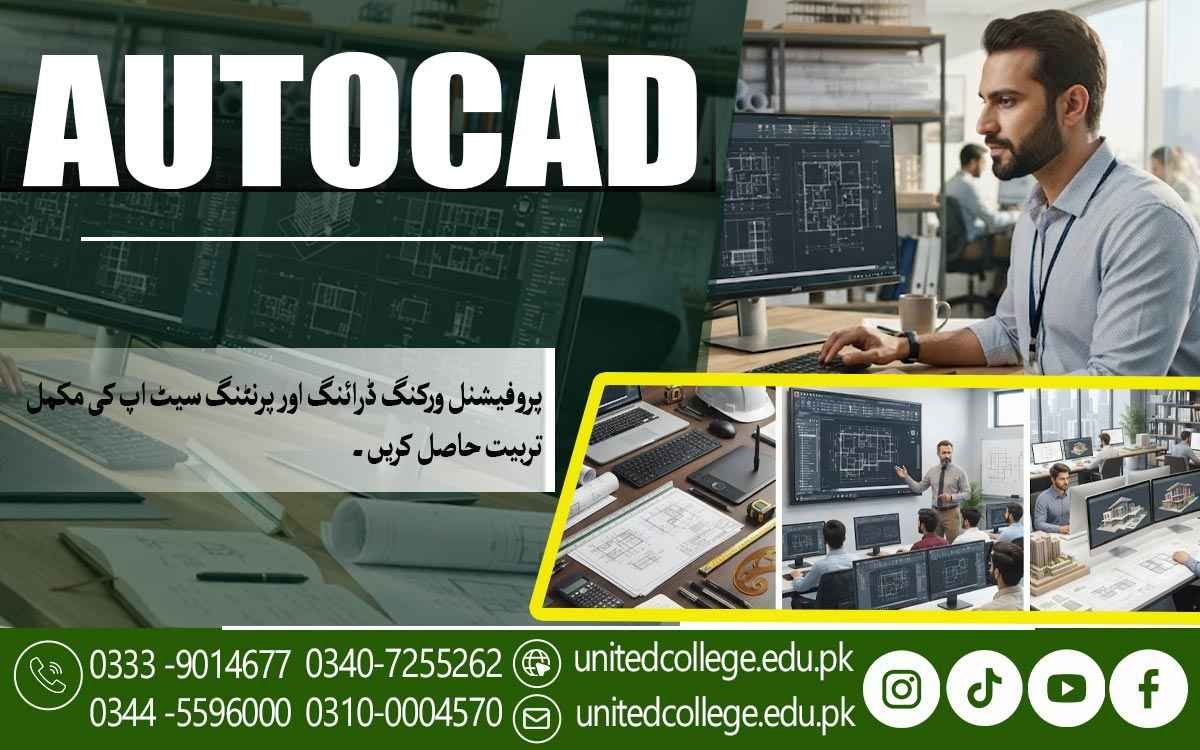

AutoCAD Course in Multan | Master CAD Skills for Modern Careers
Build Industry-Ready Design Skills That Open New Career Paths
Technology has changed the way engineers, architects, and designers work. Today, almost every construction project, factory layout, road network, and commercial building begins with digital drawings instead of hand-made sketches. Because of this shift, professionals with AutoCAD knowledge are becoming more valuable in technical industries. If you want to build practical skills that employers appreciate, joining an AutoCAD Course in Multan can be an excellent decision for your future.
AutoCAD is recognised worldwide as one of the most reliable design applications for creating accurate technical drawings. Through the United College of Technology, students receive practical learning that prepares them for workplace challenges instead of focusing only on classroom theory. This approach helps learners gain confidence while developing skills that can support long-term career growth.
Find Out Why AutoCAD Continues to Lead the World of Digital Designing
AutoCAD has remained one of the most trusted design applications because it allows professionals to create highly accurate digital drawings for different industries. Instead of making changes on paper, designers can quickly edit layouts, improve designs, and organise project files with greater efficiency.
A modern CAD designing course introduces learners to Computer-aided design concepts that are now widely used in engineering, architecture, and construction. The AutoCAD Course in Multan helps students develop practical drafting skills that are valuable in today's digital workplaces. As businesses continue adopting digital technology, professionals with practical drafting knowledge are becoming increasingly important in both local and international job markets. Learning AutoCAD is no longer just an additional qualification; for many technical careers, it has become a valuable professional skill that improves both confidence and employability.
Watch Your Technical Knowledge Grow with Every Practical Lesson
Learning AutoCAD is a gradual process that combines technical understanding with continuous practice. Each lesson introduces new concepts while helping students strengthen the skills they have already developed. Throughout the AutoCAD learning programme, students learn drawing commands, editing tools, coordinate systems, object management, dimensions, layouts, plotting methods, and drawing organisation.
As confidence grows, learners move into 2D drafting course activities before progressing towards a 3D AutoCAD course, where they develop basic three-dimensional models for engineering and design projects. These practical exercises improve Technical drawing skills while helping students understand professional drafting standards used in modern workplaces.
Build Confidence by Solving Real Design Challenges
Rather than simply following demonstrations, students complete practical assignments based on realistic workplace situations. These exercises encourage learners to prepare technical drawings, improve accuracy, organise project documents, and solve common drafting problems. This practical experience helps students become more confident while preparing them for responsibilities they may face after entering professional employment.
See How One Skill Can Support Many Different Industries
One of the greatest advantages of AutoCAD is that it is useful across many technical professions. Companies involved in construction, engineering, manufacturing, and design all rely on accurate digital drawings before projects move forward. Professionals involved in Civil drafting prepare road layouts, drainage systems, and infrastructure projects using AutoCAD.
Architects depend on Architectural drafting when developing residential and commercial buildings, while mechanical engineers use Mechanical drafting techniques to design industrial equipment and machine components. The software is also widely applied in electrical planning, product development, factory design, renovation projects, and Construction drawing preparation. Because AutoCAD supports such a wide range of industries, learners have greater flexibility when planning their future careers.
Learning AutoCAD Can Create Opportunities Beyond Your Local Job Market
Strong AutoCAD skills can help professionals find employment in Pakistan as well as overseas because the software follows internationally recognised drafting standards. The AutoCAD Course in Multan helps learners develop professional drafting abilities that are valued by engineering firms, design companies, and construction organisations looking for candidates with practical software knowledge.
After completing professional AutoCAD training, learners may pursue careers as AutoCAD Draftsmen, CAD Designers, Civil Drafting Specialists, Mechanical Design Assistants, Architectural Draftsmen, Interior Design Coordinators, Technical Documentation Officers, and Project Design Assistants. Freelancing has also become a popular option, allowing skilled designers to prepare technical drawings for clients through online platforms and work on projects from different countries while staying in their own city.
This Course Welcomes Learners with Different Educational Backgrounds
Many people think AutoCAD is only suitable for engineers, but that is not true. The course is designed to support learners from different educational and professional backgrounds who want to improve their technical abilities. Students planning their future careers often choose AutoCAD for beginners because lessons start with basic concepts before introducing more advanced drafting techniques.
Diploma holders use the training to strengthen their qualifications, while architects, engineers, job seekers, and technical professionals join to improve their existing knowledge. Anyone with basic computer skills and a willingness to learn can gradually build confidence through structured practice and instructor guidance.
Hands-On Learning Helps Turn Knowledge into Professional Experience
Understanding software commands is important, but practical experience is what prepares students for real employment. Regular project work allows learners to apply their knowledge while improving accuracy, speed, and confidence. At the United College of Technology, students receive Drafting software training through practical assignments designed around industry requirements.
Experienced instructors explain concepts clearly, demonstrate professional techniques, and guide learners while they complete realistic design projects. Modern computer labs provide opportunities for continuous practice, allowing students to become comfortable using industry-standard tools. This practical learning environment helps learners develop genuine abilities instead of relying only on theoretical understanding.
Discover Why Employers Value Practical AutoCAD Knowledge
Employers often prefer candidates who can begin contributing to projects with minimal additional training. Individuals who already understand drafting software, drawing standards, and project organisation can adapt more quickly to professional environments. Completing an Engineering design course strengthens technical thinking while helping learners understand how digital drawings support construction, manufacturing, architecture, and engineering projects.
Practical knowledge often creates a stronger impression than certificates alone because it demonstrates the ability to complete real tasks accurately. Although AutoCAD certification adds value to a professional profile, employers generally appreciate applicants who can combine recognised qualifications with practical workplace experience.
Take the Next Step Towards a Stronger Technical Future
Technology continues to transform engineering, architecture, manufacturing, and design, yet the need for accurate technical drawings remains constant. Professionals who develop strong AutoCAD skills continue to play an important role in planning successful projects across many industries. The AutoCAD Course in Multan at the United College of Technology provides a supportive learning environment where students can build practical knowledge through industry-focused instruction and hands-on experience.
Whether your goal is to secure your first job, improve your professional qualifications, or expand your freelance opportunities, learning AutoCAD can become an important investment in your future. Now is the right time to strengthen your Technical skills development, gain practical experience, and begin building a rewarding career by enrolling in the AutoCAD Course in Multan.
Frequently Asked Questions (FAQs)
Yes. AutoCAD is widely used to create layouts for water supply lines, drainage systems, gas pipelines, electrical utilities, and other underground or surface infrastructure projects.
Yes. AutoCAD allows users to print drawings at different scales while maintaining accurate proportions, making it suitable for presentations, construction documents, and engineering plans.
Object Snap helps users select exact points such as endpoints, midpoints, centres, and intersections, ensuring drawings are accurate and reducing alignment errors.
Yes. Designers often use AutoCAD to create office layouts, furniture arrangements, workspace plans, and space utilisation drawings before implementation.
AutoCAD provides clear and standardised technical drawings that allow architects, engineers, contractors, and clients to understand project details more accurately and avoid misunderstandings.
Yes. After gaining practical experience, AutoCAD professionals can offer drafting, drawing conversion, design documentation, and CAD support services to businesses and individual clients.
Admission Open: Start Your Professional Journey Today!
Join United College of Technology and build a career with practical training, recognized certifications, and Gulf job support. Seats are limited.
Apply Now via WhatsAppContact Information
- Address: Rawalpindi: F-272 Main New Katarian Stop, Old IJP Road | Lahore Campus: Lahore, Pakistan
- Phone/WhatsApp: 0340-7255262 / 0333-9014677 / 0301-5044340 / 0310-0004570 / 051-8770756
- Website: unitedcollege.edu.pk
















Leave a Comment