


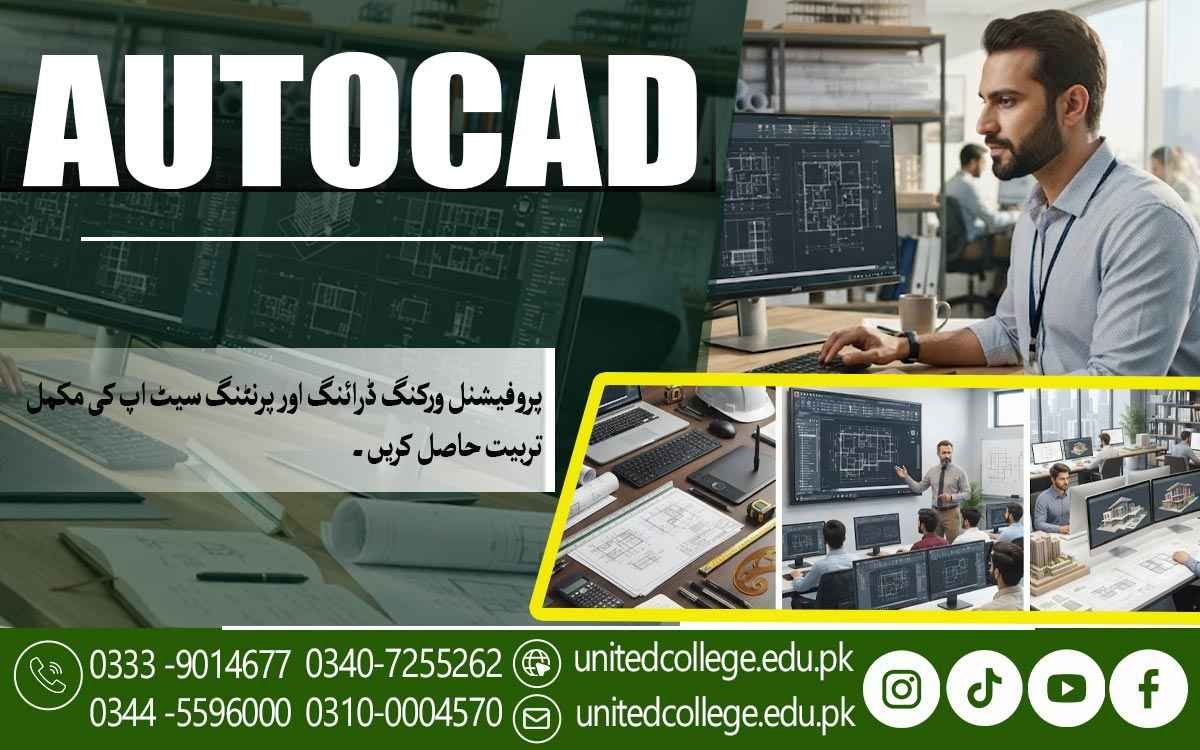

AutoCAD Course in Muzaffargarh for Modern Design Techniques
Understanding the Fundamentals of Computer-Aided Drafting
Computer-aided drafting has changed the way technical drawings and designs are prepared. Instead of creating every drawing manually on paper, designers can use computer software to produce accurate and organized work. AutoCAD is one of the widely used tools for creating digital drawings in different technical and design-related fields.
An AutoCAD Course in Muzaffargarh introduces students to the basic concepts of computer-aided drafting in an easy and practical way. Learners become familiar with the AutoCAD workspace, drawing area, menus, commands, and commonly used functions. This basic knowledge helps students understand how digital drafting works.
Learning the fundamentals is important before moving toward more detailed design work. Students can gradually understand coordinates, objects, lines, shapes, units, and drawing settings. With regular practice, beginners can become more comfortable using AutoCAD for different types of technical drawing assignments.
Exploring Essential AutoCAD Drawing Tools
AutoCAD provides a wide range of tools for creating different types of digital drawings. Basic commands such as line, circle, arc, rectangle, polyline, and other geometric tools help users develop the main structure of a drawing. Understanding these tools allows learners to create designs more efficiently.
During an AutoCAD Course in Muzaffargarh, students can practice these drawing commands through simple exercises. Instead of only learning commands theoretically, learners can use them to create actual shapes and technical layouts. This practical approach makes it easier to remember the purpose and application of each tool.
As students gain experience, they can combine different commands to create more detailed drawings. They also learn how to select objects, adjust their position, and maintain proper alignment. Such practice develops better control over digital drafting and prepares learners for more advanced AutoCAD activities.
Learning to Create Accurate Technical Layouts
Accuracy is an important part of technical drawing because even a small mistake can affect the overall design. AutoCAD provides tools that help users create lines, objects, and layouts with better precision. Students learn how to position different elements properly while maintaining the required proportions.
An AutoCAD Course in Muzaffargarh helps learners understand how technical layouts are developed using computer-based drafting methods. They can practice creating structured drawings and arranging different objects according to project requirements. This knowledge is useful for learners interested in technical and design-oriented work.
Creating accurate layouts also requires attention to spacing, alignment, and object placement. Students can improve these abilities through repeated exercises and drawing projects. With continuous practice, they can learn to produce cleaner and more organized technical drawings.
Working with Dimensions and Drawing Measurements
Dimensions provide important information about the size and distance of objects within a technical drawing. AutoCAD includes different dimensioning tools that allow users to show measurements clearly. Learning these tools helps students make their drawings easier to understand and more useful for practical applications.
Students enrolled in an AutoCAD Course in Muzaffargarh can learn how to apply dimensions to different drawing elements. They can practice showing lengths, distances, angles, and other measurements in a clear format. Understanding units and measurement settings is also an important part of preparing accurate drawings.
Proper measurement is especially useful when drawings are created for construction, engineering, architecture, or other technical purposes. Learners can develop better accuracy by checking measurements and maintaining consistency throughout their designs. This practice helps them produce drawings that are more reliable and professionally organized.
Developing Skills in Editing and Modifying Designs
Design work often requires changes after a drawing has been created. AutoCAD provides several editing commands that make it easier to adjust existing objects without having to recreate the entire drawing. Tools such as move, copy, trim, extend, rotate, mirror, and scale can be used for different modification tasks.
Through an AutoCAD Course in Muzaffargarh, learners can practice modifying drawings according to changing requirements. They can learn how to remove unnecessary parts, reposition objects, create copies, and adjust the size of selected elements. These techniques can save time and make the drafting process more flexible.
Editing practice also teaches students to work carefully with existing designs. They learn how individual changes can affect the overall layout and how to maintain accuracy after making modifications. Regular exercises can help learners develop confidence in handling different types of drawing corrections.
Preparing Organized Drawings for Different Projects
A good technical drawing should not only be accurate but also properly organized. AutoCAD allows users to arrange drawing elements in a structured way so that different parts can be easily identified and managed. Layers, object properties, text, dimensions, and other features can help improve drawing organization.
In an AutoCAD Course in Muzaffargarh, students can learn how to prepare drawings for different project requirements. They may work with layouts that contain several elements and practice arranging them in a logical manner. This helps learners understand the importance of maintaining clarity throughout a digital drawing.
Organized drawings are easier to edit, review, and present. Students can also learn the importance of keeping related elements together and using suitable settings for different parts of a design. These practices can support better project management and improve the overall quality of technical drawings.
Applying CAD Knowledge to Practical Design Tasks
Practical application is an important part of learning any computer-based design software. Students understand AutoCAD more effectively when they use its tools to complete realistic assignments. Simple projects can help learners combine drawing, measurement, editing, and layout techniques in one activity.
An AutoCAD Course in Muzaffargarh can provide learners with opportunities to apply their CAD knowledge to practical design tasks. Students can create technical drawings, modify existing layouts, add measurements, and organize project elements. Such activities help connect classroom learning with practical drafting requirements.
Project-based practice can also help learners identify areas for improvement. By completing different drawing exercises, students can gradually improve their command of knowledge and accuracy. This practical experience can become a useful foundation for further learning in CAD and technical design.
Building Confidence for Future Drafting Work
Learning AutoCAD can help students develop useful computer-based drafting knowledge for technical environments. With regular practice, learners can become more familiar with drawing commands, editing functions, measurements, layouts, and other CAD features. Confidence usually grows as students complete more complex drawing tasks.
The AutoCAD Course in Muzaffargarh gives learners a structured way to develop these abilities. Students can strengthen their understanding by practicing different types of drawings and learning from their mistakes. A strong foundation can make it easier to explore advanced AutoCAD functions later.
AutoCAD knowledge can be useful in areas such as technical drafting, architecture, construction-related design, engineering support, and other computerized design work. While professional opportunities depend on education, experience, and other qualifications, practical CAD knowledge can be a valuable addition to a learner's technical abilities.
Frequently Asked Questions (FAQs)
An AutoCAD Course in Muzaffargarh teaches learners how to create, edit, measure, and organize digital technical drawings. Students become familiar with important CAD tools and practical drafting methods.
Students, beginners, technical learners, and anyone interested in computer-based drafting can join. Previous AutoCAD experience is not necessarily required for starting with basic concepts.
Students can learn drawing commands, geometric shapes, layers, dimensions, measurements, editing functions, layouts, and drawing organization. Practical assignments can help them apply these features.
Measurements help maintain correct sizes, distances, angles, and proportions. Proper dimensioning makes technical drawings more accurate and easier for others to understand.
AutoCAD knowledge can be useful in technical drafting, architecture, construction-related design, engineering support, and other fields where computerized drawings and layouts are required.
Admission Open: Start Your Professional Journey Today!
Join United College of Technology and build a career with practical training, recognized certifications, and Gulf job support. Seats are limited.
Apply Now via WhatsAppContact Information
- Address: Rawalpindi: F-272 Main New Katarian Stop, Old IJP Road | Lahore Campus: Lahore, Pakistan
- Phone/WhatsApp: 0340-7255262 / 0333-9014677 / 0301-5044340 / 0310-0004570 / 051-8770756
- Website: unitedcollege.edu.pk
















Leave a Comment