


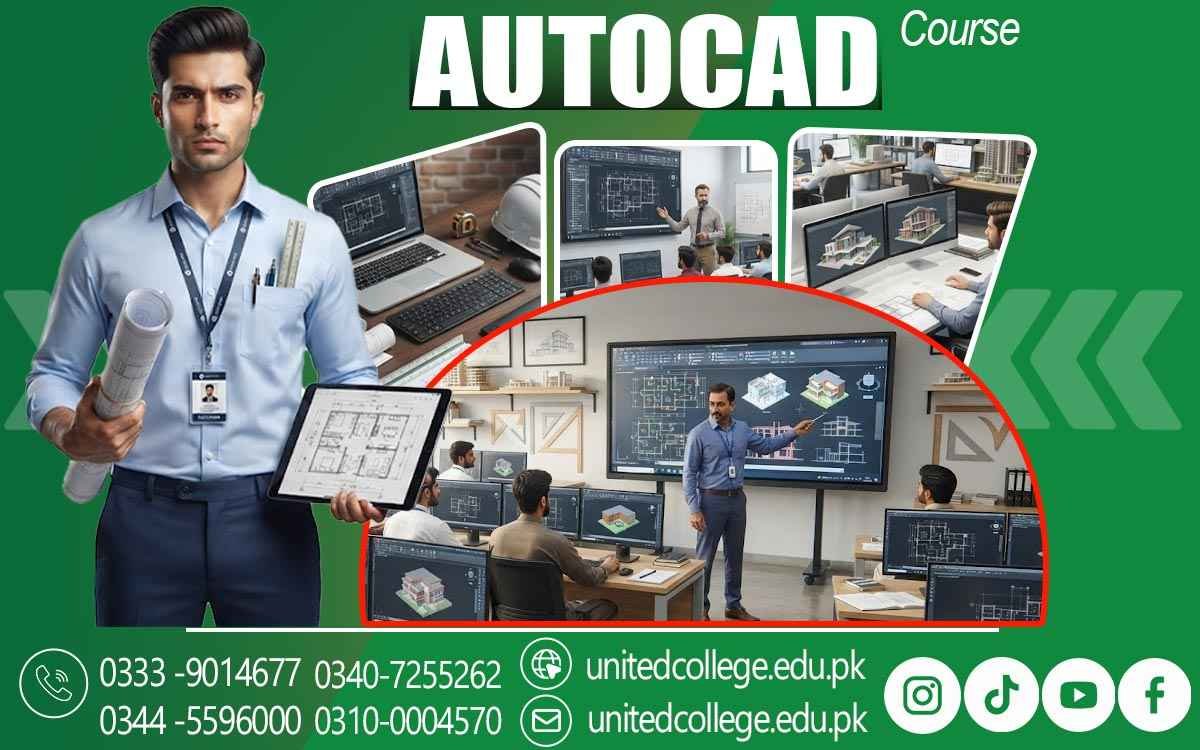

AutoCAD Course in Narowal – Learn Practical CAD Skills
When an Idea on Paper Becomes a Precise Digital Design
A rough sketch can show an idea, but turning that idea into an accurate technical drawing requires more than simply drawing lines on a screen. This is where AutoCAD becomes useful. Whether someone wants to draw a house floor plan, prepare a construction drawing, create an engineering design, or understand technical layouts, computer-aided design provides a practical way to develop clear and editable drawings.
An AutoCAD Course in Narowal can introduce beginners to the world of digital drafting and help them understand how professional drawings are created using AutoCAD software. Instead of depending only on traditional hand-drawn sketches, learners can practice creating accurate 2D drawings with proper measurements, dimensions, layers, annotations, and technical details. This can be especially useful for students and fresh learners who are interested in architecture, civil work, construction, engineering, or drafting but want to build their skills using a computer. With regular practice and patience, AutoCAD can become a useful technical skill that allows learners to turn simple concepts into organized digital designs.
Learning AutoCAD Software Through Practical Computer-Aided Design
Understanding AutoCAD starts with becoming comfortable with the software itself. For a beginner, the AutoCAD workspace may initially look complicated because it contains different menus, panels, commands, drawing areas, coordinates, and editing tools. AutoCAD Course in Narowal can help learners become familiar with these features step by step instead of expecting them to understand everything at once. Students can learn how computer-aided design works and how digital drawings can be created, changed, saved, measured, and organized more efficiently than many traditional drafting methods.
They can begin with simple shapes and lines before moving toward more detailed technical drawing tasks. AutoCAD classes can also help learners understand the importance of coordinates, object selection, drawing settings, and accurate placement. As students practice, they can gradually become more comfortable with the software and develop a better understanding of how CAD drafting is used in different technical fields. This practical approach can make the learning process easier for fresh learners who may have little or no previous experience with drafting software.
Getting Comfortable With AutoCAD Commands and Drawing Tools
Knowing what to draw is one thing, but knowing which command or tool can create it efficiently is another important part of CAD drafting. AutoCAD provides a wide range of commands and AutoCAD tools that allow users to create, modify, arrange, and inspect drawing elements. Beginners can practice commands used for drawing lines, circles, arcs, rectangles, and other shapes before moving into editing functions such as trimming, extending, copying, moving, rotating, mirroring, and scaling objects.
Learning these functions through practical exercises can make digital drafting much easier because students begin to understand how different tools work together. They can also learn that the fastest method is not always the most useful method; accuracy and proper drawing organization are equally important. During practical AutoCAD training, learners can repeat common tasks until commands become easier to remember and use. This hands-on practice can help students develop confidence while working on 2D drafting projects. Instead of memorizing a long list of commands without understanding them, learners can see how each tool can solve a particular drafting problem and contribute to a complete technical design.
Organizing Drawings With Layers, Dimensions, and Annotations
A professional-looking drawing should be easy to understand, especially when it contains many different elements. This is why drawing layers, dimensions, and annotations are important parts of AutoCAD learning. Layers can help separate different types of information within a drawing, allowing users to organize walls, doors, windows, furniture, construction details, electrical elements, or other objects according to the requirements of a project. Students can learn how to create and manage layers, change properties, and keep drawings more organized.
Dimensions are equally important because technical drawings often need to communicate exact lengths, widths, heights, distances, and other measurements. Annotations can provide notes, labels, and additional information that helps another person understand the design. Through CAD training, learners can practice combining these features so their drawings are not only visually clear but also technically useful. These skills can become valuable in architectural drafting, civil drafting, engineering drawing, and other areas where several people may need to read and understand the same digital drawing.
Turning Measurements Into Floor Plans and Construction Drawings
One of the most engaging parts of learning AutoCAD is seeing how measurements can become a complete drawing. A learner may start with basic information such as room dimensions, wall lengths, door positions, or window locations, and then use AutoCAD tools to turn that information into a structured floor plan. Through an AutoCAD Course, students can learn how these measurements are converted into accurate digital layouts while understanding the importance of scale, dimensions, and proper drawing organization. Architectural drafting can introduce students to building layouts, room arrangements, openings, dimensions, and other drawing details, while civil drafting may involve plans and layouts connected with construction and site work.
Construction drawings need careful attention because the information they contain may be used to understand how different parts of a project should be arranged. Students can practice creating floor plans and other technical drawings while learning how measurements, lines, symbols, and annotations work together. This type of exercise also helps learners understand that CAD drafting is not simply about making attractive drawings. The purpose is to communicate technical information clearly and accurately. By working on practical examples, students can gradually improve their ability to read drawings, follow measurements, and create organized digital designs.
Developing Drawing Accuracy Through Careful Measurements
A drawing can look correct at first glance and still contain errors that matter. A wall that is slightly too long, a misplaced opening, an incorrect dimension, or an object that is not properly aligned can affect the usefulness of a technical design. For this reason, drawing accuracy should become a regular habit during AutoCAD learning. Students can practice entering exact measurements, checking distances, using coordinates, aligning objects, applying dimensions, and reviewing completed work for possible mistakes.
AutoCAD software provides editing and measuring features that can make this checking process easier, but learners still need to develop the habit of looking carefully at their own work. Practical AutoCAD training allows beginners to make mistakes and learn how to correct them without starting an entire project again. This can improve both technical understanding and confidence. Over time, students may become more comfortable working with measurements and realize that professional drafting depends on careful checking rather than simply creating something that looks good on the screen. Such attention to detail can become an important part of developing stronger CAD design skills.
Exploring Architectural, Civil, Engineering, and Mechanical Drafting
AutoCAD is used across several technical areas, which means learners can explore different types of drafting depending on their interests. Someone interested in buildings may focus on architectural drafting, floor plans, elevations, layouts, and construction drawings. A learner interested in civil work can explore civil drafting and drawings related to sites, structures, roads, or other construction activities. Engineering students may become familiar with engineering drawing and the way technical information is presented through precise digital designs.
Mechanical drawing can involve components, shapes, dimensions, and detailed representations of machine parts. These areas may require different knowledge and specialized skills, but AutoCAD can provide a useful foundation for understanding digital drafting methods. An AutoCAD Course in Narowal can therefore be relevant to learners who have different technical interests rather than only those planning to become professional draftspeople. By exploring different examples during training, students can gain a clearer idea of how computer-aided design connects with architecture, construction, civil engineering, mechanical work, and other technical environments.
Building Confidence Through Hands-On CAD Projects
Learning commands from a screen or classroom explanation is helpful, but real improvement often comes when students use those skills to complete actual projects. CAD projects can bring together drawing commands, layers, measurements, dimensions, annotations, editing tools, and technical planning in one task. A beginner might start with a simple 2D drawing and gradually move toward a complete floor plan, technical layout, construction drawing, or another suitable project.
While working on a project, learners can experience common drafting situations such as correcting an incorrectly placed object, changing a dimension, organizing layers, adjusting drawing elements, and checking the final result. This practical process helps students understand how separate AutoCAD commands and tools become part of a larger workflow. At United College of Technology, learners can use practical AutoCAD training to develop familiarity with digital drafting and work toward stronger drafting skills through repeated practice. Project-based learning can also help students understand where they need more improvement, whether that involves speed, accuracy, drawing organization, measurements, or command selection. The goal is not simply to complete one drawing but to gradually become more comfortable creating and managing digital designs.
Turning Drafting Practice Into a Stronger Technical Skill Set
Learning AutoCAD can be a useful starting point for anyone who wants to develop computer-based design and drafting skills, but improvement does not end after learning the main commands. Students can continue practicing different drawing types, studying technical designs, creating their own CAD projects, and improving their ability to read and understand drawings. For someone interested in construction, architecture, civil work, engineering, or drafting, AutoCAD can become one part of a wider technical skill set. Professional drafting skills generally develop through consistent practice because learners become better at working with measurements, organizing drawings, checking details, and completing tasks efficiently.
An AutoCAD Course in Narowal can give beginners an opportunity to build this foundation in a structured learning environment while becoming familiar with practical CAD training. United College of Technology offers the course for learners who want to explore AutoCAD and develop their digital drafting abilities. Rather than viewing AutoCAD as a shortcut to a particular career, students can treat the training as a starting point for continued learning. With regular hands-on practice, attention to accuracy, and a willingness to improve, beginners can gradually develop useful CAD design skills and become more confident in creating clear, organized, and technically meaningful drawings.
Frequently Asked Questions (FAQs)
An AutoCAD Course in Narowal teaches learners how to use AutoCAD software for computer-aided design, 2D drafting, technical drawings, floor plans, and digital design.
Students, beginners, fresh learners, and people interested in architecture, construction, civil work, engineering, or drafting can learn AutoCAD skills.
Training can cover AutoCAD commands, drawing tools, layers, dimensions, annotations, measurements, 2D drafting, floor plans, technical drawings, and practical CAD projects.
Hands-on practice helps learners become more comfortable with drafting tools, measurements, drawing accuracy, editing, and creating organized digital designs.
AutoCAD skills can be useful in architectural drafting, civil drafting, construction, engineering drawing, mechanical drawing, and other computer-based design fields.
Admission Open: Start Your Professional Journey Today!
Join United College of Technology and build a career with practical training, recognized certifications, and Gulf job support. Seats are limited.
Apply Now via WhatsAppContact Information
- Address: Rawalpindi: F-272 Main New Katarian Stop, Old IJP Road | Lahore Campus: Lahore, Pakistan
- Phone/WhatsApp: 0340-7255262 / 0333-9014677 / 0301-5044340 / 0310-0004570 / 051-8770756
- Website: unitedcollege.edu.pk
















Leave a Comment