


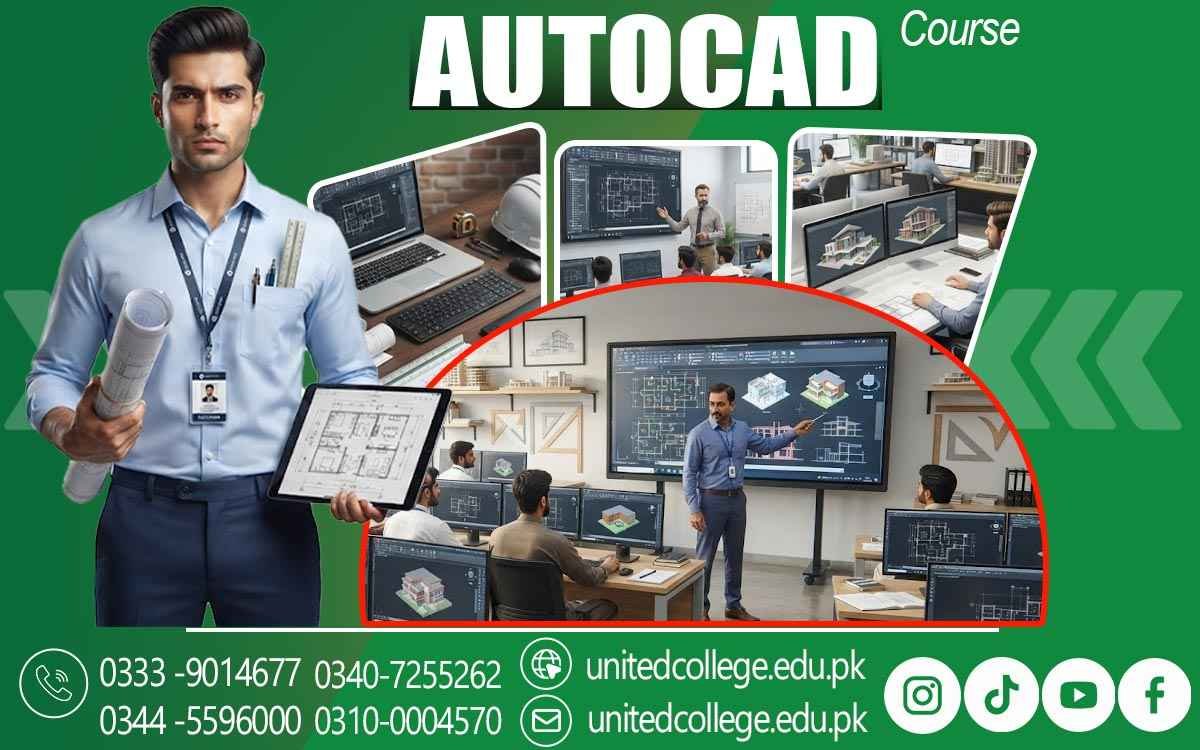

AutoCAD Course in Toba Tek Singh – Master CAD Drafting Skills
When a Rough Sketch Needs to Become a Precise Drawing
A simple hand-drawn sketch may explain an idea, but technical work often needs much more than a rough outline. A wall has to be measured correctly, a door needs the right position, a site layout must follow actual dimensions, and an engineering drawing needs to communicate details clearly to another person. This is where AutoCAD becomes useful. An AutoCAD Course in Toba Tek Singh can help beginners understand how computer-aided design is used to turn measurements and ideas into organized digital drawings.
Instead of depending only on pencil sketches, learners can practice creating accurate lines, shapes, layouts, dimensions, and technical details on a computer. AutoCAD training can be useful for students, fresh learners, graduates, and anyone interested in technical drafting because it introduces a practical way to create, edit, save, and organize drawings. At United College of Technology, learners can become familiar with the software through guided practice and gradually develop confidence with different drafting tasks.
Getting Comfortable With the AutoCAD Workspace and Drawing Tools
The first experience with CAD software can feel unfamiliar when a learner sees a workspace filled with menus, toolbars, panels, commands, and drawing areas. Instead of trying to remember everything at once, beginners can learn AutoCAD step by step by understanding what each part of the workspace is used for. During an AutoCAD Course, students can become familiar with essential tools for creating lines, circles, arcs, rectangles, polygons, and other shapes used in technical drawing. They can also practice selecting objects, moving around the drawing area, using coordinates, and entering accurate measurements.
Learning common AutoCAD commands can make drafting more comfortable because many tasks can be completed through simple command-based instructions. With regular AutoCAD practice, a beginner can gradually understand how different tools work together rather than treating the software as a collection of confusing buttons. This foundation is important because confident use of basic drawing and editing tools makes it easier to handle more detailed technical drafting projects later.
Building Accurate 2D Drawings From Measurements and Dimensions
Accuracy is one of the most important parts of technical drafting because a drawing should represent information clearly rather than simply look attractive on the screen. In a CAD course, learners can practice creating 2D AutoCAD drawings using measurements, coordinates, dimensions, and proper proportions. For example, a learner working on a room layout may need to show the exact length and width of the space, while a construction drawing may require accurate wall thicknesses, openings, and distances between different features.
Students can learn how dimensions communicate these details and how measurement tools help them check their work. They can also practice modifying lines and shapes when a measurement changes instead of starting the entire drawing again. This type of practice helps beginners understand why precision matters in computer-aided design. Rather than guessing where an object should be placed, learners can use drafting techniques that make the drawing more controlled and easier to review. Over time, repeated exercises can improve both technical accuracy and confidence with digital drafting.
Turning Floor Plans and Layout Ideas Into Usable Drawings
A floor plan is one of the easiest ways for beginners to see how AutoCAD skills connect with real design work. A blank drawing area can gradually become a complete layout showing rooms, walls, doors, windows, passages, dimensions, and other important details. In AutoCAD classes in Toba Tek Singh, learners can practice understanding how measurements are converted into floor plan designs and organized digital layouts. Architectural drafting may involve creating residential layouts, room arrangements, elevations, or sections, while construction drawings can communicate information needed for building-related work.
Students can also explore how site plan drawing represents the arrangement of buildings, boundaries, access areas, and other features within a particular space. These exercises can make technical drawing more understandable because learners are not simply drawing random shapes; they are using those shapes to communicate a practical design. Working through such examples also introduces the importance of scale, spacing, dimensions, symbols, and clear presentation, which are valuable parts of professional drafting skills.
Exploring Engineering, Construction, and Architectural Drawing Workflows
AutoCAD is used across several technical fields, so learning its drafting environment can open the door to different types of drawing practice. Engineering drawings may contain precise shapes, measurements, symbols, notes, and technical details that help explain how a component or system should be represented. Architectural drawings can focus on building layouts, floor plans, elevations, sections, and design details, while construction drawings may communicate information related to structures and site work.
Through an AutoCAD Course in Toba Tek Singh, beginners can explore these different applications without needing to specialize in every field immediately. They can start with simple drawings and gradually understand how the same CAD software can support different design requirements. Blueprint reading can also become easier when learners understand common drawing symbols, dimensions, lines, annotations, and layouts. This connection between reading and creating drawings is useful because a person working around technical projects may need to understand existing drawings as well as produce or modify digital designs.
Keeping Complex Drawings Organized With Layers, Blocks, and Annotations
A drawing can become difficult to manage when many details are placed together without proper organization. Imagine a building plan containing walls, doors, windows, furniture, dimensions, electrical symbols, text, and construction notes all mixed into one uncontrolled collection of objects. Layers can help separate these elements so that a learner can work with different parts of the drawing more efficiently. During CAD training, students can practice creating and managing layers, changing their properties, and keeping related drawing elements organized.
Blocks and symbols can also save time when the same object or symbol needs to appear repeatedly, while text and annotations help explain important information within the drawing. These features are not only about making a drawing look neat; they can make files easier to edit, review, and understand. Learners can also practice naming files properly, creating organized folders, saving different versions, and maintaining drawing documentation. Developing these habits during practical AutoCAD exercises can prepare students for the way digital drawings are commonly handled in technical environments.
Improving Drafting Precision Through Editing and Real-Time Practice
One of the strongest ways to learn AutoCAD is to work with drawings that require correction. A learner may place a line at the wrong position, enter an incorrect measurement, select the wrong object, or notice that two parts of a layout do not align properly. These mistakes are normal during learning and can actually become useful practice opportunities. AutoCAD provides editing and modification tools that allow users to move, copy, rotate, trim, extend, mirror, offset, stretch, and modify drawing objects without recreating everything from the beginning.
In an AutoCAD Course, students can use practical exercises to understand how these tools solve common drafting problems. They can also check dimensions, coordinates, alignments, and drawing relationships to improve precision. This hands-on approach helps learners move beyond simply watching someone demonstrate a command. By completing a drawing themselves, finding an error, and correcting it, they begin to understand the drafting workflow more naturally. Regular practice can therefore build both software confidence and the careful working habits required for accurate technical design.
Connecting CAD Practice With Real Drafting and Design Documentation
Learning AutoCAD becomes more meaningful when students understand what happens to a drawing after it is created. Technical drawings are often part of larger design documentation, so clarity, organization, and consistency matter. A drawing may need a suitable title, readable dimensions, clear annotations, appropriate symbols, and an organized layout so that another person can understand its purpose. Learners in Toba Tek Singh can practice preparing drawings that resemble the type of documentation used in architectural, engineering, and construction environments.
They can work on small projects involving floor plans, site layouts, technical details, or engineering-style drawings while learning how different pieces of information fit together. File management also becomes important because CAD projects can contain multiple drawing versions and supporting files. Developing these habits alongside technical drawing skills can help beginners understand that professional drafting is not only about knowing commands; it also involves presenting information in a clear and usable form. This practical understanding can make AutoCAD training more valuable for students who want to continue learning in architecture, civil engineering, construction, mechanical drafting, or related technical areas.
Building Stronger AutoCAD Skills Through Continued Learning and Practical Projects
The most useful AutoCAD skills are usually developed through continued practice rather than by trying to memorize every command in a short time. Once beginners become comfortable with 2D drafting, dimensions, layers, annotations, editing tools, and drawing organization, they can gradually take on more detailed projects. Basic 3D concepts can also be introduced when appropriate, helping learners understand how digital models differ from traditional 2D drawings. An AutoCAD Course in Toba Tek Singh can provide a starting point for this learning journey by giving students opportunities to practice CAD software in a structured environment.
Someone interested in architectural design may continue toward more advanced building drawings, while a learner interested in engineering or construction may explore specialized drafting applications. The important thing is to build skills progressively and keep practicing with different types of drawings. For beginners, every completed exercise can improve familiarity with technical drawing, digital drafting, measurements, and design documentation. With consistent effort, AutoCAD skills can become a useful technical foundation for further education, drafting-related work, and professional development in environments where accurate digital drawings are required.
Frequently Asked Questions (FAQs)
An AutoCAD Course in Toba Tek Singh teaches learners how to use CAD software for creating accurate technical drawings, layouts, floor plans, and other digital designs.
Yes. Beginners can start with the AutoCAD workspace, basic commands, drawing tools, measurements, and simple 2D exercises before moving toward more detailed projects.
Training may cover 2D drafting, AutoCAD commands, layers, dimensions, annotations, blocks, symbols, editing tools, drawing organization, and practical drafting techniques.
AutoCAD skills can be applied in architectural drafting, engineering drawing, construction planning, technical design, site layouts, and other drafting-related environments.
Practical exercises allow learners to apply commands, measurements, editing tools, and drafting techniques while working on realistic drawing tasks.
Admission Open: Start Your Professional Journey Today!
Join United College of Technology and build a career with practical training, recognized certifications, and Gulf job support. Seats are limited.
Apply Now via WhatsAppContact Information
- Address: Rawalpindi: F-272 Main New Katarian Stop, Old IJP Road | Lahore Campus: Lahore, Pakistan
- Phone/WhatsApp: 0340-7255262 / 0333-9014677 / 0301-5044340 / 0310-0004570 / 051-8770756
- Website: unitedcollege.edu.pk
















Leave a Comment