


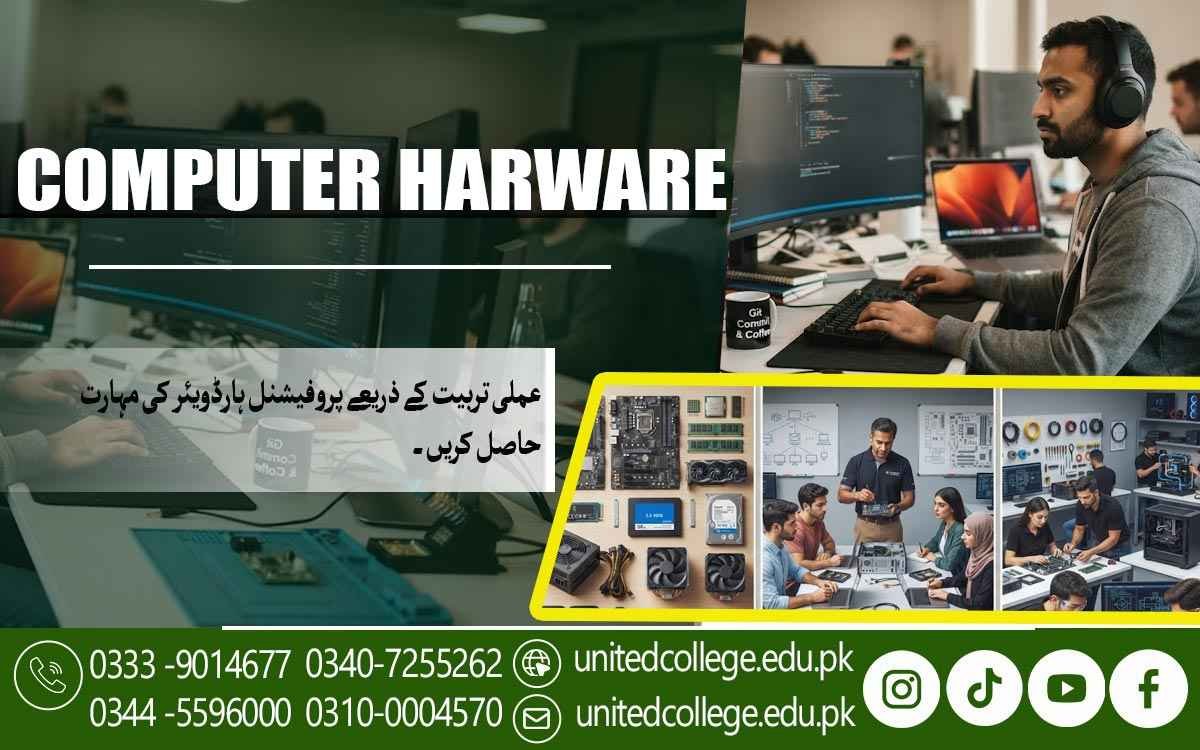

Computer Hardware Course in Mandi Bahauddin for Hands-On Learning
Discover the Skills That Keep Computers Working
A computer may look simple from the outside, but many connected parts work together behind the screen. When a system becomes slow, fails to start, stops detecting a drive, or develops another hardware issue, basic computer operation skills may not be enough to understand what went wrong. Learning the hardware side gives students a chance to look deeper into how computers function.
The Computer Hardware Course in Mandi Bahauddin introduces learners to practical computer components, installation, maintenance, troubleshooting, and basic repair techniques. It can be useful for beginners, students, diploma holders, fresh learners, and people who want to turn their interest in computers into practical technical knowledge. The course is offered by United College of Technology, where learners can explore hardware concepts through a practical learning approach.
Move Beyond Computer Use and Explore What's Inside
Many people can operate a computer without knowing how its internal parts work. Practical Computer Hardware Course in Mandi Bahauddin can help learners understand the physical structure of a PC. Students can become familiar with the motherboard, processor, RAM, storage devices, power supply, cooling system, casing, and other essential components. They can also learn about external devices such as monitors, keyboards, mice, printers, and other peripherals.
Understanding these components makes it easier to see how a complete computer system is put together. Instead of treating a computer as a single machine, learners begin to recognize the role of each part. This basic knowledge provides a useful foundation for further study in PC repair, maintenance, technical support, and related IT areas.
Understand the Parts That Give a Computer Its Working Power
Every major component inside a computer has a specific purpose. The processor handles instructions and calculations, while RAM supports information that the computer is actively using. HDDs and SSDs provide storage, but they use different technologies and have different characteristics. The motherboard provides connections between important components, while the power supply delivers electrical power to the system. Cooling fans and other cooling parts help manage heat generated during operation.
During Computer Hardware Training, learners can study these components individually and then understand how they work together. This makes technical concepts easier for beginners because they can connect each part with a real function. Such knowledge is important before moving toward more detailed Hardware Installation, PC assembly, or repair work.
Learn Through the Hardware You Can Actually Handle
Practical learning becomes more useful when students can observe and handle real computer components. Learners can practice identifying RAM modules, storage devices, motherboard connections, processor areas, power cables, and other parts. They can also learn how to handle sensitive hardware carefully and avoid unnecessary force during installation or removal.
Safe handling is an important part of technical work because components can be damaged through careless handling. Students can gradually become familiar with the tools used for basic computer servicing and understand how each tool supports a particular task. This approach gives beginners a clearer understanding of computer components and prepares them for practical activities involving assembly, disassembly, and maintenance.
Turn PC Assembly into a Step-by-Step Technical Skill
A computer does not become a working system simply by placing components inside a casing. Each part needs to be positioned and connected correctly. A Computer Hardware Course in Mandi Bahauddin can introduce learners to the basic process of assembling and disassembling a PC. Students can practice opening the casing, removing hardware carefully, installing RAM and storage, connecting power cables, and checking important motherboard connections.
They can also learn how to inspect the system after assembly to identify loose or incorrectly connected parts. Disassembly provides another useful learning experience because it teaches learners how components are removed and handled safely. Regular hands-on practice can make these processes more familiar and help students develop a more organized approach to computer repair.
Connect Hardware Installation with Proper System Setup
Hardware Installation Is Closely Connected With Software And System Configuration. After A Component Is Installed, The Computer May Need To Recognize It Correctly Through The Operating System. A Computer Hardware Course In Mandi Bahauddin Can Therefore Introduce Learners To Basic Operating System Setup, Drivers, Hardware Detection, And System Configuration.
Learners Can Also Understand Why A System Should Be Checked After A Hardware Change Rather Than Assuming Everything Is Working Correctly. This Knowledge Helps Learners See Computer Repair As A Complete Process. Physical Installation, System Setup, And Testing All Work Together When Preparing A Computer For Normal Use.
Trace Hardware Problems Instead of Guessing at Them
Troubleshooting requires patience and a logical approach. A computer that does not turn on may have a different issue from one that starts but shows no display. Similarly, a system that becomes unusually slow may require different checks from a computer that cannot detect an SSD or HDD. Through Hardware Troubleshooting, learners can study ways to observe symptoms, inspect connections, check components, and narrow down possible causes.
They can develop basic System Troubleshooting habits instead of replacing parts without understanding the problem. This practical approach can also improve technical problem-solving because students learn to examine evidence before deciding what to do next. With continued practice, learners can become more comfortable dealing with common hardware faults and understanding possible repair steps.
Make Maintenance Part of Responsible Computer Care
Computer repair is only one side of hardware knowledge. Regular maintenance also matters because dust, poor airflow, loose cables, overheating, and careless handling can affect a system. Learners can develop Computer Maintenance Skills by practicing safe cleaning methods, checking airflow, keeping internal connections organized, and handling components correctly.
They can also learn why power should be disconnected before opening a computer for internal work. Basic maintenance can help learners become more aware of the condition of a system and notice unusual signs during routine checks. These skills can be useful for maintaining personal computers as well as supporting basic technical work in offices, shops, educational settings, and small repair environments.
Hands-On Practice Gives Technical Knowledge a Real Shape
Reading technical information is useful, but working with actual hardware can make the subject easier to understand. The Computer Hardware Course in Mandi Bahauddin offered by United College of Technology provides learners with a practical direction for studying computer hardware and related technical skills. Students can explore components, assembly, installation, system setup, maintenance, and troubleshooting through guided learning.
The aim is to help beginners understand what they are doing instead of simply memorizing technical terms. Practical exposure can also help learners identify areas they may want to study further, such as PC repair, networking, technical support, or other IT Technical Skills. For fresh learners, repeated hands-on practice can gradually make unfamiliar hardware feel more manageable.
Let Practical Hardware Knowledge Open The Next Learning Path
Computer Hardware Skills Can Become A Foundation For Continued Technical Development. After Learning About Components, Installation, Assembly, Maintenance, And Basic Fault Diagnosis, Learners Can Continue Improving Through Additional Practice And Advanced Study. Someone Interested In Becoming A Computer Hardware Technician Can Gradually Explore More Complex Repair Procedures And Different Types Of Computer Systems.
For Learners In Mandi Bahauddin, a Computer Hardware Course in Mandi Bahauddin Can Provide A Practical Starting Point For Understanding The Parts Of A Computer And Learning How They Work Together. With Patience, Practice, And A Willingness To Keep Learning, Basic Computer Knowledge Can Develop Into Practical Hardware Repair Skills And Stronger Technical Confidence.
Frequently Asked Questions (FAQs)
Yes. Basic training can help learners understand component specifications and consider whether a particular part is suitable for a computer system.
Students can become familiar with common ports, cables, connectors, and the basic role they play when different devices are connected to a computer.
It can give learners a better understanding of existing components, allowing them to study what may need to be checked before upgrading a system.
Labels can help technicians remember cable positions and component connections, especially when several parts are removed during servicing.
Yes. Practical exposure can help learners recognize different case layouts and understand how component placement may vary between systems.
Working on real systems encourages learners to observe, test, and research unfamiliar issues, helping them become more comfortable with continued technical learning.
Admission Open: Start Your Professional Journey Today!
Join United College of Technology and build a career with practical training, recognized certifications, and Gulf job support. Seats are limited.
Apply Now via WhatsAppContact Information
- Address: Rawalpindi: F-272 Main New Katarian Stop, Old IJP Road | Lahore Campus: Lahore, Pakistan
- Phone/WhatsApp: 0340-7255262 / 0333-9014677 / 0301-5044340 / 0310-0004570 / 051-8770756
- Website: unitedcollege.edu.pk
















Leave a Comment