


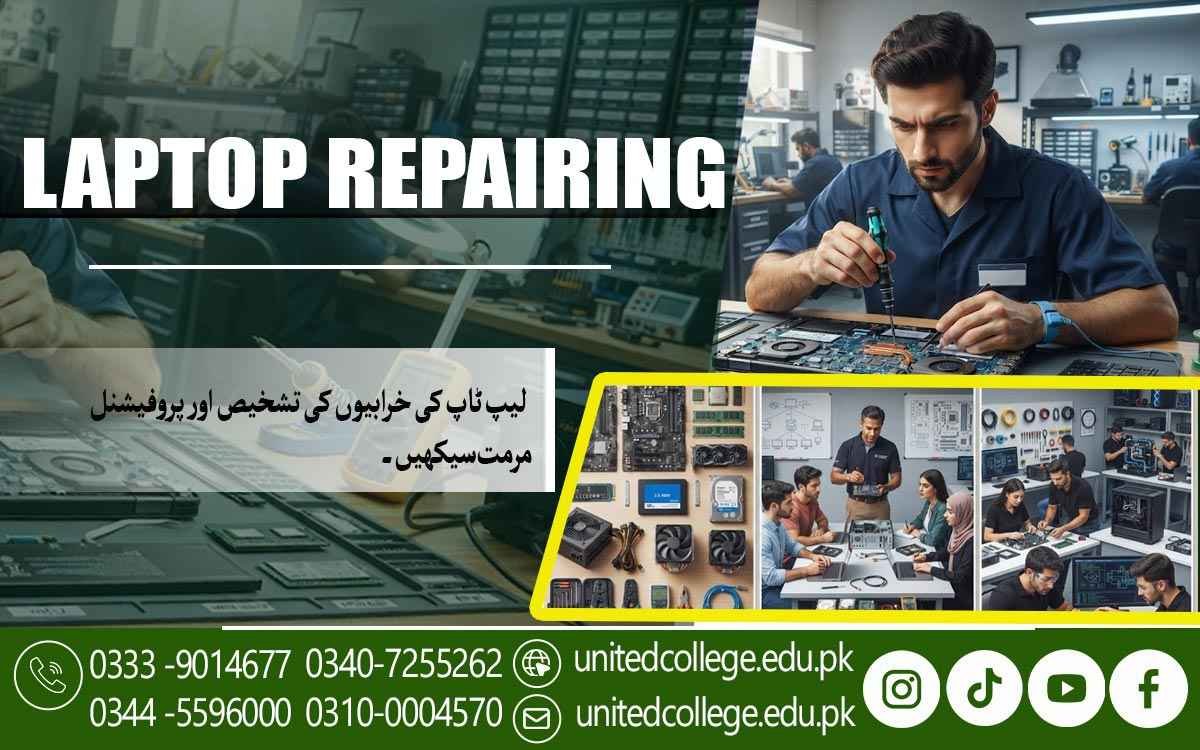

Laptop Repairing Course in Sheikhupura for Future Skills
Unlock Practical Skills for the Digital Age
Laptops have become an important part of study, office work, business, communication, online learning, and many other daily activities. When a laptop stops charging, becomes slow, overheats, shows a blank screen, or suddenly refuses to start, the problem can interrupt important work. This is where practical repair knowledge becomes valuable. The Laptop Repairing Course in Sheikhupura is designed for people who want to understand how laptops work and how common technical problems can be investigated.
Beginners, students, fresh learners, diploma holders, and job seekers can use this training to develop useful knowledge about laptop hardware, software, maintenance, and troubleshooting. Instead of learning only technical names, students can focus on how different parts function and how a technician approaches a fault. The course is offered by United College of Technology, providing learners with an opportunity to explore laptop repair through a practical and structured learning approach.
Sheikhupura's Growing Dependence on Technology Opens a Door to Technical Learning
As laptops become increasingly common in educational institutions, offices, businesses, homes, and professional environments, their maintenance becomes an important practical concern. A student may depend on a laptop for assignments, while an office worker may need one for documents, communication, and daily tasks. When a device develops a fault, understanding the basic cause can make technical support more effective.
Laptop Repairing Course in Sheikhupura can help learners become familiar with common repair situations and develop a systematic way of examining devices. The learning process can begin with simple concepts such as identifying components and understanding their functions before moving toward more detailed troubleshooting. This makes the subject approachable for beginners who may have an interest in computers but limited technical experience.
Understanding the Hardware Behind Every Laptop
A laptop contains several connected components, and each one contributes to the system's overall operation. During Laptop Hardware Repair training, students can learn about RAM, HDDs, SSDs, processors, motherboards, batteries, keyboards, screens, cooling fans, speakers, charging ports, and other important parts. RAM helps the computer handle active tasks, while an HDD or SSD provides storage for files and system data. The processor handles instructions, and the motherboard connects many of the major components together.
Students can also learn why cooling systems are important for managing heat. Understanding these parts gives learners a clearer picture of what may happen when something fails. For example, poor performance may be connected to storage, memory, software, or other factors, so replacing a component without checking the cause is not always appropriate. Strong knowledge of Laptop Hardware Components helps learners approach technical problems with more accuracy and less guesswork.
Safe Disassembly Turns Careful Hands into Useful Repair Skills
Opening a laptop requires attention because internal components and connectors can be delicate. A small mistake while removing a cable, screw, cover, or battery can create another problem. Laptop Repairing Classes can introduce students to safe disassembly and reassembly practices so they understand how to work methodically. Learners can study how to organize screws, handle connectors, protect sensitive components, and inspect the device before removing parts.
Cleaning can also become part of practical maintenance because dust may collect around fans and ventilation areas and affect cooling. Students can learn to identify visible signs such as loose connections, damaged ports, blocked air vents, or physical wear. The purpose of practical handling is not simply to open a machine; it is to understand how to work on it without unnecessary damage. These habits are an important part of developing reliable Laptop Repairing Skills and can help beginners become more comfortable with real laptop hardware.
Fault Diagnosis Begins with Symptoms, Not Guesswork
A laptop technician often receives a device with a simple complaint such as “it is not turning on” or “the screen is black.” Finding the actual cause requires a logical process. Laptop Hardware Troubleshooting can teach learners to examine symptoms and consider different possibilities before replacing anything. A charging problem, for example, may involve the charger, charging port, battery, power circuit, or an internal connection.
Overheating, unexpected shutdowns, keyboard failure, storage errors, and unusual fan sounds can also have different causes. Through Laptop Fault Diagnosis, students can learn to move from a visible symptom toward possible sources of the problem. This approach encourages careful inspection and testing. It also shows beginners why good technicians do not depend on assumptions when dealing with an unfamiliar laptop.
Software Knowledge Completes the Repair Picture
Not every laptop problem is caused by a damaged physical component. Windows installation issues, missing drivers, system errors, unwanted software, incorrect settings, updates, and slow startup can also affect performance. Laptop Repairing Course in Sheikhupura helps learners understand how to investigate these issues before deciding that hardware repair is necessary. Students can learn basic operating system installation, driver setup, software configuration, updates, and routine system checks.
Similarly, a slow computer may need examination of startup applications, available storage, software condition, or hardware performance. Learning both software and hardware concepts creates a more complete understanding of Computer and Laptop Repair. This combination allows learners to recognize the difference between problems that may need physical servicing and those that can be addressed through software-based solutions.
Workshop Practice Makes Technical Concepts Easier to Apply
Technical information becomes more useful when learners can apply it to actual devices. Practical Laptop Repairing Training can include activities such as identifying components, handling internal parts, checking connections, installing compatible hardware, cleaning devices, and investigating common fault situations. Students can also become familiar with basic tools used by technicians and learn how to use them carefully.
Repeated practice can also help learners improve their attention to small details, which is important when dealing with compact laptop parts. At United College of Technology, the training provides a structured learning environment for individuals who want to develop practical laptop repair knowledge. Connecting technical explanations with hands-on activities can make difficult concepts easier for beginners to understand and can encourage learners to approach faults through observation and logical problem-solving.
Maintenance Habits Protect Performance Before Problems Grow
Laptop servicing is not limited to repairing a device after it stops working. Regular maintenance can also help users identify conditions that may affect performance. Learners can develop Laptop Maintenance Skills by understanding safe cleaning, ventilation, battery care, storage management, responsible handling, and routine software checks. Dust around cooling areas can restrict airflow, while poor ventilation may contribute to excessive heat.
Students can learn how to recognize these conditions and understand when a more detailed technical inspection may be necessary. Preventive care also teaches an important lesson: technicians should consider the overall condition of a device instead of focusing only on the immediate complaint. This wider approach can help learners develop useful habits for personal computer maintenance and future technical work.
A Strong Technical Foundation Can Lead to Continued Skill Development
The real value of laptop training comes from the knowledge learners continue developing through practice. Different laptop models can have different internal designs, components, connectors, and repair procedures, so technicians need to keep learning. Students can strengthen their laptop technician skills by working with different devices, studying newer hardware, practicing fault diagnosis, and reviewing software troubleshooting methods.
For students and beginners in Sheikhupura, the Laptop Repairing Course in Sheikhupura can provide a practical starting point for understanding modern computer devices. Building technical ability takes patience and repeated practice, but each repaired fault, correctly identified component, and completed maintenance task can add to a learner's experience. With a strong foundation and a willingness to keep learning, laptop repairing can become a useful area of practical technical development.
Frequently Asked Questions (FAQs)
Learners can become familiar with real device structures, observe how components are arranged, and practice technical procedures in a controlled learning environment.
Yes. Repair tasks require learners to observe symptoms, compare possible causes, and decide which checks should be performed next. This can strengthen practical problem-solving habits.
Using a laptop focuses on operating the device, while repairing requires understanding its internal parts, connections, power flow, software environment, and possible sources of failure.
Yes. Training can introduce common power and startup situations, helping learners understand how chargers, batteries, power connections, and related components may affect device operation.
The skills can provide a foundation for individuals who later want to explore local servicing, maintenance work, or other independent technical activities, depending on their experience and abilities.
Beginners can improve by working slowly, documenting each step, keeping components organized, following safety procedures, and checking their work carefully before reassembling a device.
Admission Open: Start Your Professional Journey Today!
Join United College of Technology and build a career with practical training, recognized certifications, and Gulf job support. Seats are limited.
Apply Now via WhatsAppContact Information
- Address: Rawalpindi: F-272 Main New Katarian Stop, Old IJP Road | Lahore Campus: Lahore, Pakistan
- Phone/WhatsApp: 0340-7255262 / 0333-9014677 / 0301-5044340 / 0310-0004570 / 051-8770756
- Website: unitedcollege.edu.pk
















Leave a Comment