


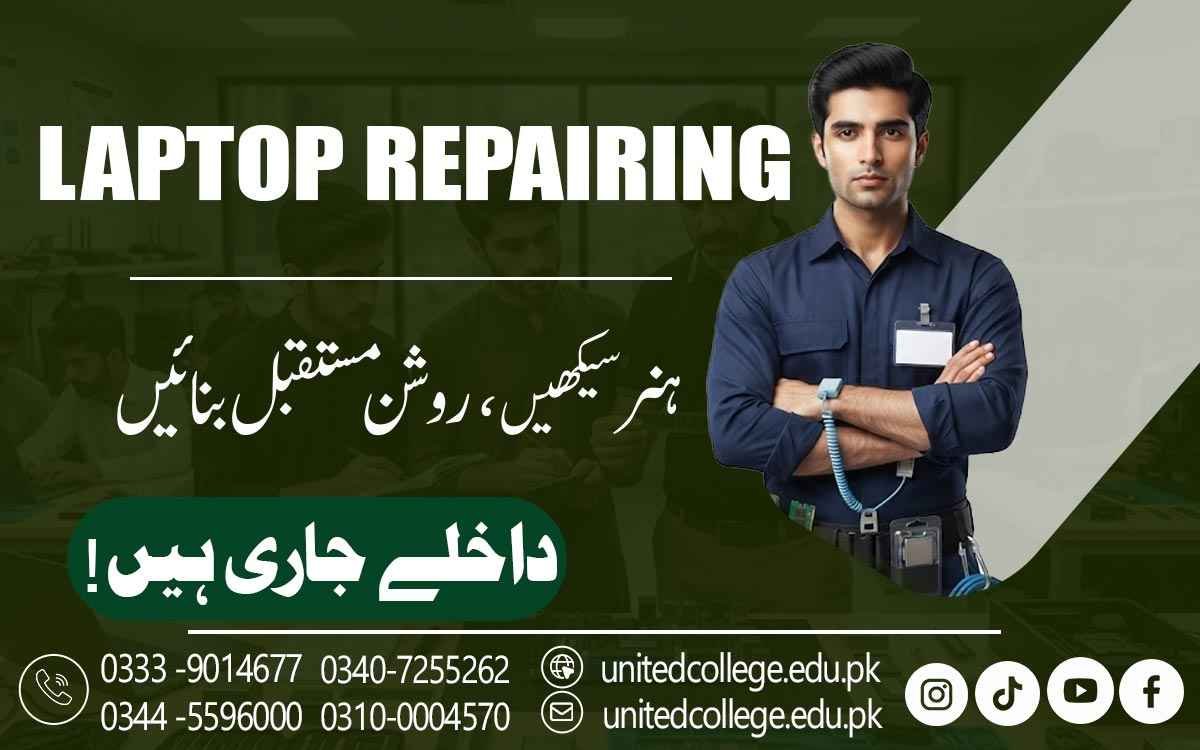

Laptop Repairing Course in Vehari | Hands-On Skills for Beginners
Explore Laptop Repair Training in Vehari
When a laptop suddenly refuses to start, stops charging, becomes painfully slow, overheats during simple tasks, or shows a blank display, it is easy to think the entire machine has failed. In reality, many laptop problems come from a specific component, loose connection, incorrect setting, damaged part, or software issue that can be identified with the right troubleshooting approach. A Laptop Repairing Course in Vehari can help beginners understand what happens inside a laptop and how technicians approach different faults instead of guessing or replacing parts unnecessarily.
Learners can explore laptop components, repair tools, power and charging circuits, batteries, RAM, storage devices, cooling systems, displays, keyboards, and other commonly inspected parts. The training can also introduce practical ways to identify common hardware and software problems, perform basic checks, and follow a logical repair process. From diagnosing charging issues and storage problems to understanding software errors and hardware faults, practical training can help learners build a clearer understanding of laptop repair. This knowledge can be useful for students, computer enthusiasts, job seekers, fresh learners, and anyone in Vehari who wants to develop practical technical skills and become more confident when dealing with everyday laptop problems.
From Everyday Laptop Problems to Practical Repair Skills
Laptop problems often become confusing when a user does not know where to begin. A device that does not turn on could have a power-related issue, a weak or faulty battery, a damaged charging connection, an adapter problem, or another internal fault, while a slow laptop could be affected by storage limitations, insufficient RAM, overheating, background programs, outdated drivers, or software issues. Learning laptop repair starts with understanding that different symptoms can have different causes and that one visible problem does not always point to a single faulty component.
Through a laptop repair course, learners can develop a habit of observing the problem before attempting a repair. They can study how to collect information about a fault, ask basic questions about when the problem occurs, check simple possibilities, inspect relevant components, and perform suitable tests using appropriate tools. Learners can also become familiar with safe handling practices so that components are not damaged during inspection or repair. For someone in Vehari, this type of practical knowledge can be useful when dealing with laptops used at home, in educational environments, offices, computer shops, and other everyday settings.
Understanding the Components Hidden Inside a Laptop
Before attempting any repair, it is important to know what is actually inside a laptop and what role each part performs. A laptop may appear to be one compact machine, but internally it contains several connected components, including the motherboard, processor, RAM, SSD or hard drive, battery, cooling fan, display assembly, keyboard, touchpad, speakers, wireless components, charging circuit, ports, and various connectors. Through a Laptop Repairing Course in Vehari, learners can study these laptop components and understand how they work together as one system. They can learn why each component is important, where it is normally located, and what type of problems may occur when a particular part becomes faulty or disconnected.
The motherboard connects many of these components and allows them to communicate with each other. Understanding these functions makes it easier to connect visible symptoms with possible causes instead of immediately assuming that a major part needs replacement. A storage problem may lead to booting or file-access issues, faulty RAM can cause instability, and a damaged connector may affect a particular device or function. Learners can also become familiar with different connectors, cables, screws, and mounting points, which helps them handle internal parts more carefully. This foundation gives beginners a clearer starting point before they move toward practical hardware repair, component inspection, and systematic troubleshooting.
Reading Motherboard Faults Through Careful Diagnosis
The motherboard connects many important parts of a laptop, making it a major area of interest when a machine develops serious hardware problems. It contains electronic components, connectors, power pathways, chips, and circuits that allow different sections of the laptop to communicate and operate correctly. During laptop repair training, learners can become familiar with the general layout of a motherboard and understand the purpose of its major sections without treating the board as an unfamiliar collection of tiny components.
They may study symptoms such as failure to power on, unexpected shutdowns, missing hardware detection, unstable operation, or problems affecting connected components. Basic motherboard repair can involve inspecting connectors, checking power-related areas, and following a logical diagnostic process, while more advanced training may introduce soldering and component-level work where appropriate. The aim is not to replace parts randomly but to understand the fault before taking action. Careful observation, suitable testing, and correct handling are especially important because electronic components can be sensitive to physical damage and improper procedures.
Solving Charging, Battery, and Overheating Problems
Few things are more frustrating than connecting a charger and discovering that the laptop is still not charging. Charging problems can come from different sources, including a damaged adapter, worn battery, faulty charging port or DC jack, loose connection, charging circuit issue, or another internal fault. In a Laptop Repairing Course in Vehari, learners can explore how technicians approach these symptoms step by step rather than immediately assuming that the battery needs replacement.
They can also study battery troubleshooting, power connections, charging indicators, and suitable methods for checking power-related problems. Overheating is another common concern because dust, blocked vents, a weak cooling fan, or poor heat transfer can cause a laptop to become unusually hot or shut down unexpectedly. Learners can understand the role of the cooling system, cleaning practices, airflow, and basic laptop maintenance. These practical situations show why a technician needs to consider several possible causes before deciding what should be repaired or replaced.
Dealing with Screens, Keyboards, Ports, and Other Hardware Faults
A laptop does not have to stop powering on to have a serious hardware problem. A cracked display, unresponsive keyboard, faulty touchpad, damaged USB port, missing sound, weak microphone, or unstable Wi-Fi connection can also make the machine difficult to use in everyday situations. Practical laptop hardware repair training can introduce learners to common problems involving the display assembly, keyboard, touchpad, speakers, wireless components, audio hardware, and external ports. Learners can understand how to observe symptoms and determine whether a problem may be related to hardware, a loose connection, a driver, or a software setting before deciding what action to take.
For example, laptop screen replacement may require careful handling of the display panel, hinges, bezel, and display cable, while keyboard repair can involve checking connections or replacing a damaged keyboard assembly depending on the laptop design. A touchpad that stops responding may require hardware inspection, driver checks, cable inspection, or settings review, showing that one symptom does not always have only one possible cause. Similarly, a USB port that fails to recognize devices may need inspection for physical damage, connection problems, or software-related issues.
Troubleshooting Windows, Drivers, and Operating System Errors
Not every laptop problem requires a screwdriver. Sometimes the hardware is working correctly, but Windows, drivers, settings, firmware, or another software component is causing the difficulty. Laptop software troubleshooting can therefore be an important part of practical training because many everyday problems can be related to the operating system rather than a physical component. Learners can study operating system installation, Windows setup, driver installation, basic system errors, startup problems, software conflicts, updates, and common configuration issues. For example, a laptop may have working speakers but produce no sound because the correct audio driver is missing, outdated, disabled, or incorrectly configured.
Similarly, Wi-Fi hardware may be functioning properly while a driver or system setting prevents the connection from working as expected. Learners can also explore common startup and booting problems, basic recovery options, device management, and methods for checking whether a software change has affected system performance. They can become familiar with basic BIOS or UEFI troubleshooting and understand how firmware settings relate to hardware during startup. The important lesson is to separate hardware problems from software problems before making unnecessary changes or replacing working components.
Using Repair Tools Safely for Accurate Testing
Repair work becomes much easier when the right tools are used correctly. A laptop repair workspace may include precision screwdrivers, plastic opening tools, tweezers, cleaning equipment, a multimeter, and other tools used for inspection, testing, and maintenance. A laptop repair course in Vehari can help learners understand why different tools are selected for different tasks and why careless handling can damage delicate parts. A screwdriver that does not fit properly may damage a screw, while excessive pressure can break a plastic clip or connector.
Learners can also practice organizing screws and cables during disassembly so that the laptop can be reassembled correctly. Cleaning is another important area because dust can collect around fans and vents and contribute to heat-related problems. Practical training can show how to approach cleaning and inspection carefully rather than simply opening a laptop and removing components without a plan. Safe handling, proper tool use, and accurate testing all contribute to better laptop maintenance skills and help beginners develop responsible repair habits.
Developing a Step-by-Step Approach to Laptop Fault Diagnosis
A good repair process begins with the problem, not with a replacement part. If a laptop suddenly shuts down, for example, the cause could involve overheating, battery condition, power delivery, software, or another component, so replacing the first suspected part may not solve anything. Practical laptop repair training can teach learners to observe symptoms, ask relevant questions, inspect the device, identify possible causes, perform appropriate checks, and then decide what action is justified. This structured method is useful for laptop diagnostics because it reduces guesswork and encourages careful testing.
Learners can practice dealing with different situations, such as a laptop that does not detect storage, a system that becomes hot during use, a device that fails to charge, or a screen that remains blank even though other signs of power are present. They can also learn to test a laptop after repair to confirm that the original problem has been addressed and that no new issue has appeared. This combination of observation, testing, repair, and verification is an important part of developing practical laptop technician skills.
Building Practical Laptop Repair Knowledge in Vehari
For people in Vehari who want to develop useful computer hardware skills, laptop repair training can provide a practical way to understand devices that are widely used for study, office work, communication, and everyday digital tasks. United College of Technology offers the Laptop Repairing Course in Vehari, where learners can explore areas such as laptop components, hardware troubleshooting, charging and battery problems, storage and RAM issues, screen and keyboard faults, software troubleshooting, operating system installation, drivers, BIOS, maintenance, and basic diagnostic practices.
The learning process can help beginners move from simply noticing that a laptop is not working to understanding how different possibilities can be checked systematically. With hands-on laptop repair training, students can become more familiar with repair tools, safe disassembly, component handling, fault diagnosis, and post-repair testing. These skills can also support people interested in technical work or computer-related services by giving them a stronger practical foundation. Most importantly, effective laptop repair requires more than knowing how to replace a part; it requires accuracy, patience, safety awareness, careful observation, and regular practice.
Frequently Asked Questions (FAQs)
Learners can study laptop components, hardware diagnostics, charging and battery problems, RAM and storage issues, screen and keyboard faults, software troubleshooting, BIOS, maintenance, and basic motherboard repair.
Yes, the training can be suitable for beginners who want to understand laptop hardware and develop practical repair and troubleshooting skills from the beginning.
Practical training may include laptop disassembly, component identification, tool handling, fault diagnosis, component replacement, software troubleshooting, and testing after repairs.
Learners can study the motherboard, processor, RAM, SSD or hard drive, battery, cooling system, display, keyboard, touchpad, speakers, charging circuit, ports, and internal connectors.
Yes. Training can cover common charging and power issues, including battery problems, charging ports, DC jack faults, connectors, and basic power-related troubleshooting.
Admission Open: Start Your Professional Journey Today!
Join United College of Technology and build a career with practical training, recognized certifications, and Gulf job support. Seats are limited.
Apply Now via WhatsAppContact Information
- Address: Rawalpindi: F-272 Main New Katarian Stop, Old IJP Road | Lahore Campus: Lahore, Pakistan
- Phone/WhatsApp: 0340-7255262 / 0333-9014677 / 0301-5044340 / 0310-0004570 / 051-8770756
- Website: unitedcollege.edu.pk
















Leave a Comment