


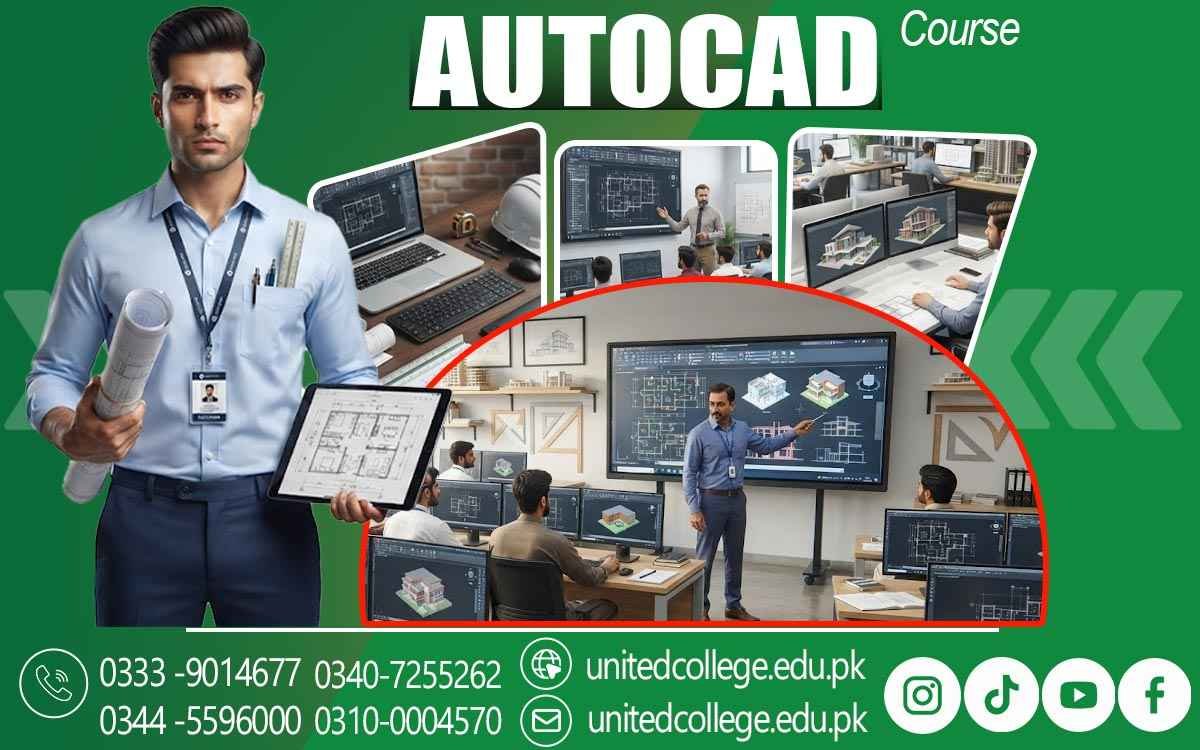

AutoCAD Course in Hafizabad – Upgrade Your Technical Drawing Ability
Build Practical Design Skills for the Digital Age
Technical design is no longer limited to paper, pencils, and manual measurements. Today, computers play an important role in creating accurate drawings for buildings, engineering projects, layouts, and other technical work. This shift has made computer-aided design a useful skill for students, beginners, and people who want to enter technical fields. The AutoCAD Course in Hafizabad offered by United College of Technology provides learners with an opportunity to understand digital drafting and develop practical AutoCAD skills in a structured learning environment.
Digital Drafting Is Changing the Way Technical Ideas Take Shape
AutoCAD is a widely used CAD software that allows users to create, edit, and organize digital drawings. Instead of drawing every detail manually, learners can use digital tools to produce cleaner layouts and make changes whenever needed. This makes the drafting process more flexible, accurate, and easier to manage.
An AutoCAD Course in Hafizabad can help beginners understand these digital drafting concepts and develop practical skills step by step. For someone who has never used AutoCAD, the software may look complex at first. However, beginners can start by learning the workspace, basic drawing functions, object selection, measurements, and simple editing methods. Once these foundations become familiar, learners can gradually move toward more detailed technical design tasks.
Learn the Core Skills Behind Accurate CAD Drawings
A strong understanding of basic drawing functions is important before moving into advanced design. AutoCAD training can introduce learners to lines, circles, arcs, shapes, coordinates, object properties, and other drawing tools. These functions form the foundation for creating structured digital designs.
Another important part of learning is understanding AutoCAD commands. Commands allow users to create and modify objects efficiently instead of performing every task manually. Learners can practice commands for moving, copying, trimming, extending, rotating, scaling, and joining objects. Regular practice helps students understand how individual commands work together during a complete drafting task.
Turn Basic 2D Work Into Clear Technical Layouts
2D drafting is an important starting point for anyone learning AutoCAD. It teaches learners how to represent objects, spaces, and structures through accurate two-dimensional drawings. These skills can be useful when preparing layouts, floor plans, basic architectural drawings, and construction-related designs. A learner may practice creating rooms, walls, openings, shapes, measurements, and other drawing elements while learning how to arrange them properly.
The purpose is not simply to produce lines on a screen. It is to understand how a drawing communicates information to another person. This type of practice can also introduce learners to architectural drawing and construction drawings. While professional projects may require advanced knowledge, beginners can develop a useful foundation by understanding how layouts are structured and how different drawing elements relate to one another.
Explore Design Work From Plans to Three-Dimensional Concepts
After gaining confidence with basic drafting, learners can become familiar with the wider possibilities of CAD design. AutoCAD can also be used for 3D modeling, allowing objects and structures to be represented with greater depth and detail. For beginners, an AutoCAD Course in Hafizabad can focus on building a strong understanding of basic drafting concepts before learners move toward more complex modeling techniques.
Three-dimensional work can help learners visualize how different parts of a design fit together. It can also make technical concepts easier to understand because a design can be viewed from different angles. However, strong 2D drafting knowledge remains an important foundation for learners who want to explore advanced CAD work later.
Connect AutoCAD Skills With Architecture, Engineering, and Construction
AutoCAD knowledge can be relevant across several technical areas. Architectural work may involve floor plans, room layouts, elevations, and other forms of design documentation. Engineering work can involve precise technical drawings, component layouts, and project-related plans. Construction projects may also depend on clear drawings to communicate measurements and design details.
This does not mean every learner has to follow the same career path. Someone interested in architecture may focus more on architectural design, while another learner may be more interested in engineering design or construction-related drafting. The flexibility of CAD software allows learners to build a foundation and later develop skills according to their area of interest.
Practice Turns Software Knowledge Into Real Drafting Ability
Knowing what a tool does is different from being able to use it confidently. Practical exercises give learners a chance to apply drawing commands, measurements, layers, editing functions, and layout techniques together. This type of practice can make the learning process more meaningful for beginners.
The AutoCAD Course in Hafizabad at United College of Technology can help learners work toward this practical understanding. Rather than treating AutoCAD as a collection of commands to memorize, students can focus on how those tools are used to create and improve digital drawings. Step-by-step practice can also make it easier for fresh learners to identify mistakes and understand how to correct them.
Build Better Work Habits Alongside CAD Design Skills
Good drafting involves more than knowing drawing commands. File organization, layer management, clean layouts, consistent measurements, and careful editing can all influence the quality of a digital drawing. Developing these habits early can help learners work more systematically. Students can also improve their efficiency by becoming familiar with shortcuts, frequently used commands, object properties, and different editing methods.
With continued practice, tasks that initially seem difficult can become easier to handle. This gradual improvement is an important part of developing professional drafting skills. For beginners, patience is equally important. AutoCAD has many features, and there is no need to learn everything at once. Starting with fundamental digital drafting techniques and building knowledge step by step can create a stronger base for future learning.
Take the First Step Toward Stronger Technical Design Skills
Learning AutoCAD can be a valuable choice for people who enjoy technical drawing, design, construction, architecture, engineering, or computer-based work. The skill combines accuracy, creativity, and technical understanding, giving learners a practical way to turn ideas and measurements into organized digital drawings.
For students and fresh learners in Hafizabad, the AutoCAD Course in Hafizabad offered by United College of Technology can provide a starting point for developing these abilities. The real value comes from consistent practice, careful learning, and the willingness to improve with every drawing.
Frequently Asked Questions (FAQs)
Yes. Students from different educational backgrounds can begin with the basic features of AutoCAD and gradually develop their understanding through practice.
A beginner should first understand the workspace, object selection, simple shapes, measurements, and basic editing. These fundamentals make later topics easier to handle.
Yes. Existing digital drawings can be opened and adjusted by changing objects, measurements, layouts, or other required details instead of recreating the entire file.
Layers help separate different drawing elements and keep a project organized. This makes individual parts easier to view, edit, manage, and control.
Advanced mathematical knowledge is not normally required to begin. Learners mainly need an understanding of measurements, dimensions, proportions, and basic spatial thinking.
Repeated practice helps learners remember commands, work more smoothly with drawing tools, spot mistakes, and complete common drafting tasks with greater confidence.
Admission Open: Start Your Professional Journey Today!
Join United College of Technology and build a career with practical training, recognized certifications, and Gulf job support. Seats are limited.
Apply Now via WhatsAppContact Information
- Address: Rawalpindi: F-272 Main New Katarian Stop, Old IJP Road | Lahore Campus: Lahore, Pakistan
- Phone/WhatsApp: 0340-7255262 / 0333-9014677 / 0301-5044340 / 0310-0004570 / 051-8770756
- Website: unitedcollege.edu.pk
















Leave a Comment