


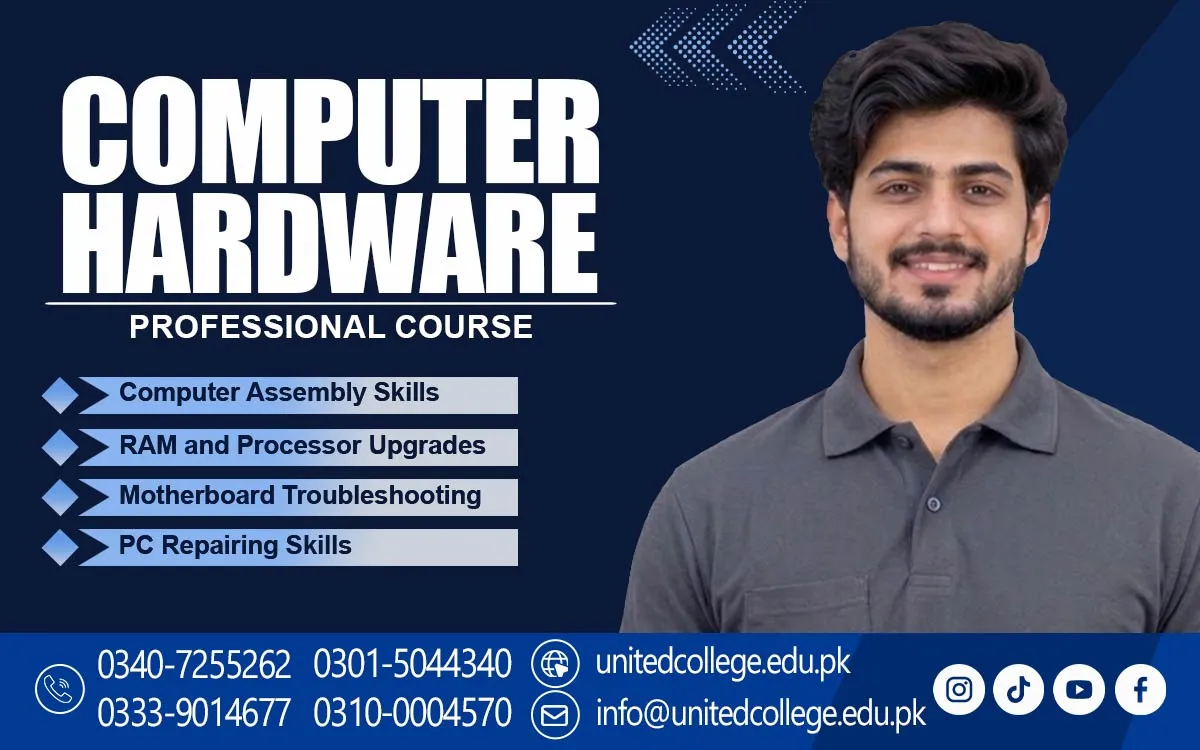

Computer Hardware Course in Bajaur to Build Strong Technical Skills
Discover the Technology Behind Every Computer
A computer can look simple from the outside, but many important parts work together inside it. What happens when the screen goes blank, the system refuses to start, or a computer suddenly becomes slow? Understanding the reason behind these problems requires more than basic computer use. The Computer Hardware Course in Bajaur allows beginners to explore computer components and understand the technical side of everyday devices.
For people who enjoy technology, learning about computer hardware can open the door to a new area of knowledge. It helps them understand how computers are assembled, how different parts connect, and why regular maintenance matters. Instead of seeing a computer as one complete machine, learners begin to recognize the purpose of its individual components.
Look Beyond the Screen and Discover What Powers a Computer
A computer performs different tasks because several hardware components work together. The motherboard acts as the main circuit board and connects important parts. The processor carries out instructions, while RAM provides temporary memory for programs. A hard drive or SSD stores files and software, allowing users to access their information whenever needed.
The Computer Hardware Course in Bajaur introduces learners to these basic components and their functions. They can also explore the purpose of the power supply, which provides electricity to the system, and the cooling system, which helps control heat. Understanding these parts makes it easier to see how a computer operates and why each component has an important role.
Build Familiarity with the Skills Behind Computer Assembly
Computer assembly involves bringing different components together to create a working system. Learners can explore how parts fit into a computer case, where memory is installed, and how storage devices are connected. They can also understand why components must be compatible before being used together. These concepts provide a useful starting point for anyone interested in PC hardware skills.
The Computer Hardware Course can help beginners explore general areas such as component identification, hardware installation, system checking, and basic computer troubleshooting. Understanding these activities requires patience and attention to detail. Even a small connection issue can affect how a computer works, so learners need to develop a careful approach when examining a system.
Recognize the Clues Behind Everyday Computer Faults
Computer problems do not always have obvious causes. A system that takes too long to start may have different issues from one that suddenly loses its display. Overheating can affect performance, while a power-related fault may prevent the computer from turning on. Learning to recognize these signs helps beginners understand why checking the system properly is important.
Display problems can also be confusing for new users. Sometimes the issue may involve a monitor connection, while other times it may relate to an internal component. Similarly, repeated shutdowns can have several possible causes. Studying common faults helps learners understand the difference between observing a problem and identifying its actual source.
Get Comfortable with the Tools Used in Hardware Work
Computer maintenance involves tools designed for small and delicate components. Screwdrivers help open cases and remove certain parts, while cleaning brushes can remove dust from suitable areas. Cable ties help keep wires organized, and other tools may be used for specific maintenance tasks. Knowing the purpose of each tool is an important part of technical learning. A Computer Hardware Course in Bajaur can help beginners become familiar with essential computer maintenance tools and their proper uses.
Careful handling is just as important as choosing the right tool. Computer components should not be pulled, pressed, or removed forcefully. Before working inside a system, the power should be disconnected, and suitable precautions should be followed to protect sensitive parts. These habits help beginners understand why responsible handling matters during hardware work.
Connect Computer Hardware Knowledge with Basic Networking
Computers often need to communicate with other devices. This is where basic networking knowledge becomes useful. A network allows computers to share information and connect with resources such as printers and internet services. Learners can become familiar with common networking terms and understand how connected devices communicate within a home, school, or office.
Cables, ports, and routers are common parts of a basic network setup. Ethernet cables provide wired connections, while routers help connect devices to a network. Understanding these items can give learners a wider view of computer technology. It also introduces them to the relationship between individual computer systems and the networks they use.
Give Beginners a Clear Starting Point in Technical Learning
People do not need advanced technical knowledge to become interested in computer hardware. Students, fresh learners, job seekers, and anyone curious about computers can begin by exploring basic concepts. Learning the names of components and understanding their functions can make technical information easier to follow. Gradually, beginners can become familiar with more detailed hardware topics.
The Computer Hardware Training can be considered by people who want to explore this field through a structured learning approach. The course is offered by United College of Technology, and its subject area can be relevant to learners who want to understand computer systems beyond everyday use. A genuine interest in technology and a willingness to learn are helpful starting points.
Find Practical Uses for Hardware Knowledge in Everyday Settings
Computer hardware knowledge has practical value in different environments. Computer shops deal with devices that may need checking, cleaning, upgrades, or basic repairs. Offices use computers for documents and records, while educational institutions depend on them for learning and administration. Understanding hardware can help people communicate technical issues more clearly in these settings.
It can also be useful for personal computer maintenance. A user who understands basic hardware can become more aware of device care, storage needs, and common warning signs. In Bajaur, students and technology enthusiasts can explore this subject to improve their understanding of the computers used in daily activities. It is a useful way to become more familiar with modern technology.
Turn Curiosity About Computers into Stronger Technical Understanding
Learning computer hardware is a gradual process that involves observation, practice, and understanding. Beginners can improve their knowledge by comparing different components, studying how devices connect, and learning the reasons behind common system faults. They should focus on understanding how things work instead of simply memorizing technical names. This approach makes new information easier to remember and use.
For learners in Bajaur, exploring the Computer Hardware Course can be a positive step towards understanding the technology used around them. Knowledge of computer components, basic networking, installation, and maintenance can provide a foundation for further learning. With patience and consistent effort, an interest in computers can grow into a stronger understanding of the technical systems people depend on every day.
Frequently Asked Questions (FAQs)
A technician may help examine existing devices, understand hardware requirements, and assist with setting up suitable computer equipment.
Storage capacity determines how much information a device can keep. Knowing about it helps users make better decisions when managing files and selecting storage devices.
Yes. Understanding processors, memory, storage, and other components can help buyers compare computer specifications according to their needs.
Firmware is built-in software that helps hardware perform basic functions. It supports communication between certain components and the computer system.
Ports allow users to connect devices such as flash drives, keyboards, monitors, and other accessories to a computer.
They can read technical guides, study different computer models, follow safe demonstrations, and continue exploring new developments in computer technology.
Admission Open: Start Your Professional Journey Today!
Join United College of Technology and build a career with practical training, recognized certifications, and Gulf job support. Seats are limited.
Apply Now via WhatsAppContact Information
- Address: Rawalpindi: F-272 Main New Katarian Stop, Old IJP Road | Lahore Campus: Lahore, Pakistan
- Phone/WhatsApp: 0340-7255262 / 0333-9014677 / 0301-5044340 / 0310-0004570 / 051-8770756
- Website: unitedcollege.edu.pk
















Leave a Comment