


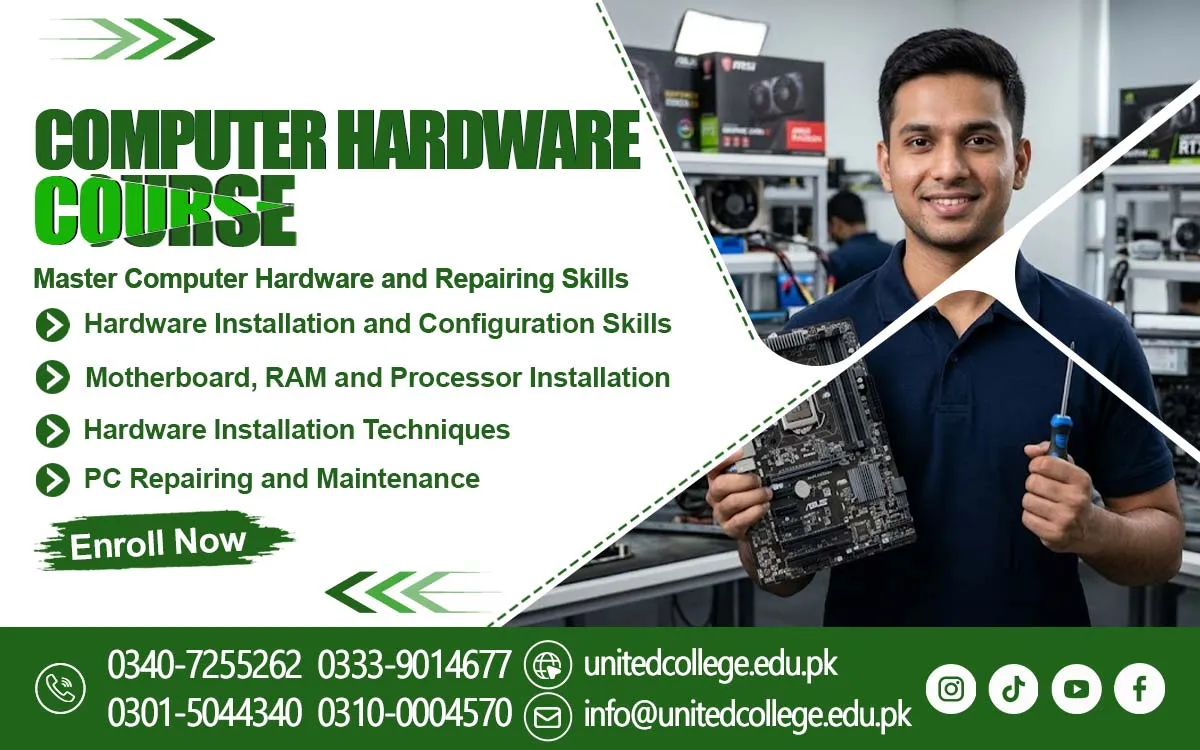

Computer Hardware Course in Charsadda for Better Repair Knowledge
Build Skills for Understanding and Maintaining Computers
Computers have become an important part of education, business, offices, and everyday life. From preparing documents to managing business records, people depend on these machines for many tasks. But when a computer develops a fault, users often need someone who understands its internal parts and basic working system. The Computer Hardware Course in Charsadda can help beginners, students, and job seekers explore computer technology and develop knowledge about hardware components.
Learning computer hardware starts with understanding what makes a computer work. A computer is made up of different parts, and each component has a specific function. Some parts process information, others store data, and some help users interact with the system. When learners understand how these components work together, they can develop a clearer idea of computer maintenance and basic troubleshooting.
Discover the Parts That Work Together Inside a Computer
A computer contains several important components that support its operation. The motherboard connects different parts and allows them to communicate. The processor handles instructions, while RAM provides temporary memory for programs and tasks. Storage devices keep files, software, and personal information. The power supply provides electricity to the system, and cooling components help control heat during operation.
The Computer Hardware Course in Charsadda offered by United College of Technology introduces learners to the basic functions of these components. Students can understand the difference between internal and external hardware and learn how devices such as keyboards, monitors, printers, and mice connect with a computer. This knowledge gives beginners a starting point for understanding computer systems and their everyday use.
Understand the Reasons Behind Common Computer Problems
A computer can develop different problems during regular use. It may fail to start, become unusually slow, restart without warning, or stop detecting a connected device. These problems can have different causes, so checking the system carefully is important. Beginners should learn to observe the issue, understand possible reasons, and avoid making random changes that could create further problems.
Hardware troubleshooting involves checking connections, examining components, and understanding the role of different parts. For example, a loose cable may interrupt a connection, while a damaged port can prevent a device from working correctly. Learners can become familiar with common hardware issues and understand how careful observation helps identify the area that needs attention.
Get Familiar With Tools Used During Computer Maintenance
Working with computer hardware requires suitable tools and careful handling. Screwdrivers are commonly used to open computer cases and remove certain components. Cleaning brushes can help remove dust, while cable ties can keep wires organized. Anti-static equipment is also useful because sensitive electronic parts can be affected by static electricity.
Understanding tools is an important part of learning basic maintenance. Students should know which tool is suitable for a particular task and why using the wrong tool can damage a component. They can also learn the importance of keeping tools organized and maintaining a clean workspace. Good tool-handling habits make technical tasks more organized and help protect computer equipment.
Explore the Differences Between Desktop and Laptop Hardware
Desktop computers and laptops perform many similar tasks, but their hardware designs are different. Desktop computers usually have separate components that can be accessed inside a larger case. Laptops have a compact design, with many parts fitted closely together. Their keyboards, batteries, screens, charging ports, and cooling systems also have different maintenance needs. A Computer Hardware Course in Charsadda can help beginners understand these differences and learn about various computer components.
Understanding these differences helps learners recognize that every device requires suitable care. They can explore the purpose of common desktop and laptop components and learn why some parts are easier to replace than others. Basic knowledge of both types of computers can help beginners understand the different hardware designs they may come across in homes, schools, and workplaces.
Make Safe Handling a Part of Every Technical Task
Safety is essential when working with electronic equipment. Before examining internal hardware, the computer should be switched off and disconnected from the power source. Sensitive components should be handled carefully, and learners should avoid touching electronic connections unnecessarily. Liquids, food, and unnecessary objects should also be kept away from the working area.
Good safety habits protect both the user and the computer. Beginners should never force a component into a slot or remove a part without understanding how it is connected. They should follow instructions and use suitable tools for each task. Learning these precautions from the beginning can help students develop a responsible approach to computer maintenance.
See Where Computer Hardware Knowledge Can Be Useful
Computer systems are used in many different places. Schools use them for teaching, assignments, and record management. Offices depend on computers for communication and daily operations, while shops may use them for billing and maintaining business information. Homes also contain computers and laptops for education, entertainment, and personal tasks.
For learners in Charsadda, enrolling in a Computer Hardware Training can help make everyday technology easier to understand. It can also help them recognize the importance of keeping computer equipment clean, checking basic connections, and reporting technical problems clearly. Hardware knowledge may also encourage students to explore related subjects such as networking, computer applications, and information technology.
Improve Your Understanding Through Regular Learning
Technical knowledge develops gradually. Beginners can start by learning the names and functions of common computer parts. They can then study how components connect, what happens when a part stops working, and how basic maintenance is performed. Using diagrams and observing different computer systems can make these concepts easier to understand.
Regular revision also helps learners remember technical information. Instead of memorizing component names only, they should focus on understanding the purpose of each part. Asking questions, comparing different devices, and reviewing basic troubleshooting examples can improve their knowledge. A steady approach allows students to build confidence without feeling pressured to learn everything at once.
Turn Your Interest in Computers Into Useful Knowledge
People who enjoy technology can begin their learning journey with simple computer concepts. Understanding hardware can help them become more familiar with the machines they use in daily life. It also provides a foundation for exploring more advanced technical subjects in the future. Curiosity, patience, and attention to detail are helpful qualities when learning about computer systems.
The Computer Hardware Course in Charsadda is worth considering for students, fresh learners, and job seekers who want to understand computer components and basic maintenance. By learning how different parts work and why proper handling matters, beginners can develop useful technical awareness. This knowledge can help them make more informed decisions about computer care and continue exploring the wider field of technology.
Frequently Asked Questions (FAQs)
It gives learners a basic understanding of how computer systems are built, making it easier to explore more advanced technical topics later.
Yes. Beginners can start with basic computer concepts and gradually understand more technical information through regular learning.
Hardware refers to the physical parts of a computer, while software includes the programs and operating systems that run on those parts.
Compatible components work properly together. Understanding compatibility can help users avoid problems when selecting or replacing computer parts.
Dust can collect around fans and internal components, affecting airflow and increasing heat. Regular cleaning helps maintain a suitable working environment.
Curiosity, patience, attention to detail, and a willingness to solve problems can help learners understand technical concepts more effectively.
Admission Open: Start Your Professional Journey Today!
Join United College of Technology and build a career with practical training, recognized certifications, and Gulf job support. Seats are limited.
Apply Now via WhatsAppContact Information
- Address: Rawalpindi: F-272 Main New Katarian Stop, Old IJP Road | Lahore Campus: Lahore, Pakistan
- Phone/WhatsApp: 0340-7255262 / 0333-9014677 / 0301-5044340 / 0310-0004570 / 051-8770756
- Website: unitedcollege.edu.pk
















Leave a Comment