


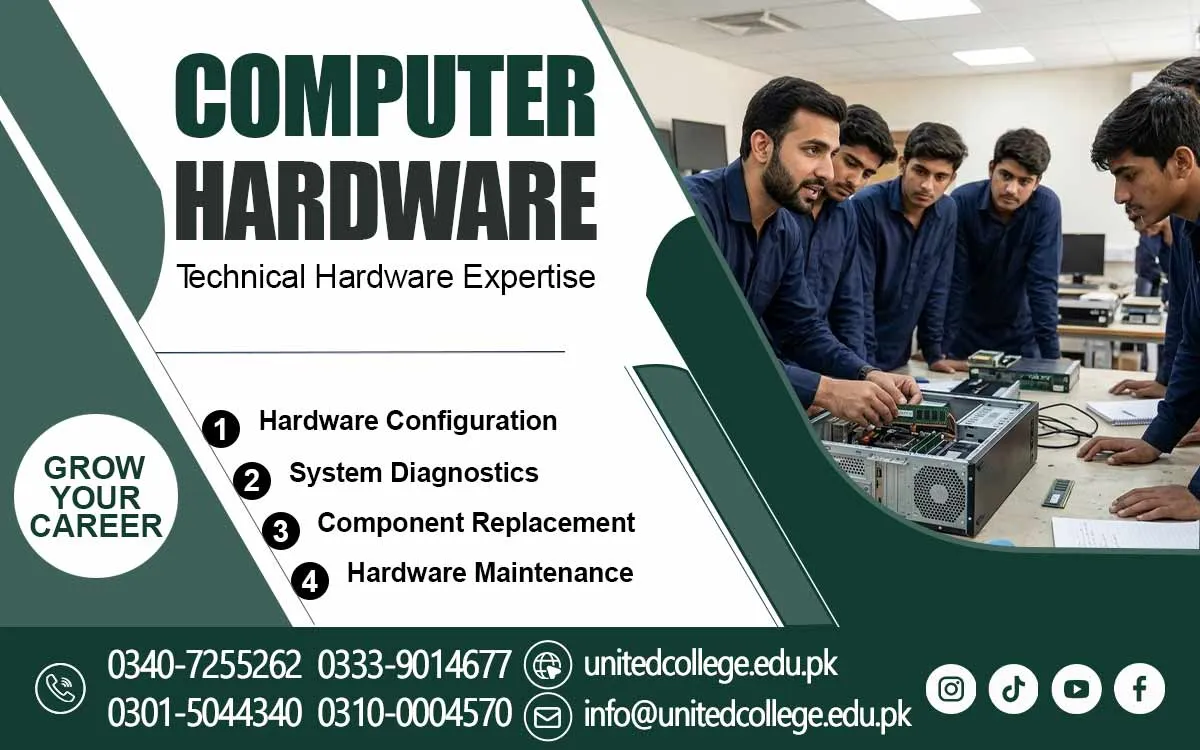

Computer Hardware Course in Hangu to Discover Computer Repairing
Turn Everyday Computer Problems into Technical Knowledge
A computer problem can interrupt an important assignment, delay office work, or affect a business task. Sometimes a system refuses to start, while at other times it becomes slow or stops showing anything on the screen. These situations show why understanding computer hardware is useful. The Computer Hardware Course in Hangu gives beginners an opportunity to explore the parts of a computer and understand the technical ideas behind its everyday operation.
Many people use computers without knowing what happens inside them. They may know how to open applications, save documents, and browse websites, but they may not understand why a device suddenly stops working. Learning about hardware helps connect everyday computer use with technical knowledge. It also encourages learners to look at problems carefully instead of depending only on guesswork.
Explore the Technology That Makes Everyday Computing Possible
A computer is a combination of physical parts that perform different tasks. The motherboard connects the main components and allows them to communicate. The processor handles instructions, while RAM temporarily holds information that the system needs during active work. Storage devices keep files and programs even after the computer is switched off.
The Computer Hardware Course offered by United College of Technology can introduce learners to the general working principles of these parts. They can understand how hard drives and SSDs store information, how the power supply provides electricity, and why each component has a specific function. This knowledge helps beginners see a computer as a connected system rather than a single machine.
Understand the Difference Between Desktop and Laptop Systems
Desktop computers and laptops may perform similar tasks, but their internal designs are not the same. A desktop usually has a separate case with components that can be accessed more easily. A laptop has a compact structure, where parts are fitted into limited space. Its keyboard, battery, screen, and charging system are designed to work within that smaller body.
Understanding these differences can help learners recognize the special features of each device. They can explore how desktop and laptop components are arranged and why maintenance methods may vary. This knowledge is useful when examining different computer models in homes, educational institutions, and offices around Hangu.
Learn to Identify the Clues Behind Computer Malfunctions
Computer faults can appear in different ways. A system may freeze while running a program, restart unexpectedly, or take too long to load. Sometimes the monitor shows no display even though the computer has power. Other problems may involve unusual sounds, overheating, or a device that does not respond to the power button.
Instead of assuming that every fault has the same cause, learners can develop the habit of checking possible reasons carefully. A loose connection, an unsuitable power supply, or a damaged component may affect system performance. The Computer Hardware Course in Hangu can help beginners explore basic Computer Troubleshooting concepts and understand why identifying the source of a problem is an important first step.
Discover How Computer Assembly Builds Technical Understanding
Computer assembly involves connecting different parts to create a working system. Learners can explore how a motherboard is fitted inside a case, how memory is placed in its slot, and how storage devices are connected. They can also understand why a processor needs proper installation and why compatible components are important for a stable system.
Disassembling a computer also requires attention and a clear understanding of its structure. Parts should be removed carefully, and their connections should be understood before handling them. These general learning areas can help beginners become familiar with hardware arrangement and develop a more organized approach to technical tasks.
Develop Confidence with Basic Repair Tools and Maintenance
A person working with computer hardware needs to understand the purpose of different tools. Screwdrivers are used for opening cases and removing suitable screws. Cleaning brushes help remove dust from appropriate areas, while cable ties can keep wires arranged neatly. Choosing the correct tool can make maintenance easier and reduce the risk of damage.
Regular maintenance also helps people understand how to care for computer equipment. Dust around cooling areas can affect airflow, and loose cables may interrupt connections. Before opening a computer, it should be disconnected from the power source. Sensitive parts should be handled gently, and unnecessary force should never be used during installation or removal.
Connect Hardware Knowledge with Daily Life in Hangu
Computers are used in educational institutions, offices, shops, and homes. Students depend on them for assignments and research, while office workers use them for documents and records. Shops may use computer systems for billing and daily information management. Understanding hardware can help users recognize basic device problems and explain technical issues more clearly.
People interested in technical learning in Hangu can explore Computer Hardware Training to become more familiar with the systems they use every day. Basic knowledge may also help them understand how computer equipment is checked and maintained in different settings. It is a useful subject for anyone who wants to explore technology beyond ordinary computer operation without assuming that learning automatically guarantees employment.
Build Logical Thinking Through Practical Computer Problem Solving
Hardware learning is not only about recognizing components. It also involves understanding how to examine a problem and consider possible causes. For example, if a computer does not start, a learner can understand why the power connection should be checked before assuming that an internal component has failed. This type of thinking encourages a step-by-step approach.
Students can improve their understanding by studying different computer systems, comparing components, and learning how common faults affect performance. Such activities can develop patience, observation, and problem-solving ability. These qualities are useful not only in computer maintenance but also in other technical subjects that require careful thinking and attention to detail.
Give Your Interest in Technology a Stronger Direction
Beginners can start learning computer hardware without having advanced technical knowledge. Students, fresh learners, and job seekers can first understand component names, their functions, and the way different parts connect. As their knowledge develops, they can explore installation, maintenance, and basic repair concepts. Taking one topic at a time can make the learning process easier.
The Computer Hardware Course in Hangu can be a useful learning direction for people who want to understand computer systems and develop basic technical awareness. Learning about components, computer assembly, troubleshooting, and safe handling can provide a foundation for exploring further areas such as IT support and networking. With curiosity and regular effort, beginners can turn their interest in computers into meaningful technical knowledge.
Frequently Asked Questions (FAQs)
A CMOS battery helps maintain certain motherboard settings, including the system clock, when the computer is switched off.
Motherboards come in different sizes to fit various computer cases and support different hardware arrangements and expansion options.
A heat sink helps move heat away from components such as processors, reducing the risk of excessive temperature during operation.
Users can check their system information or operating system settings to see how much RAM is installed and available.
USB ports allow users to connect accessories and transfer information through compatible devices such as flash drives and external storage.
Checking specifications helps ensure that a new component is suitable for the motherboard, computer model, and available power requirements.
Admission Open: Start Your Professional Journey Today!
Join United College of Technology and build a career with practical training, recognized certifications, and Gulf job support. Seats are limited.
Apply Now via WhatsAppContact Information
- Address: Rawalpindi: F-272 Main New Katarian Stop, Old IJP Road | Lahore Campus: Lahore, Pakistan
- Phone/WhatsApp: 0340-7255262 / 0333-9014677 / 0301-5044340 / 0310-0004570 / 051-8770756
- Website: unitedcollege.edu.pk
















Leave a Comment