

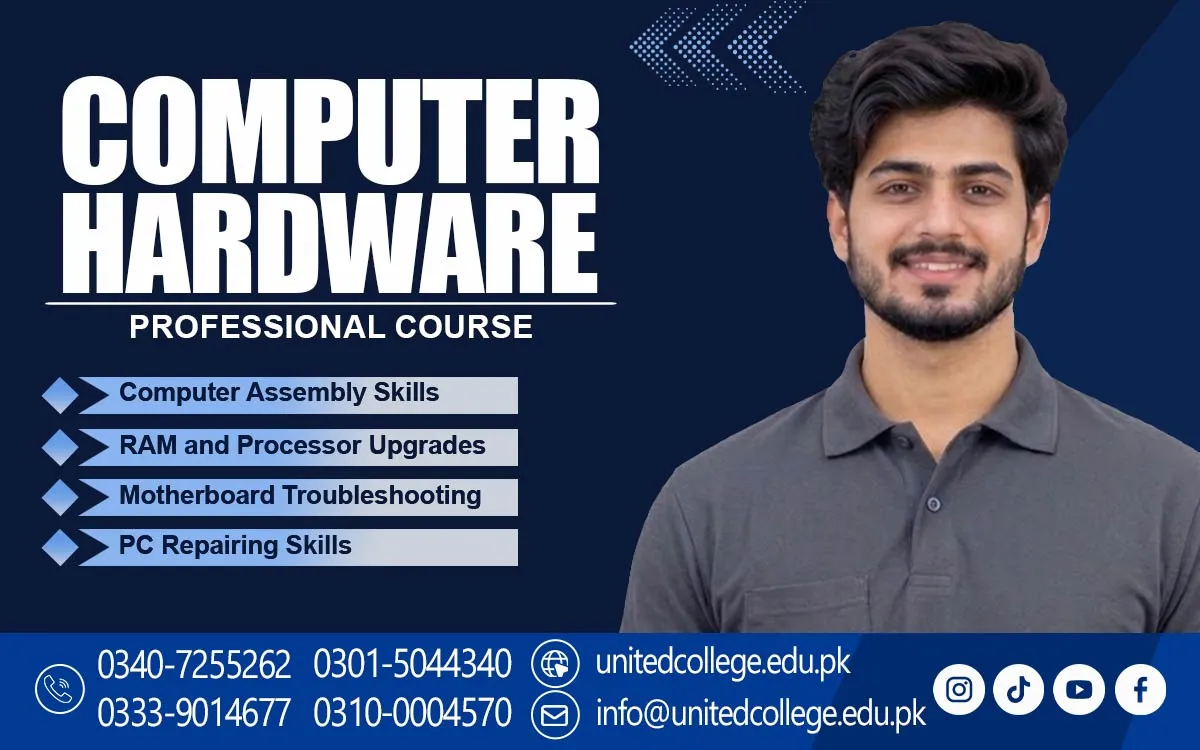

Computer Hardware Course in Waziristan to Learn PC System Care
Discover the Skills Behind Modern Computer Systems
A computer contains many connected parts that work together to complete different tasks. Understanding these parts helps users take better care of their devices and recognise common technical problems. The Computer Hardware Course in Waziristan introduces beginners to the physical components of computers and explains how they support everyday activities.
Learning about computer hardware can be a useful starting point for students, fresh learners, and people interested in technology. The Computer Hardware Course helps beginners understand internal components, basic connections, and simple maintenance methods. It also introduces the working principles behind computers and their different parts.
Explore the Important Components Hidden Inside a Computer
Every computer has several components with different responsibilities. The motherboard connects the main parts, while the processor handles instructions and calculations. RAM provides temporary memory for active programs, and hard drives or SSDs store files and software. Understanding these components helps beginners recognise the structure of a computer. A Computer Hardware Course in Waziristan can help learners understand these essential components and develop basic practical hardware skills.
The power supply provides electricity to the system, while cooling fans help manage heat during operation. Each component supports the machine differently. Learners can explore their functions, shapes, and connections to understand why proper hardware selection and handling are important.
Understand How Separate Components Work Together
Computer parts depend on one another to perform different tasks. The processor handles instructions, RAM supports active activities, and storage devices keep information available. The motherboard allows these parts to communicate, while the power supply provides the electricity they need. A problem in one component can sometimes affect the whole system.
The hardware training offered by United College of Technology introduces learners to these basic technical concepts. Understanding the relationship between components can help beginners recognise why a computer may become slow or behave unexpectedly. It also provides a foundation for studying more advanced computer topics.
Learn the Basic Process of Computer Assembly
Computer assembly involves fitting compatible components into their correct positions. This may include installing RAM, placing a storage device, connecting power cables, and checking motherboard connections. Each step requires attention because an incorrect connection or poorly fitted part may prevent the system from operating properly.
The Computer Hardware Course in Waziristan introduces the basic ideas behind opening, examining, and assembling a computer. Before starting any internal work, the system should be switched off and disconnected from its power source. Components must be handled gently and kept organised to reduce the risk of damage.
Recognise the Early Signs of Common Hardware Faults
A computer may show different signs when one of its components develops a problem. It might restart unexpectedly, make unusual sounds, shut down suddenly, or fail to turn on. Possible causes include loose connections, damaged cables, memory problems, or a faulty power supply. Observing these signs is an important part of understanding hardware issues.
Beginners should learn to examine symptoms before replacing any parts. Checking visible connections and considering possible causes can prevent unnecessary changes. This approach also develops patience and logical thinking. These habits are useful when examining computers at home, in educational settings, and in local workplaces.
Understand Basic Checks for Everyday Computer Problems
A startup problem may occur when a computer does not receive proper power or cannot load its operating system. Checking the power cable, external connections, and visible indicators can help identify simple issues. Slow performance may have different causes, such as limited memory, low storage space, or too many programs running together.
Display problems also need careful checking. A loose monitor cable or incorrect connection may prevent the screen from showing an image. Learners can become familiar with basic troubleshooting methods and understand why different problems need separate checks. Complex electrical faults should be referred to a qualified technician.
Discover the Purpose of Computer Accessories and Peripherals
External devices help users complete different tasks. A keyboard allows people to enter text, while a mouse helps control items on the screen. A monitor displays information, and a printer produces paper copies of digital documents. Each device has its own purpose and connects with the main computer system. A Computer Hardware Training can help beginners learn about these devices and understand how they work with computer systems.
These accessories are known as peripheral devices. Some send information to a computer, while others present information to the user. Learners can study input and output devices, their functions, and their common connections. This knowledge can help them understand simple problems involving printers, keyboards, mice, and monitors.
Develop Safe Working Habits During Practical Activities
Working with internal computer parts requires suitable tools and careful handling. Basic screwdrivers can help with opening computer cases and securing components. Keeping small screws and parts organised can prevent them from getting lost. Using the correct tools also reduces the chance of damaging delicate connectors and other hardware.
Safety should remain important during every practical activity. A computer must be disconnected from electricity before internal inspection, and components should be handled carefully to reduce static damage. Practical exercises can help learners recognise different parts, follow instructions, and improve their confidence through regular practice.
Connect Technical Knowledge with Everyday Needs in Waziristan
Computers are used in homes, schools, offices, and businesses for communication, record keeping, and many other activities. People in Waziristan who understand basic hardware can become more familiar with their devices and recognise simple maintenance needs. This knowledge can also encourage an interest in technical subjects and computer-related work.
The Computer Hardware Course can provide a starting point for learners interested in computer repair shops, maintenance services, and technical support. They can also continue learning about networking, operating systems, and other areas of computer technology. For people in Waziristan, learning computer hardware can be a useful step towards understanding technology and developing practical technical knowledge.
Frequently Asked Questions (FAQs)
A desktop computer usually has a separate monitor and system unit, while an all-in-one PC combines most internal components with the display in one body.
A graphics card processes visual information and helps display images, videos, and graphics on a monitor. Some computers use integrated graphics instead of a separate card.
A cooling fan moves warm air away from internal components. It helps control temperature and supports stable computer operation.
A computer case holds and protects internal components. It also provides space for mounting parts and helps organise cables and airflow.
An Ethernet port allows a computer to connect to a wired network through a network cable. It can provide a stable connection for internet access and local network communication.
A motherboard model number helps users identify the board and find its specifications. This information can be useful when checking compatible processors, memory, and other components.
Admission Open: Start Your Professional Journey Today!
Join United College of Technology and build a career with practical training, recognized certifications, and Gulf job support. Seats are limited.
Apply Now via WhatsAppContact Information
- Address: Rawalpindi: F-272 Main New Katarian Stop, Old IJP Road | Lahore Campus: Lahore, Pakistan
- Phone/WhatsApp: 0340-7255262 / 0333-9014677 / 0301-5044340 / 0310-0004570 / 051-8770756
- Website: unitedcollege.edu.pk
















Leave a Comment