


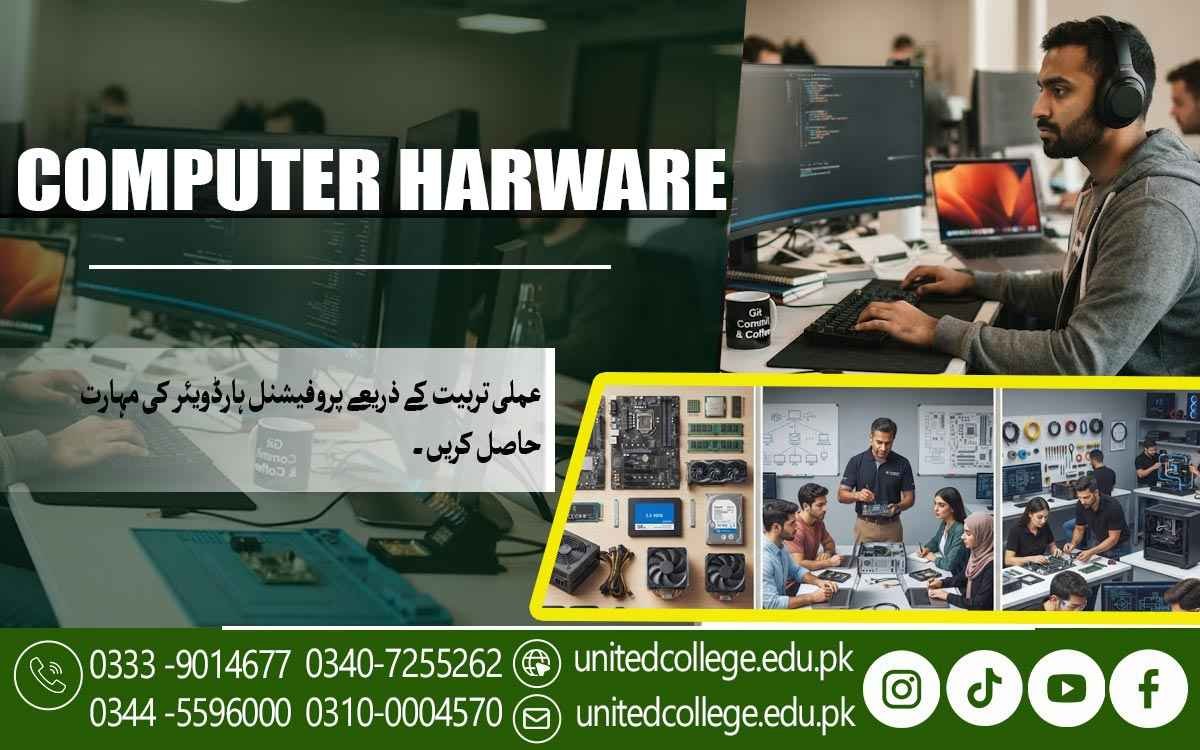

Computer Hardware Course Sadiqabad for Practical PC Knowledge
When a Computer Problem Becomes a Technical Learning Opportunity
A computer can give plenty of warning signs before a person realizes something is wrong. It may take several minutes to start, freeze while opening a simple program, shut down because of heat, show a blank screen, or suddenly fail to recognize a storage drive. In such situations, replacing the whole computer is not always the first step. The real cause could be faulty RAM, a loose cable, an aging storage device, insufficient cooling, a power problem, or even an operating system or driver issue. This is where understanding computer hardware becomes useful.
A Computer Hardware Course in Sadiqabad can help beginners learn how different parts of a computer work together and how common technical problems can be investigated in a careful, practical way. Instead of simply knowing the names of computer parts, learners can gradually understand their functions, installation methods, maintenance requirements, and common signs of failure. For students, fresh learners, computer users, and people interested in technical skills, this knowledge can provide a practical foundation for working with computers more confidently.
Turning Everyday Computer Problems Into Learning Opportunities
Many computer problems that seem confusing at first can become easier to understand when learners know what is happening inside the system. Consider a desktop that suddenly becomes extremely slow. The cause might involve limited RAM, a storage drive that is having problems, insufficient free space, background software, or another issue that needs investigation. Similarly, a computer that switches off unexpectedly may require checks related to temperature, power, cooling, or hardware connections.
A computer hardware course gives beginners a structured way to understand these situations instead of relying on guesses. Learners can study how hardware components interact, what symptoms may point toward different problems, and why testing is important before replacing anything. In Sadiqabad, this type of knowledge can be useful for people who regularly use computers at home, in offices, educational settings, businesses, or technical environments. The goal is not simply to memorize technical terms but to develop a way of thinking that helps a learner look at a computer problem, identify possible causes, and approach the issue step by step.
Discovering the Components That Keep a PC Running
Opening a computer case can reveal a collection of components that may initially look complicated, but each has a particular role. The motherboard acts as the main circuit board and provides connections between many parts of the system. The processor, or CPU, handles instructions and calculations, while RAM provides temporary working space for programs and tasks currently being performed. Storage devices such as hard drives and SSDs hold the operating system, applications, documents, pictures, and other files. The power supply provides electrical power to the internal components, while the cooling system helps manage the heat produced during operation.
A Computer Hardware Course in Sadiqabad can introduce these hardware components through simple explanations and practical examples so beginners can understand why each one matters. For instance, if a computer has very limited RAM, running several programs at once may become difficult, while a damaged storage drive can cause file access problems or prevent the operating system from starting properly. Understanding these differences helps learners move beyond simply recognizing components and begin connecting hardware behavior with actual computer performance.
Learning Computer Assembly and Hardware Installation Carefully
Putting a computer together requires attention to detail because every component and connection has a specific purpose. During computer assembly training, learners can become familiar with installing a motherboard, processor, RAM, storage devices, power supply, cooling components, and other necessary hardware in an organized manner. They can also learn to check connectors and cables before switching the system on. Something as simple as an improperly connected cable can prevent a computer from working correctly, while incorrectly handling a component can cause physical damage.
This makes safe installation an important part of practical hardware learning. Beginners can gradually understand how to prepare a workspace, identify component slots, follow correct installation procedures, and check connections after fitting each part. A hardware technician course can also introduce learners to upgrades, such as adding RAM or replacing an older hard drive with an SSD, while explaining that compatibility should be checked before installing new hardware. Through PC repair training, these activities can become practical exercises that help students develop confidence with real computer systems rather than learning entirely through theory.
Learning to Recognize the Signs of Hardware Failure
A computer does not always stop working completely when a component begins to fail. Sometimes the warning signs appear gradually. A storage device might become unusually slow or produce errors, faulty RAM can contribute to crashes or unstable operation, and overheating may cause performance problems or unexpected shutdowns. A system that powers on but displays nothing may require checks involving the monitor connection, RAM, graphics hardware, or other components. A computer that does nothing when the power button is pressed may require investigation of the power connection, power supply, cables, and motherboard-related connections.
Through computer troubleshooting, learners can study these different symptoms and understand that one symptom can have several possible causes. This is why hardware fault detection is based on checking and testing rather than simply assuming that the most obvious component is defective. A computer repair course can teach beginners to start with simple observations, inspect connections, consider recent changes, and gradually narrow down the possible cause. This method encourages patience and accuracy, two useful qualities when dealing with technical problems.
Practicing Troubleshooting Instead of Replacing Parts Too Quickly
Imagine a computer that suddenly refuses to start properly after working normally the previous day. What should be checked first? A trained learner can begin by considering simple possibilities such as power connections and cables before moving toward more detailed checks. If the computer turns on but produces no display, RAM, graphics hardware, display cables, or the monitor may need to be examined. If the system becomes extremely hot and shuts down during demanding tasks, the cooling system, airflow, dust buildup, and fan operation may require attention.
A Computer Hardware Course in Sadiqabad can help learners practice this type of logical troubleshooting so they understand why replacing parts without diagnosis can be wasteful and may not solve the actual problem. Learners can study how to isolate possible causes, test components where appropriate, compare symptoms, and verify whether a repair has actually resolved the issue. This practical approach connects computer hardware skills with real situations and helps beginners understand that effective repair involves investigation as much as physical replacement.
Connecting Hardware Servicing With System Setup
Hardware servicing often overlaps with basic software and system configuration work. After installing a new storage drive or assembling a computer, for example, the system may need an operating system before it can be used normally. Drivers may also need to be installed so hardware such as graphics, audio, network, or other devices can communicate properly with the operating system. Learners can become familiar with operating system installation, driver installation, basic BIOS settings, and simple system configuration as part of broader technical computer skills.
BIOS is firmware that helps the computer initialize hardware and begin the startup process, so understanding its basic settings can be useful when checking boot devices or hardware configuration. At the same time, learners should understand the difference between a hardware fault and a software-related problem. A computer may appear to have a hardware issue when the actual cause is a missing driver or incorrect system setting. Practical computer training can therefore help students look at both sides of the problem and determine whether the issue needs physical hardware inspection, software configuration, or further testing.
Developing Maintenance Habits That Protect Computer Hardware
Repairing a computer is useful, but regular maintenance can help prevent some avoidable problems from developing in the first place. Dust can collect inside a computer case and restrict airflow, while blocked vents or a poorly functioning fan can contribute to higher temperatures. Learners can study how to inspect a system, keep appropriate airflow around the case, clean components using suitable methods, and check cables and connections during maintenance. Safe handling is equally important. Computer components are sensitive electronic devices, and static electricity can potentially damage them if proper precautions are ignored.
Beginners should learn to disconnect power before suitable internal maintenance, handle components carefully, avoid unnecessary contact with sensitive contacts, and use appropriate anti-static practices when required. A computer hardware course can incorporate these habits into hands-on hardware practice so that students understand that good technical work includes both repair and prevention. Developing careful working habits also reduces the chance of damaging components during installation or troubleshooting and encourages learners to approach each task with attention rather than rushing through it.
Building Confidence Through Hands-On Hardware Practice
Knowing the theory behind a motherboard, processor, or SSD is useful, but actually handling these components can make the concepts much easier to understand. In a practical learning environment, beginners can gradually identify hardware parts, examine connectors, practice installation, assemble systems, check connections, and investigate common faults. At United College of Technology, learners interested in computer hardware can study relevant concepts while gaining opportunities to practice technical procedures in a structured learning environment.
The practical side of a Computer Hardware Course in Sadiqabad can help learners connect classroom knowledge with situations they may encounter while maintaining or servicing computers. For example, instead of only reading that RAM affects system operation, a learner can understand how RAM is installed, how connections are checked, and what symptoms may appear when memory is not functioning correctly. Similarly, studying storage becomes more meaningful when learners understand how a drive is installed, recognized by the system, and tested. This hands-on approach can gradually develop computer repair skills, accuracy, observation, and problem-solving habits.
Applying Computer Hardware Knowledge Beyond the Classroom
Computer hardware skills can remain useful long after a learner has finished studying a particular topic because computers are found in homes, offices, schools, businesses, shops, and many technical environments. A Computer Hardware Course in Sadiqabad can help learners build a practical understanding of these skills and gradually become more comfortable with everyday computer maintenance and servicing tasks. In Sadiqabad, someone with practical knowledge may use these skills while maintaining a personal computer, helping with basic office equipment, understanding upgrades, assisting with computer setup, or gaining further experience in a repair-oriented environment.
These skills can also provide a foundation for continued learning in areas related to networking, system administration, IT support, or more advanced computer repair. However, practical ability develops through continued practice and experience rather than through a course alone. By studying computer hardware concepts and practicing assembly, installation, maintenance, diagnostics, and troubleshooting at United College of Technology, learners can build a clearer understanding of how computers work and develop technical skills that can be applied to everyday computer-related situations.
Frequently Asked Questions (FAQs)
A Computer Hardware Course in Sadiqabad teaches learners how computer components work, how systems are assembled, and how common hardware problems can be identified, tested, and handled.
Learners can study components such as the motherboard, processor, RAM, hard drive, SSD, power supply, and cooling system. Training may also cover assembly, hardware installation, maintenance, diagnostics, and troubleshooting.
Yes. Beginners can start by learning about individual computer components and gradually move toward practical tasks such as assembly, installation, maintenance, and troubleshooting.
Computer repair training can cover common issues such as startup failures, display problems, faulty RAM, storage errors, overheating, loose connections, and power-related faults.
Yes. Learners can develop an understanding of how to install major components, connect cables correctly, check hardware compatibility, and prepare a computer for initial startup.
Admission Open: Start Your Professional Journey Today!
Join United College of Technology and build a career with practical training, recognized certifications, and Gulf job support. Seats are limited.
Apply Now via WhatsAppContact Information
- Address: Rawalpindi: F-272 Main New Katarian Stop, Old IJP Road | Lahore Campus: Lahore, Pakistan
- Phone/WhatsApp: 0340-7255262 / 0333-9014677 / 0301-5044340 / 0310-0004570 / 051-8770756
- Website: unitedcollege.edu.pk
















Leave a Comment