


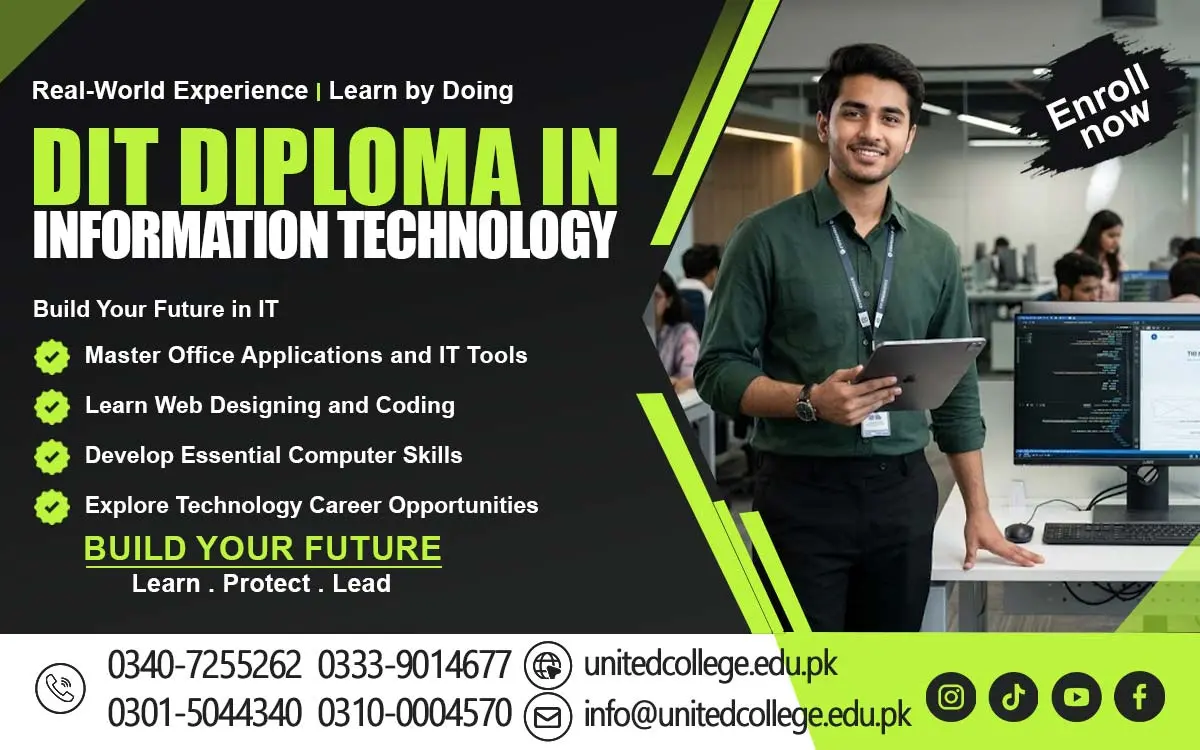

DIT Course in Batagram for Better Computer Learning
DIT Course in Batagram to Strengthen Computer Skills and Unlock New Learning Possibilities
Computer knowledge has become an important part of education, communication, and everyday work. From preparing assignments to organizing records and using online services, digital skills help people complete tasks more effectively. For students, beginners, and job seekers in Batagram, learning how to use computers can open the door to further education and practical skill development.
The DIT Course in Batagram provides a learning path for people who want to understand information technology and become more confident with digital tools. Instead of relying only on basic computer use, learners can explore how software works, how information is managed, and how technology supports different responsibilities. With regular practice and a clear learning goal, beginners can develop knowledge that supports their personal and educational growth.
Turn Basic Computer Knowledge into a Strong Digital Foundation
A Diploma in Information Technology, commonly called DIT, is a course designed to develop understanding of computers and information technology. It may cover computer fundamentals, software applications, digital information management, and other IT-related concepts, depending on the syllabus. The purpose is to help learners understand how computers work and how people use them to complete different tasks.
For someone with limited computer experience, structured learning can make technology easier to understand. Learners can begin with simple functions and gradually explore more advanced concepts as their knowledge improves. A Diploma in Information Technology Course in Batagram may suit students who want to strengthen their computer education, as well as individuals who want to develop skills for further study or future work.
Explore the Digital Tools Used in Study and Everyday Work
Computer education becomes more useful when students understand the tools they may encounter in real situations. Depending on the syllabus, DIT training may introduce learners to operating systems, file management, typing, internet usage, email communication, and office applications. MS Word can help users prepare letters, assignments, reports, and other documents.
MS Excel can support the organization of information in rows and columns, along with basic calculations when required. MS PowerPoint can help learners arrange information into slides for classroom presentations or workplace discussions. These applications are common examples of software that may be covered through MS Office Training in Batagram, depending on the course content.
Make Practical Learning Part of Every Computer Lesson
Reading about computer functions is helpful, but practical experience allows learners to understand them more clearly. A student who practises preparing a document can learn how to format text, adjust spacing, and organize information. Someone working with spreadsheets can practise entering data, checking figures, and arranging records in a readable format.
During DIT Training in Batagram, learners should focus on understanding the steps behind each activity rather than rushing to complete it. Saving a document in the correct folder, finding a previously stored file, and correcting simple formatting mistakes are small tasks that can improve everyday computer use.
Give Students in Batagram More Confidence with Technology
Computer skills can support students at different stages of their education. Learners may need to prepare reports, create presentations, organize research notes, or access online study materials. When they understand common computer functions, they can complete these tasks with greater independence and spend more time focusing on the subject they are studying.
Computer Education in Batagram can be useful for people with different learning goals. Some students may want to continue their studies in technology, while others may simply want to improve their digital literacy. The most effective starting point is to understand current abilities, identify areas for improvement, and practise one skill at a time. Progress may be gradual, but regular learning can help students become more comfortable with technology.
Connect Digital Skills with Real-World Responsibilities
Computer knowledge is useful beyond the classroom. Many everyday responsibilities involve entering information, preparing documents, communicating online, or keeping records organized. A learner who understands these tasks may find it easier to become familiar with similar activities in an educational or workplace setting.
A Computer Course in Batagram can provide a starting point for learners who want to develop these abilities. However, different workplaces require different levels of knowledge. Some roles may need advanced spreadsheets, specialized software, technical training, or previous experience. Completing a DIT course does not guarantee a job, but the knowledge gained may help learners prepare for further training and understand common digital responsibilities.
Choose an IT Learning Path That Matches Your Goals
The DIT course is offered by United College of Technology, giving prospective learners an option to explore structured computer education. Before making an enrollment decision, students should contact the institution to confirm the current syllabus and other course details. This helps them understand whether the available training fits their needs.
The wider field of information technology includes many areas of study. After developing basic computer knowledge, learners may decide to explore programming, networking, web development, database concepts, or computer maintenance. These are separate areas that may require additional learning, and students should check the entry-level knowledge needed for each subject.
Develop Better Results Through Consistent Practice
Successful computer learning requires patience and regular effort. Students should set aside time to review lessons and repeat tasks until the steps become familiar. Short practice sessions can be useful when they focus on a clear goal, such as improving typing accuracy or learning how to organize documents.
It is also important to ask questions whenever a concept seems unclear. Making mistakes is a normal part of learning, and reviewing those mistakes can help students understand how a computer function works. Keeping simple notes about useful commands, software features, and common problems can make revision easier.
Begin Your Digital Learning Journey with a Clear Purpose
The DIT Course in Batagram can be a meaningful starting point for people who want to improve their computer knowledge and understand the role of information technology in modern life. Students can use digital skills to support their education, beginners can become more confident with computers, and job seekers can prepare themselves for further learning related to office and technology-based tasks.
The real value of a Diploma in IT depends on the knowledge taught, the effort a learner puts into practice, and the way those skills are developed over time. It is important to set realistic goals, review course details carefully, and remain willing to learn new things. For learners in Batagram, the first step can be simple: identify the computer skills they need, explore suitable training, and commit to practising regularly.
Frequently Asked Questions (FAQs)
It can introduce the difference between physical computer components and the programs that help a computer perform tasks, depending on the course syllabus.
Reviewing work helps learners catch missing information, typing mistakes, incorrect entries, and formatting problems before submitting a document.
Yes. Learning suitable digital tools can help users organize appointments, set reminders, and keep track of study or work deadlines.
Logical thinking helps learners follow steps in order, identify possible causes of errors, and choose practical ways to solve computer-related problems.
They can save files regularly, use clearly named folders, and keep backup copies in a suitable secure location when possible.
Knowing file formats helps learners choose suitable ways to save, open, share, and submit documents, images, and other digital materials.
Admission Open: Start Your Professional Journey Today!
Join United College of Technology and build a career with practical training, recognized certifications, and Gulf job support. Seats are limited.
Apply Now via WhatsAppContact Information
- Address: Rawalpindi: F-272 Main New Katarian Stop, Old IJP Road | Lahore Campus: Lahore, Pakistan
- Phone/WhatsApp: 0340-7255262 / 0333-9014677 / 0301-5044340 / 0310-0004570 / 051-8770756
- Website: unitedcollege.edu.pk
















Leave a Comment