


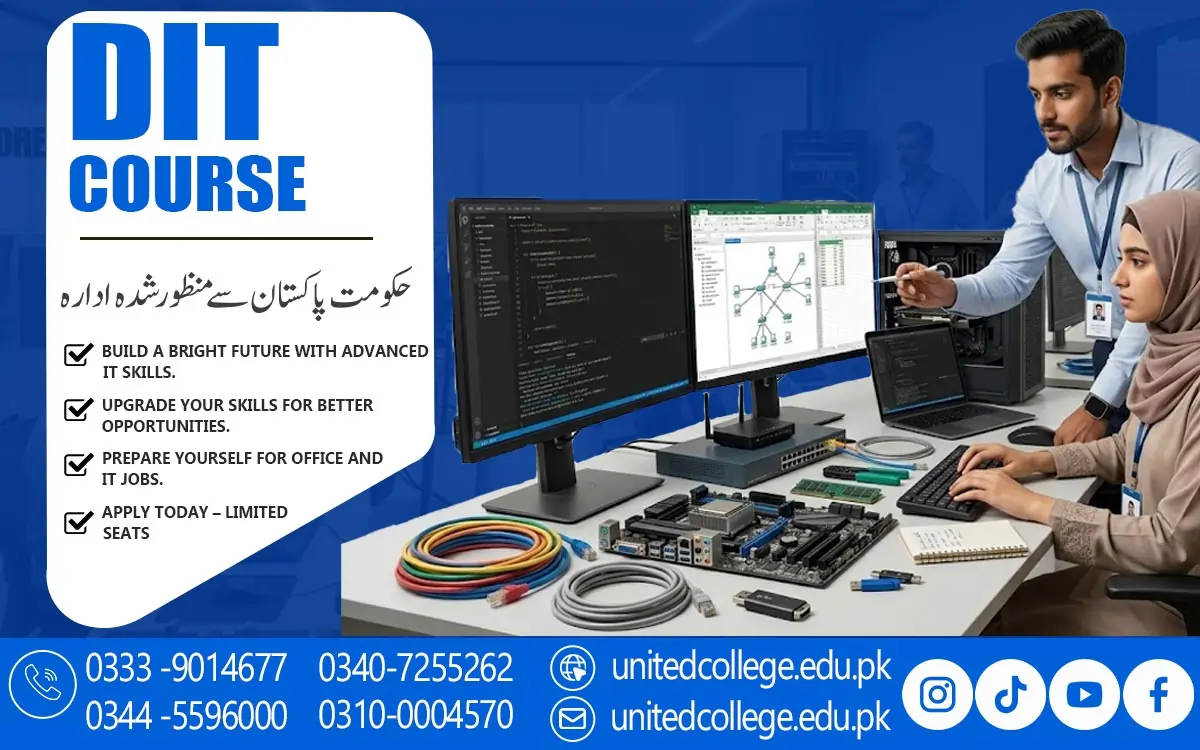

DIT Course in Bannu for Hands-On Computer Training
DIT Course in Bannu: Open New Doors Through Practical Computer Learning
Computer knowledge has become an important part of education, communication, and everyday work. From preparing assignments to organizing office records, people use digital tools for many different tasks. The DIT Course in Bannu offers a learning path for people who want to understand computers and explore information technology.
A Diploma in Information Technology in Bannu can introduce learners to essential computer concepts and help them become more comfortable using common applications. Instead of depending on others for every digital task, learners can develop the confidence to manage files, prepare documents, communicate through email, and work with different software tools.
Turn Everyday Computer Use into Useful Technical Knowledge
Knowing how to switch on a computer or browse the internet is only the beginning of digital learning. A good understanding of computer fundamentals helps learners explore how a computer works and how its different parts support daily tasks. Through the DIT Course in Bannu, learners can study basic hardware components, input and output devices, memory, storage, and the role of software.
These topics provide a foundation for understanding more advanced IT concepts later. For beginners, learning the difference between hardware and software can make technical information easier to understand. Regular practice with these basic concepts also helps learners recognize common computer problems and follow simple troubleshooting steps.
Build Confidence with Microsoft Office and Digital Documents
Office applications are an important part of computer education because they help people create, organize, and present information. A Computer Course in Bannu that includes Microsoft Office Training can introduce learners to tools such as Microsoft Word, Excel, and PowerPoint, depending on the course syllabus. Word processing skills help users prepare letters, applications, reports, and assignments with clear formatting.
These functions can be useful when managing lists, preparing simple budgets, or recording information. Presentation software helps learners arrange ideas into slides and communicate them in a structured way. Learning these applications requires more than watching demonstrations; learners need to practise creating their own documents and correcting mistakes.
Explore Internet Communication, Databases, and Introductory Programming
Information technology includes several areas beyond document preparation and office applications. A Diploma Information Technology Course may introduce learners to internet browsing, search techniques, email communication, online safety, and responsible use of digital information. Understanding email etiquette helps users write clear messages, attach relevant files, and communicate professionally.
Database basics may also form part of a DIT syllabus. These concepts explain how information can be stored, organized, searched, and updated in a structured way. Some courses may introduce basic programming concepts, such as instructions, variables, conditions, and simple logical steps. Programming helps learners understand how software follows instructions to complete tasks.
Connect Computer Education with Study, Office Tasks, and Daily Responsibilities
Digital skills can support people in different situations, even when they are not planning to become IT professionals. Students can use computer applications to prepare assignments, create presentations, organize study notes, and research academic topics. Job seekers may find basic computer knowledge useful when preparing a professional CV, completing online forms, or sending applications by email.
For residents of Bannu, enrolling in a DIT Course in Bannu can provide a practical way to develop digital skills and become more familiar with the technology used in education and everyday work. However, the usefulness of a particular skill depends on the task, workplace, and level of knowledge required. A DIT qualification should not be viewed as a guarantee of employment.
Make Practical Learning the Foundation of Strong IT Skills
Reading about computers provides useful information, but practical work helps learners understand how to apply it. During DIT learning, students should aim to complete small tasks independently rather than simply memorizing definitions. For example, they can create a formatted document, prepare a spreadsheet with simple calculations, design a short presentation, or organize files into clearly named folders.
Beginners should also practise identifying errors and finding suitable solutions instead of giving up when a task does not work as expected. Keeping notes about unfamiliar terms and reviewing earlier lessons can make learning easier. Computer Education for Beginners becomes more effective when learners practise regularly and gradually increase the difficulty of their tasks.
Understand the Learning Approach at United College of Technology
When exploring the DIT Course in Bannu, learners should consider the quality and relevance of the course content rather than choosing a program based only on its name. The DIT program offered by United College of Technology can be considered by learners who are exploring formal computer education and want to understand their available learning options. Before making a decision, prospective students should ask about the syllabus, practical exercises, teaching methods, and the balance between theory and computer-based activities.
It is also useful to understand how instructors explain technical concepts to beginners and whether learners have opportunities to practise the applications covered in their lessons. The course content should match the learner's current knowledge and future interests. Someone who wants to improve office skills may focus on word processing and spreadsheets, while a learner interested in software development may want to understand how programming is introduced.
Use DIT Knowledge as a Starting Point for Further Learning
Completing introductory IT studies can help learners identify areas they want to explore next. Students interested in office administration may continue improving their spreadsheet, document formatting, and data organization skills. Those who enjoy technical problem-solving may explore computer hardware, operating systems, or basic troubleshooting in greater detail.
People who discover an interest in programming can move towards a suitable programming language and practise writing small programs. Database management, networking, graphic design, and other technology-related subjects may also offer possible directions for further study. The best next step depends on the learner's interests, existing knowledge, and available learning resources.
Take Your First Step Towards a More Digital Future
Learning computer skills is a gradual process that grows through practice, patience, and curiosity. The DIT Course in Bannu can be a starting point for people who want to understand computer fundamentals, use office applications, communicate online, and explore different areas of information technology. For beginners, the most important goal is to develop a reliable foundation rather than trying to master every topic at once.
They should also choose a course after reviewing its syllabus and confirming that its learning approach suits their needs. With a clear goal and a willingness to keep learning, students and job seekers can use their computer education to support everyday responsibilities and prepare for further study. Every new skill learned and every practical task completed can become another step towards greater digital confidence and a better understanding of the technology shaping the modern world.
Frequently Asked Questions (FAQs)
Software updates can fix errors, improve performance, and address security weaknesses. Learners should understand why updates matter and follow safe update practices.
Students can explore print settings, page orientation, paper size, margins, and print previews to prepare documents correctly before sending them to a printer.
Basic networking concepts can explain how computers connect and share information through local networks and the internet, depending on the course syllabus.
Cloud storage allows users to keep files on online services and access them through supported devices. Learners should also understand account security and privacy settings.
Students can learn to create readable documents, use clear layouts, and organize information so that digital content is easier for different people to understand and use.
Admission Open: Start Your Professional Journey Today!
Join United College of Technology and build a career with practical training, recognized certifications, and Gulf job support. Seats are limited.
Apply Now via WhatsAppContact Information
- Address: Rawalpindi: F-272 Main New Katarian Stop, Old IJP Road | Lahore Campus: Lahore, Pakistan
- Phone/WhatsApp: 0340-7255262 / 0333-9014677 / 0301-5044340 / 0310-0004570 / 051-8770756
- Website: unitedcollege.edu.pk
















Leave a Comment