


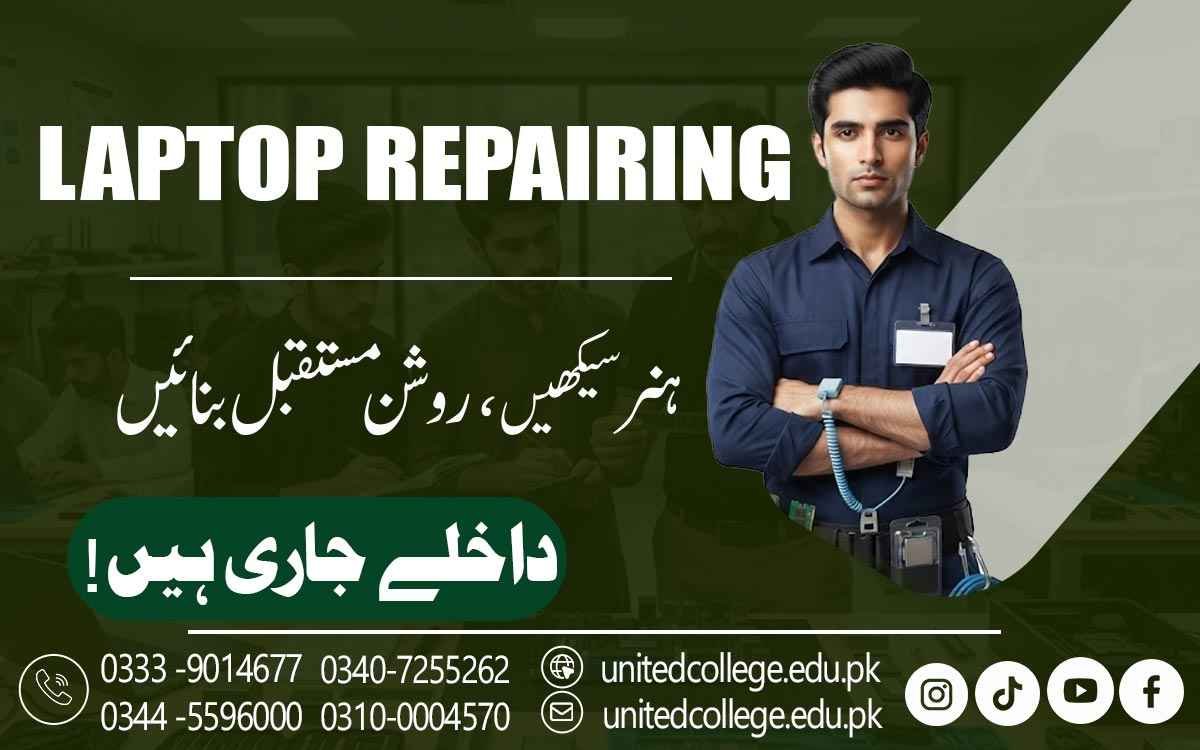

Laptop Repairing Course in Chiniot for Computer Repair Skills
Turn Technical Curiosity into Practical Expertise
Laptops have become part of everyday life, from classroom assignments and office work to online businesses, freelancing, communication, and personal tasks. When a laptop suddenly stops working, becomes slow, overheats, or develops a charging problem, simply knowing how to use a computer is not enough to understand what went wrong. Practical repair knowledge helps learners look inside the device and understand the reason behind common faults.
The Laptop Repairing Course in Chiniot is designed around this type of technical learning, allowing beginners to explore laptop hardware, software, troubleshooting, and maintenance. Students can gradually learn how different components work together and how technicians approach problems through careful inspection. For fresh learners, students, job seekers, and computer users who want a practical technical skill, laptop repair training can provide useful knowledge that can also support further learning in computer hardware and technical servicing.
Chiniot’s Everyday Computer Use Creates a Need for Practical Repair Knowledge
A laptop can develop different problems depending on its age, usage, environment, and condition. One device may have a weak battery, while another may suffer from storage errors, overheating, display problems, or charging issues. These faults often require more than a quick guess. Laptop Repairing Course in Chiniot helps learners understand Laptop Troubleshooting by observing symptoms, checking possible causes, and following a logical process to understand what is happening.
The focus is not only on repairing a damaged device but also on understanding how problems develop and how they can be investigated. This helps beginners move from simply using laptops to understanding their internal systems. It can also develop useful habits such as careful observation, patience, organized work, and responsible handling of electronic equipment.
From RAM to the Motherboard: Building a Clear Picture of Laptop Hardware
A strong foundation in hardware starts with recognizing the important components inside a laptop. Learners can study RAM, hard drives, SSDs, processors, motherboards, batteries, cooling fans, displays, keyboards, touchpads, speakers, charging ports, and internal cables. Each component performs a different function, and understanding these roles helps students make sense of common technical problems.
During Laptop Hardware Training, beginners can explore how RAM supports active tasks, how storage devices hold data and operating system files, and how the motherboard connects many systems within the laptop. They can also learn why cooling systems matter and how battery and charging components affect everyday use. This knowledge forms the basis of Laptop Hardware Repair and makes it easier for learners to understand later troubleshooting exercises.
Precision Begins With Safe Laptop Disassembly and Reassembly
Opening a laptop is a practical task that requires care. Internal components can be small, delicate, and closely connected, so careless handling can cause unnecessary damage. A Laptop Repair Course can introduce learners to safe methods for opening devices, identifying internal parts, disconnecting suitable components, and organizing screws and cables. Reassembly is equally important because a device must be put back together correctly after inspection or repair.
Students can learn how to handle connectors carefully, keep work areas organized, and follow a logical sequence while working on a laptop. Proper use of Laptop Repair Tools is another important part of practical learning. Instead of treating tools as simple accessories, learners can understand why the correct tool and careful technique matter. This hands-on experience helps develop precision and confidence while working with compact electronic devices.
Real Faults Turn Laptop Repairing Classes into Problem-Solving Practice
Technical knowledge becomes more useful when learners understand how it applies to real problems. A laptop may fail to start, refuse to charge, show no display, run unusually slowly, produce excessive heat, or stop responding to the keyboard or touchpad. Each symptom can have more than one possible cause. Through Hardware Troubleshooting Skills, students can learn to investigate the situation instead of immediately replacing a component. Laptop Repairing Course in Chiniot can help learners develop these practical troubleshooting skills through structured learning and hands-on examples.
A display issue may require attention to the screen, connection, or related hardware. This process teaches learners to observe, compare possibilities, and perform appropriate checks. Laptop Repairing Classes that include practical examples can therefore help students develop logical thinking alongside technical knowledge. The aim is to understand the fault before deciding what repair action may be appropriate.
Software Setup Completes the Technician’s Understanding of a Laptop
Not every laptop problem comes from a physical component. Operating system errors, missing drivers, incorrect settings, startup issues, and software conflicts can also affect performance. For this reason, laptop repair learning can include basic operating system installation, system setup, driver installation, and simple software troubleshooting. Understanding these areas helps learners distinguish between a hardware fault and a software-related problem.
For instance, a device may have working speakers but still produce no sound because of a driver or system setting. Similarly, a laptop may become slow because of software conditions rather than a damaged component. Combining software knowledge with hardware awareness gives students a broader understanding of Computer and laptop repair. It also makes technical troubleshooting more complete because learners can consider both physical and software-related causes when examining a device.
United College of Technology Brings Practical Learning Into the Repair Process
The Laptop Repairing Course in Chiniot is offered by United College of Technology, where learners can explore technical concepts through a practical learning approach. A structured training environment can help beginners understand laptop components, repair procedures, maintenance practices, and troubleshooting methods in an organized way. Students can connect theoretical information with hands-on activities, making it easier to understand how a laptop works beyond its outer casing.
United College of Technology can also help learners become familiar with the careful approach required when handling electronic equipment. Practical learning may include component identification, device opening and reassembly, basic fault inspection, software setup, and maintenance-related activities. The purpose of this training is to develop knowledge and practical ability rather than make promises about a particular job, income, or business result.
Maintenance Skills Help Learners Think Beyond the Immediate Repair
A capable technician needs to understand not only how to investigate faults but also how proper maintenance can support a laptop’s condition. Dust around cooling areas, blocked airflow, excessive heat, careless handling, and poor maintenance habits can affect a device over time. Laptop Maintenance Skills can help learners recognize the importance of ventilation, cleanliness, responsible handling, and regular system care.
Students can also learn to pay attention to signs such as unusual fan noise, repeated overheating, sudden slowdowns, battery changes, or unexpected shutdowns. Maintenance knowledge can be useful for people who regularly use laptops for study, office work, business, or personal activities. It also supports better technical judgment because learners become more aware of the difference between a maintenance issue and a fault that may require deeper inspection.
A Strong Technical Foundation for Continued Learning in Chiniot
The Laptop Repairing Course in Chiniot can give beginners a starting point for developing broader technical abilities. Students may continue learning about computer hardware, technical support, maintenance services, networking, or advanced repair methods as their knowledge grows. Some learners may be interested in repair workshops or technical service environments, while others may want to improve their ability to maintain computers used at home, in education, or at work
However, technical growth does not stop after learning the basics. New laptop designs, processors, storage technologies, operating systems, and repair methods continue to develop, making continued learning important. For people in Chiniot who enjoy practical work and want to understand the technology they use every day, learning laptop repair can become a useful foundation for long-term technical development and hands-on experience.
Frequently Asked Questions (FAQs)
A neat workspace makes small laptop parts, screws, cables, and tools easier to manage. Good organization can also reduce confusion and help learners follow repair steps more carefully.
Yes. Training can help students understand the basic relationship between the motherboard, processor, memory, storage, display, power system, and other connected parts.
A loose connection can sometimes affect the operation of a component. Learners can study how technicians inspect relevant connectors and connections when investigating unusual device behavior.
Yes. Learners can become more familiar with specifications such as RAM capacity, storage type, processor information, display characteristics, and other hardware details.
Recording observations can make technical work more organized. Notes about symptoms, checks, component condition, and repair steps can help learners track their troubleshooting process.
Cleaning can be an important maintenance activity when performed safely. Learners can understand how dust and blocked airflow may affect cooling and why sensitive components require careful handling.
Admission Open: Start Your Professional Journey Today!
Join United College of Technology and build a career with practical training, recognized certifications, and Gulf job support. Seats are limited.
Apply Now via WhatsAppContact Information
- Address: Rawalpindi: F-272 Main New Katarian Stop, Old IJP Road | Lahore Campus: Lahore, Pakistan
- Phone/WhatsApp: 0340-7255262 / 0333-9014677 / 0301-5044340 / 0310-0004570 / 051-8770756
- Website: unitedcollege.edu.pk
















Leave a Comment