


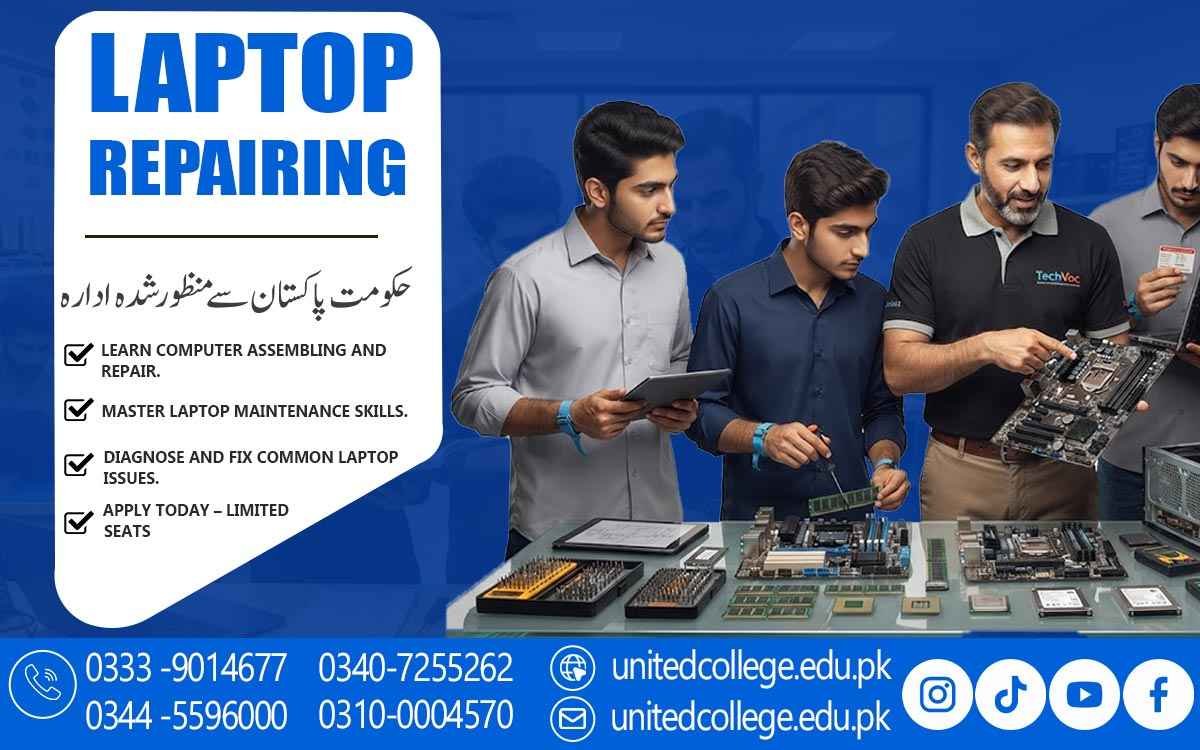

Laptop Repairing Course in Jhang for Better Technical Ability
Turn Your Interest in Technology into Practical Repair Skills
Laptops have become an important part of modern life. Students use them for assignments and online learning, professionals depend on them for office tasks, businesses use them for daily operations, and many people rely on computers for freelancing and digital work. When a laptop suddenly stops charging, becomes slow, overheats, or refuses to start, the problem can interrupt important activities. This is where practical technical knowledge becomes valuable.
The Laptop Repairing Course in Jhang gives beginners an opportunity to understand what happens inside a laptop and how common problems can be approached through proper troubleshooting. Instead of learning only through theory, students can explore hardware, software, maintenance, and repair procedures step by step. This type of learning can be useful for fresh learners, job seekers, students, and anyone who wants to develop a practical technical skill related to computer servicing.
Jhang’s Digital Lifestyle Makes Laptop Repair Knowledge More Practical
As computer use continues across education, offices, shops, businesses, and personal activities, understanding basic laptop maintenance can become a useful technical ability. A laptop can develop many different problems, and the visible symptom does not always reveal the actual cause. For example, a device that does not start could have a battery, charger, power connection, or internal hardware issue.
A slow laptop could have storage, memory, operating system, or software-related causes. Laptop Repairing Course in Jhang can help learners understand how technicians approach such situations instead of making quick assumptions. Students can gradually learn to inspect a device, identify possible causes, and select suitable troubleshooting steps. This creates a stronger foundation for anyone interested in Laptop Repairing Skills and practical computer hardware work.
Inside the Laptop: Where Technical Understanding Really Begins
A good repair process starts with knowing the machine. Learners can become familiar with important Laptop Hardware Components, including the motherboard, processor, RAM, SSD, hard drive, cooling fan, battery, display, keyboard, touchpad, speakers, and other internal connections. Each part has a different role, but many components work together to keep the system running. During a Laptop Technician Course, beginners can learn how to identify these parts and understand their basic functions.
RAM relates to active system operations, while storage devices hold the operating system, applications, and files. The motherboard connects and supports many important systems inside the laptop. Understanding these relationships makes it easier to study Laptop Hardware Repair later. This foundation also helps learners become more comfortable when examining an unfamiliar laptop and preparing it for further technical inspection.
From Opening the Device to Rebuilding It With Care
Laptop repair requires controlled handling because many internal parts are small and delicate. A technician needs to know how to open a device without damaging clips, cables, connectors, or screws. Learners can practice the correct approach to disassembly, component identification, cleaning, inspection, and reassembly. Safe handling is an important part of Practical Laptop Repair Training because a repair procedure should not create additional damage.
Students can also learn how to organize removed screws and remember where different components belong before putting the laptop back together. This practical experience develops patience and attention to detail. Over time, learners can become more comfortable using suitable repair tools and handling internal hardware. These habits are useful whether someone is practicing at home, learning in a training environment, or exploring technical work in a computer repair setting.
Real Laptop Faults Turn Theory into a Troubleshooting Challenge
Laptop troubleshooting becomes more meaningful when learners work around realistic problems. A device may fail to power on, stop charging, overheat, display a blank screen, lose touchpad functionality, or show unusual performance. Storage problems can affect startup, while RAM-related issues may create system instability. Battery faults can reduce portability, and damaged connections can interfere with individual components.
Through Laptop Hardware Troubleshooting, learners can understand that one symptom may have several possible causes. The focus is therefore not simply on replacing a part but on checking the situation carefully and narrowing down the source of the fault. The Laptop Repairing Course in Jhang can introduce students to this logical process through practical examples. Developing this approach can strengthen observation, patience, technical reasoning, and the ability to work through problems in an organized manner.
Software Knowledge Gives Hardware Skills a Wider Reach
A laptop technician also needs to understand the software side of a computer. Physical components may be working correctly while an operating system, driver, or configuration problem affects performance. Learners can explore operating system installation, basic setup procedures, driver installation, startup problems, and common software-related errors. This area of Computer Hardware Training complements physical repair knowledge because technicians often need to determine whether a problem is caused by hardware or software.
A laptop that has no sound, for example, may have a hardware fault, but it could also have a driver or operating system issue. Learning basic software troubleshooting helps beginners look at the complete system rather than focusing on only one component. Combining hardware and software knowledge can give students a broader understanding of Technical Computer Skills and everyday laptop servicing.
United College of Technology Connects Learning With Practical Work
The Laptop Repairing Course in Jhang is offered by United College of Technology, giving learners a structured environment in which they can explore laptop hardware and troubleshooting concepts. Practical training can help students move from simply knowing component names to understanding how those components are inspected and handled. Learners can work on areas such as hardware identification, safe device opening, component checking, basic fault diagnosis, operating system setup, and maintenance practices.
United College of Technology can provide a learning setting where beginners gradually become familiar with technical procedures and develop better confidence around computer hardware. The purpose of such training is not to promise a particular employment result but to help learners develop useful knowledge through study and practice. For someone starting from the basics, structured guidance can make technical concepts easier to understand and apply.
A Technical Skill That Can Lead to Further Learning
Laptop repair knowledge can serve as a starting point for people who want to continue developing their technical abilities. After learning the fundamentals, students may choose to explore areas such as computer repair, technical support, hardware maintenance, networking, or more advanced IT hardware skills. Some learners may be interested in working around repair shops or technical service environments, while others may simply want stronger skills for maintaining computers used at home or work.
The Laptop Repair Training experience can therefore become part of a wider learning path rather than an endpoint. Developing Laptop Technician Skills requires continued practice because laptop designs, storage technologies, processors, operating systems, and repair methods can change over time. Building a habit of learning and testing knowledge on suitable devices can help learners keep improving their technical understanding.
A Practical Starting Point for Jhang’s Aspiring Laptop Technicians
The Laptop Repairing Course in Jhang can be suitable for people coming from different learning backgrounds. Beginners do not necessarily need advanced technical knowledge to start exploring the basics. Students can use the training to develop a practical skill alongside their studies, while fresh learners can begin understanding computer hardware from the ground up. Job seekers who are interested in technical fields can also use the learning experience to strengthen their practical knowledge without relying on promises of guaranteed employment.
Even regular computer users may find value in understanding how laptop faults develop and how maintenance can help protect a device. With consistent practice, careful handling, and a willingness to learn, beginners can gradually improve their Laptop Repairing Skills and develop a stronger understanding of computer servicing. For learners in Jhang who enjoy technology and prefer hands-on work, this can be a meaningful step toward broader technical knowledge and continued skill development.
Frequently Asked Questions (FAQs)
Patience is important because technical servicing often involves small parts, careful inspection, and step-by-step testing. Rushing can make it harder to identify or handle a problem correctly.
Yes. Practical exposure can help students notice differences in laptop layouts, internal arrangements, connectors, cooling systems, and component placement across various devices.
A technician should first examine the symptoms, inspect relevant connections, perform suitable checks, and consider other possible causes before deciding that a component needs replacement.
Yes. Learners can study the role of cooling fans, ventilation, heat management, and related components while understanding how excessive heat may affect laptop performance.
Laptop repair knowledge can help learners better understand routine maintenance and technical issues on devices used for education, office tasks, business activities, and personal work.
Accuracy can improve through repeated practice, organized work habits, careful tool handling, recording repair steps, and reviewing each procedure before moving to the next stage.
Admission Open: Start Your Professional Journey Today!
Join United College of Technology and build a career with practical training, recognized certifications, and Gulf job support. Seats are limited.
Apply Now via WhatsAppContact Information
- Address: Rawalpindi: F-272 Main New Katarian Stop, Old IJP Road | Lahore Campus: Lahore, Pakistan
- Phone/WhatsApp: 0340-7255262 / 0333-9014677 / 0301-5044340 / 0310-0004570 / 051-8770756
- Website: unitedcollege.edu.pk
















Leave a Comment