


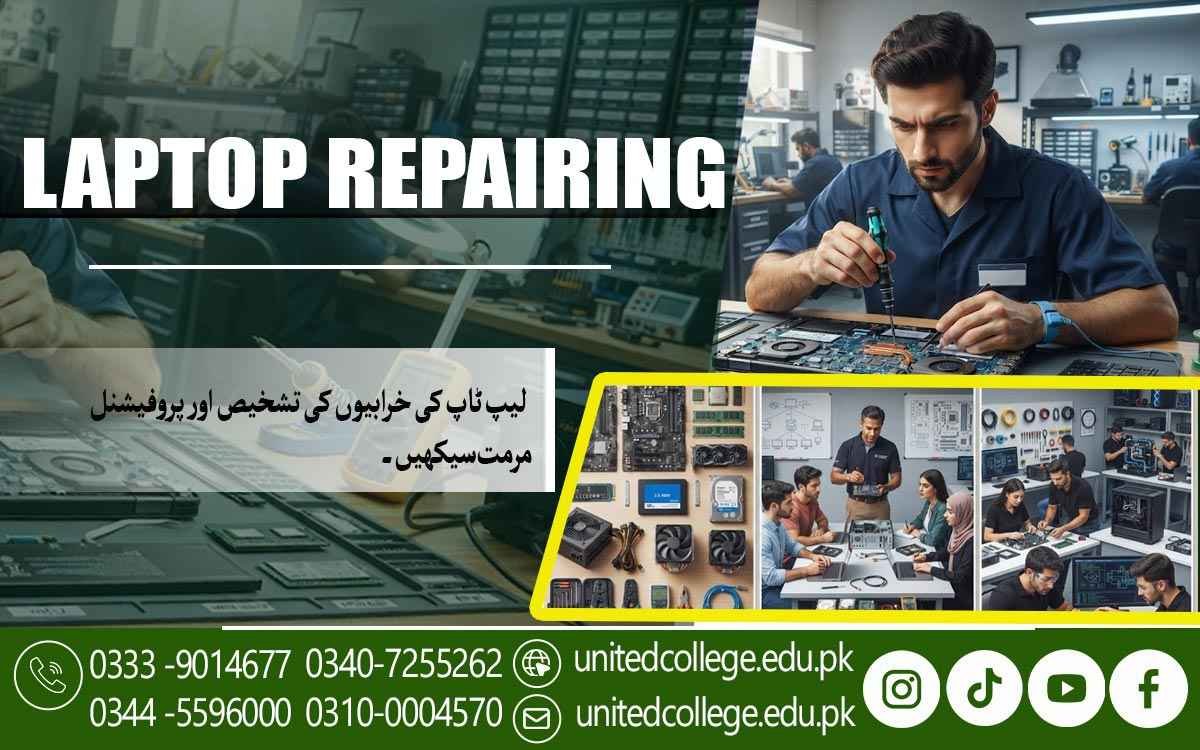

Laptop Repairing Course in Khanewal – Learn Hands-On Repair Skill
When Your Laptop Develops a Problem, Knowing Where to Start Matters
A laptop that suddenly stops charging, refuses to turn on, becomes extremely slow, or starts overheating can leave its owner wondering what went wrong. The problem may be something simple, such as a loose connection or a worn-out battery, or it may involve RAM, storage, cooling, charging circuits, or the motherboard. Without proper knowledge, it is difficult to know where to begin. This is why practical laptop repair knowledge can be valuable for anyone who regularly works with computers.
A Laptop Repairing Course in Khanewal can help beginners understand laptop components, learn systematic troubleshooting, practice safe disassembly and assembly, and develop skills for handling common hardware and software problems. Instead of guessing which part needs replacement, learners can gradually learn how to inspect a device, identify symptoms, test possible causes, and choose an appropriate repair approach.
Why Laptop Repair Skills Can Be Useful for Learners in Khanewal
Laptops are widely used for education, office tasks, online work, business activities, communication, and personal use, so repair and maintenance knowledge can be useful in many everyday situations. A laptop may develop charging problems after regular use, become slow because of storage or software issues, shut down because of excessive heat, or stop responding because of a hardware fault. For learners in Khanewal, understanding these problems can be useful whether they want to maintain their own devices or explore technical work. Laptop Repair Course introduces a practical way of thinking in which a technician does not immediately assume that a particular component has failed.
Instead, the problem is observed and possible causes are checked one by one. For example, if a laptop is not charging, the charger, charging port, battery, connection, and internal charging section may all need consideration. Similarly, if a laptop does not display an image, the screen, display cable, memory, graphics-related hardware, or motherboard may need to be examined. Learning these differences can help beginners understand why proper diagnosis matters. A Laptop Repairing Course in Khanewal can provide a structured starting point for developing this understanding through theory combined with practical exercises.
Getting to Know the Laptop Components That Keep a System Running
Before a learner can repair a laptop, it is important to understand what is inside it and what each component does. Laptop components are generally compact and arranged differently from desktop computer parts, so students need to become familiar with their locations, connections, and functions. Training can introduce the motherboard, processor, RAM, storage drive, battery, cooling fan, display, keyboard, touchpad, speakers, wireless hardware, charging port, and other internal parts. The motherboard works as the main circuit board where many components communicate, while the processor handles instructions and calculations. RAM provides temporary working memory, allowing active applications to operate, while the storage drive keeps the operating system, applications, and personal files.
Learners can study both hard drives and SSDs and understand how storage replacement or an SSD installation may be carried out on compatible systems. The battery supplies portable power, while the charging system allows the battery to receive power from an external adapter. Students can also learn about replaceable parts such as RAM, storage devices, keyboards, batteries, and certain cooling components. Understanding these functions gives beginners a clearer picture of how a laptop operates and prepares them for practical laptop hardware repair, where identifying the right component is often the first step toward finding the cause of a fault.
Learning to Diagnose Common Laptop Hardware Problems
Knowing the components is only the beginning; the more challenging part is finding out why a laptop is not working properly. Laptop diagnostics requires observation, logical thinking, and careful testing instead of random part replacement. During laptop repair training in Khanewal, learners can study common symptoms such as failure to power on, black screens, slow performance, unexpected shutdowns, overheating, battery problems, charging faults, missing storage, keyboard issues, and malfunctioning ports. One symptom can have several possible causes, which makes a step-by-step approach important.
For instance, when a laptop refuses to turn on, the technician may first check the power adapter and visible connections before considering the battery, charging section, power circuit, or motherboard. If the laptop turns on but remains on a black screen, the display, cable, memory, graphics hardware, or motherboard may need attention. Learners can practice checking simple causes first and then moving toward more detailed tests when necessary. This method helps develop laptop troubleshooting skills because students learn how to narrow down possibilities instead of making assumptions.
Understanding Motherboards and Basic Circuit-Level Troubleshooting
The motherboard is one of the most important and complex parts of a laptop because it contains circuits and connections that support many of the device's functions. A beginner may find motherboard repair difficult at first because the board contains small components that are very different from larger replaceable parts such as RAM or a storage drive. A laptop repair course can introduce learners to common motherboard components and explain their basic roles in simple terms. Students can learn to recognize areas associated with power, charging, processing, memory, storage, display, and other functions.
Laptop circuit repair requires additional precision and experience, especially when working with small electronic components. Learners should therefore understand the difference between replacing a removable component and attempting a board-level repair. Practical training can introduce safe testing methods and help students understand when a problem may require specialized equipment or more advanced technical knowledge. This gradual approach is important because motherboard work should not be treated as a simple replacement task. By learning the purpose of motherboard components and practicing careful inspection, beginners can build a stronger foundation for more advanced hardware troubleshooting.
Practicing RAM, Storage, Battery, Keyboard, and Screen Repairs
Many laptop problems involve components that can be inspected, upgraded, or replaced depending on the laptop model and design. RAM and storage are common areas for practical training because incorrect installation or incompatible components can affect system performance and operation. Learners can practice RAM installation, learn how to identify compatible memory, and check whether the system recognizes the installed module. Storage training may include hard drive replacement, SSD installation, checking storage connections, and preparing a replacement drive for use. Other hardware tasks can include examining battery problems, keyboard faults, screen issues, and damaged or loose connections.
Battery servicing also requires attention because batteries store electrical energy and should be handled carefully. Students can learn to identify symptoms rather than assuming that every failure requires a new component. A keyboard with several non-working keys, for example, may require inspection of the keyboard itself, its cable, or the system connection. Similarly, a laptop with poor battery life may require battery health checks before a replacement is considered. These practical exercises help learners understand how different parts can fail and how a technician determines the appropriate next step.
Handling Charging, Power, and Overheating Problems Safely
Power and heat are two areas that frequently require careful attention during laptop servicing. A laptop may show charging problems, fail to recognize its adapter, lose power quickly, shut down unexpectedly, or refuse to start. The possible causes can range from an unsuitable or faulty charger to a damaged charging port, battery problem, cable issue, or internal power circuit fault. During training, learners can study how to approach these symptoms safely and why electrical components should never be tested carelessly. Laptop overheating is another common concern because laptops have limited space for airflow and cooling. Dust can accumulate around vents and fans, while a malfunctioning fan or blocked airflow can contribute to increased temperatures.
Heavy system activity can also cause the processor to produce more heat, making proper cooling important. Learners can practice inspecting cooling systems, cleaning appropriate areas carefully, checking fan operation, and understanding the role of airflow in laptop maintenance. They can also learn to recognize warning signs such as excessive fan noise, unusual heat, sudden shutdowns, or performance slowdowns during demanding tasks. The purpose of this training is not simply to clean a fan or replace a battery but to understand how power and temperature affect the overall system. Safe working practices remain essential throughout these tasks because careless handling can create additional damage.
Combining Hardware Repair With Windows, Drivers, and BIOS Troubleshooting
A laptop can have a perfectly functional physical component and still experience problems because of its operating system, drivers, or system settings. This is why laptop hardware and software knowledge need to work together during troubleshooting. Learners can study operating system installation and become familiar with the basic process of Windows installation, system setup, and driver installation. Drivers are software components that allow Windows to communicate with hardware such as sound devices, network adapters, graphics hardware, touchpads, and other devices. If a device is not working after an operating system installation, checking the relevant driver can be an important troubleshooting step before assuming that the physical hardware is damaged.
For example, checking whether a storage device is detected can sometimes provide useful information when a laptop has a boot or storage problem. Software troubleshooting may also involve startup errors, missing devices, system instability, or unusual performance. Learning to distinguish between hardware and software faults can prevent unnecessary repairs and make diagnostics more efficient. By combining Windows installation, driver knowledge, BIOS awareness, and physical hardware skills, learners can develop a broader understanding of computer repair skills and become better prepared to investigate problems that do not have an obvious single cause.
Using Laptop Repair Tools and Safe Workshop Practices
Repair work depends not only on knowledge but also on using the right tools and handling equipment carefully. Laptop repair tools may include precision screwdrivers, plastic opening tools, cleaning equipment, testing devices, and other instruments used for inspection or diagnosis. Learners can become familiar with the purpose of these tools and understand why using the wrong tool or applying excessive force can damage screws, connectors, cables, or plastic parts. Workshop safety should be treated as part of the repair process rather than an extra step. Before opening a laptop, students can learn to shut it down properly, disconnect external power, and follow appropriate precautions for the internal battery and sensitive electronic components.
Keeping screws organized is also important because laptops may contain different screw sizes that need to be returned to their correct locations. During practical laptop repair, learners can practice opening a device, identifying components, checking connections, removing selected parts, cleaning suitable areas, installing replacements, and reassembling the system. They can then test the laptop to confirm whether the original symptom has been resolved. This practical process helps learners understand that repair involves a complete cycle: inspect, diagnose, act carefully, reassemble, and test. Such hands-on technical training can gradually improve confidence while reinforcing the importance of accuracy, patience, and safe working habits.
Building Practical Laptop Repair Skills Through Continued Training
The difference between knowing laptop components and actually repairing laptops comes from practice. A learner may be able to identify an SSD or motherboard in a diagram, but practical laptop repairing requires the ability to inspect a real device, use appropriate tools, identify symptoms, test possible causes, replace components correctly, and confirm that the laptop works afterward. United College of Technology offers the Laptop Repairing Course in Khanewal for learners who want structured training in areas such as laptop components, hardware troubleshooting, maintenance, software setup, diagnostics, and practical repair procedures. For people in Khanewal, these skills can be relevant to personal device servicing as well as technical environments such as computer shops, repair centers, offices, and educational settings.
However, becoming capable in laptop repair is a gradual process. Completing a course does not automatically make someone an expert, because practical ability develops through repeated exercises, exposure to different laptop models, troubleshooting experience, and continued learning. New processors, storage technologies, operating systems, and laptop designs continue to appear, so technicians need to keep updating their knowledge. For beginners, the most useful approach is to build a strong foundation first, practice carefully, learn from different faults, and gradually take on more challenging repair tasks.
Frequently Asked Questions (FAQs)
A Laptop Repairing Course in Khanewal teaches learners how to understand laptop components, diagnose common faults, replace suitable parts, troubleshoot software issues, and perform basic laptop maintenance.
Training can cover laptop hardware components, motherboard troubleshooting, RAM and storage installation, battery and charging problems, screen and keyboard issues, Windows installation, drivers, BIOS settings, diagnostics, and maintenance.
Yes. Beginners can start with component identification and basic repair concepts before moving toward disassembly, hardware replacement, troubleshooting, and practical fault-finding exercises.
Learners can be introduced to motherboard components, circuit-related problems, and basic motherboard troubleshooting. Advanced circuit-level repair generally requires specialized tools and additional practical experience.
Yes. Training can explain common charging and power-related symptoms and teach learners how to inspect chargers, connections, charging ports, batteries, and relevant internal components safely.
Admission Open: Start Your Professional Journey Today!
Join United College of Technology and build a career with practical training, recognized certifications, and Gulf job support. Seats are limited.
Apply Now via WhatsAppContact Information
- Address: Rawalpindi: F-272 Main New Katarian Stop, Old IJP Road | Lahore Campus: Lahore, Pakistan
- Phone/WhatsApp: 0340-7255262 / 0333-9014677 / 0301-5044340 / 0310-0004570 / 051-8770756
- Website: unitedcollege.edu.pk
















Leave a Comment