


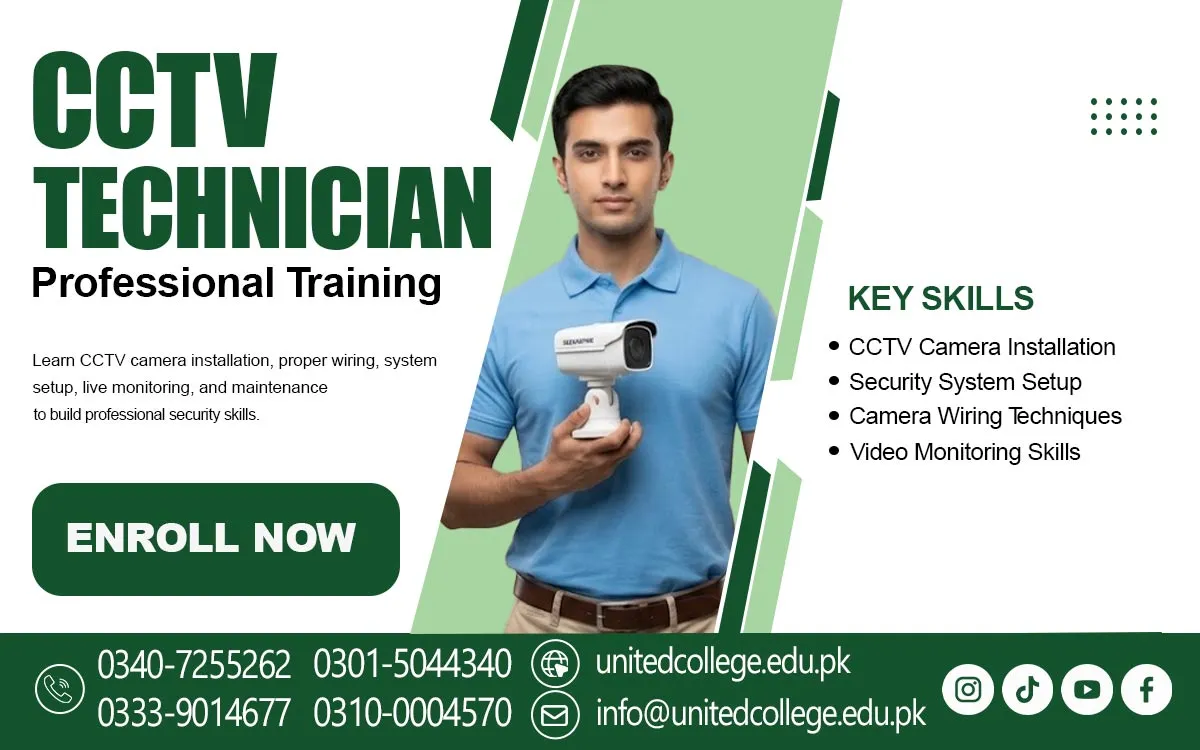

CCTV Technician Course in Sawat – Learn Security Skills
Growing Demand for CCTV Surveillance in Homes and Businesses
Security has become an important concern for residential and commercial properties. Homeowners use CCTV cameras to monitor entrances, gates, parking spaces, and outdoor areas. Similarly, shops and offices install surveillance systems to observe customer activity, protect equipment, and maintain a record of important events. Warehouses, educational institutions, hospitals, and factories also use CCTV security systems to monitor their surroundings. These systems can help property owners review recorded footage when an incident occurs and observe different locations from a central monitoring screen. In areas such as Sawat, where shops, hotels, offices, and residential buildings may require security arrangements, knowledge of CCTV installation can be a useful technical skill.
However, a surveillance system works properly only when cameras are installed in suitable positions and connected correctly. Poor camera angles, loose cables, weak power connections, and incorrect recording settings can reduce system performance. A trained technician understands these details and can help create a more reliable installation. Learning about video surveillance systems also introduces students to modern security technology. The CCTV Technician Course in Sawat helps beginners explore this technical field and understand the practical work involved in setting up and maintaining surveillance equipment.
Understanding CCTV Cameras and Modern Security Equipment
A CCTV system includes several connected components that work together to capture, display, and store video footage. The camera records activity in a selected area, while cables or network connections transfer the video to a recording device or monitoring screen. A basic installation may include cameras, a DVR or NVR, a power supply, connectors, cables, and a monitor. Each component has a specific purpose, so technicians need to understand how the equipment works before beginning an installation. For example, a camera installed outside a house may need weather protection, while an indoor camera for an office may require a different design.
Some cameras provide fixed views, while others offer adjustable angles and additional monitoring features. Students also need to become familiar with camera resolution, night vision, infrared LEDs, and motion detection. Resolution affects the clarity of recorded images, while infrared technology helps cameras capture footage in low-light conditions. Motion detection can identify movement within a selected area, depending on the camera and recording system. During the CCTV Technician Course, learners can study these features and understand their practical uses. This knowledge helps beginners recognise different security equipment and select suitable components for residential, commercial, and industrial surveillance requirements.
Different CCTV Camera Types for Residential and Commercial Installations
Choosing the right camera is an important part of CCTV Camera Installation because different locations require different viewing arrangements. Dome cameras are commonly used indoors, especially in shops, offices, corridors, and reception areas. Their rounded design makes them suitable for ceiling installation and provides a neat appearance. Bullet cameras have a longer shape and are frequently installed outdoors to monitor gates, building entrances, parking areas, and boundary walls. IP cameras use network connections to transfer video data and may offer features such as high-resolution recording, remote access, and advanced configuration options.
Some systems also include wireless cameras, which can communicate through Wi-Fi, although they still require suitable power arrangements and a stable network connection. Each camera type has its own installation requirements and limitations. For instance, an outdoor bullet camera should be positioned carefully to reduce glare and protect its connections from rain. A dome camera inside a shop should cover the required area without being blocked by shelves or other objects. Through a CCTV Camera Installation Course, learners can become familiar with these camera types, compare their features, and understand the factors involved in selecting equipment for different security projects.
Essential Tools and Equipment Used in CCTV Installation
A CCTV technician needs suitable tools to complete installation work safely and accurately. Common CCTV Installation Tools include screwdrivers, pliers, wire cutters, crimping tools, measuring tape, drills, and cable testers. Each tool performs a different task. Screwdrivers help secure camera brackets and equipment covers, while wire cutters are used to prepare cables for connections. A crimping tool helps attach compatible connectors to cables, and a cable tester can identify connection problems. Technicians may also use a multimeter to check voltage and electrical continuity. Learning to use these tools correctly is important because incorrect handling can damage cables, connectors, or electronic equipment.
CCTV systems also require accessories such as BNC connectors, DC power connectors, adapters, power supplies, junction boxes, and mounting brackets. Coaxial cables are commonly used in traditional analogue camera systems, while Ethernet cables are widely used for IP cameras and network-based installations. Learners should also understand the difference between cable categories and connector types because using unsuitable accessories can affect system performance. During practical CCTV Installation Training in Sawat, beginners can develop familiarity with these tools and components. Understanding the purpose of each item makes installation work more organised and helps technicians prepare for different types of CCTV projects.
Camera Placement, Mounting, and Professional Cable Management
Even a good-quality camera may provide poor footage if it is installed in the wrong position. In the CCTV Technician Course, students learn that camera placement should be planned according to the area that needs monitoring, the available lighting, and possible obstacles. For example, a camera near a shop entrance should capture people entering and leaving without being pointed directly toward strong sunlight. In a warehouse, cameras may need to cover storage sections, loading areas, and important access points. Before drilling or mounting equipment, technicians should inspect the location and decide on suitable camera angles. They also need to consider camera height, viewing distance, wall strength, and protection from weather conditions.
Proper CCTV Wiring and cabling are equally important. Loose wires, exposed connections, and poorly organised cables can create installation problems and make future maintenance difficult. Cable clips, conduits, and protective casing can help keep wiring organised. Technicians should also avoid placing data cables too close to sources of electrical interference where possible. Beginners learning Security Camera Installation need to understand that neat wiring is not only about appearance; it also supports safer and more manageable systems. Practical training helps students understand the steps involved in mounting cameras, connecting cables, and checking the final viewing angles.
DVR, NVR, and Video Recording System Configuration
Recording devices are essential components of many CCTV installations because they store video footage for later viewing. Two commonly used devices are Digital Video Recorders (DVRs) and Network Video Recorders (NVRs). A DVR is generally used with traditional analogue CCTV cameras, which transmit video through compatible coaxial connections. The DVR processes and records the incoming footage. An NVR is designed for network-based cameras, particularly IP cameras, and receives video through a network connection. Some NVR systems also support Power over Ethernet (PoE), which allows compatible cameras to receive power and transfer data through a single Ethernet cable.
Recording settings may include video quality, storage capacity, recording schedules, motion-based recording, and playback options. For example, a shop owner may want continuous recording during business hours and motion-based recording at other times. Hard disk capacity is another important consideration because it affects how much footage the system can store. During DVR and NVR Configuration training, learners can explore device connections, camera channels, display settings, and recorded video playback. They can also understand the importance of checking storage status and confirming that cameras are recording correctly.
CCTV Networking, IP Configuration, and Remote Mobile Viewing
Modern surveillance systems often use computer networks to connect cameras, recording devices, and monitoring screens. During the CCTV Technician Course, students learn how IP cameras communicate through network connections, making basic networking knowledge an important part of CCTV technician training. Every network device generally needs an IP address, which works like an identification number that allows devices to communicate on the same network. Technicians may need to configure network settings, check connectivity, and ensure that cameras and recording devices can communicate properly. Ethernet cables are commonly used for wired IP Camera Installation because they provide a stable connection in many environments.
Remote CCTV monitoring lets authorised users view camera footage on a mobile phone or computer. For example, a business owner travelling outside Sawat may want to check their shop's live camera feed through an approved mobile application. This requires suitable camera or recorder support, correct network configuration, and secure access settings. Technicians should also understand password protection and avoid leaving default login details unchanged. Basic knowledge of routers, switches, network cables, and internet connections can make CCTV Networking easier to understand. Through practical learning, beginners can become familiar with camera configuration, device connections, and the technical requirements of remote monitoring systems.
CCTV Troubleshooting, Maintenance, and Common Technical Problems
A CCTV system may develop problems after installation, so technicians need to understand basic troubleshooting and maintenance procedures. One common issue is a camera displaying a black screen or no video signal. This may happen because of a loose cable, damaged connector, power supply problem, or incorrect recording device setting. Another issue is blurry footage, which may be caused by a dirty camera lens, incorrect focus, poor lighting, or unsuitable camera positioning. Night vision problems can also occur if infrared LEDs are blocked or the camera is installed near reflective surfaces. Network-based cameras may disconnect because of weak connections, incorrect IP settings, or unstable network equipment.
Basic tools such as cable testers and multimeters can help identify certain connection and power issues. Regular CCTV Maintenance also plays an important role in keeping equipment in working condition. Cleaning camera lenses, checking mounting brackets, inspecting cable connections, reviewing recording status, and testing playback are useful maintenance activities. Learners should also understand that damaged electrical equipment must be handled carefully and that power should be isolated before carrying out relevant physical work. CCTV Troubleshooting training helps beginners develop a systematic approach to common technical problems and understand the importance of accurate inspection, safe handling, and proper equipment maintenance.
Practical CCTV Technician Training and Technical Career Skills
Learning CCTV installation becomes more useful when students understand how different components work together in a real setup. Reading about cameras, connectors, and recording devices is helpful, but practical experience allows learners to become familiar with the actual installation process. The CCTV Technician Course in Sawat offered by United College of Technology (UCT) is relevant to individuals who want to explore this technical field and develop an understanding of surveillance equipment. Training may introduce learners to camera identification, mounting methods, wiring connections, DVR and NVR systems, network configuration, and basic troubleshooting.
These skills may be useful in different work environments, including CCTV installation services, security equipment shops, residential projects, offices, hotels, warehouses, and commercial buildings. Some individuals may also choose to develop their skills further and explore independent installation or maintenance work after gaining suitable practical experience. However, professional ability requires continued learning, careful work, and an understanding of different equipment brands and system requirements. With proper guidance and regular practice, students can gradually improve their installation knowledge and become more confident in working with modern surveillance systems.
Frequently Asked Questions (FAQs)
The CCTV Technician Course in Sawat teaches students how to install, configure, and maintain CCTV cameras and security surveillance systems.
Yes, beginners can join this training. Previous technical experience is not necessary to start learning basic CCTV installation skills.
Students learn camera installation, wiring, DVR and NVR configuration, IP camera setup, networking, and basic troubleshooting.
A DVR generally works with analogue CCTV cameras, while an NVR is designed for network-based IP cameras.
Yes, compatible CCTV systems allow authorised users to view live camera footage through mobile applications after proper network configuration.
Admission Open: Start Your Professional Journey Today!
Join United College of Technology and build a career with practical training, recognized certifications, and Gulf job support. Seats are limited.
Apply Now via WhatsAppContact Information
- Address: Rawalpindi: F-272 Main New Katarian Stop, Old IJP Road | Lahore Campus: Lahore, Pakistan
- Phone/WhatsApp: 0340-7255262 / 0333-9014677 / 0301-5044340 / 0310-0004570 / 051-8770756
- Website: unitedcollege.edu.pk
















Leave a Comment