
Computer Hardware Course in Gawadar for Practical Technical Growth
Turn Technical Curiosity into Practical Repair Skills
A computer can stop working because of a loose cable, damaged component, overheating, or a faulty power connection. Understanding these problems requires more than basic computer knowledge. The Computer Hardware Course in Gawadar introduces learners to the physical parts of computer systems and helps them understand how different components perform their functions.
As computers become part of education, offices, businesses, and everyday activities, knowing how their internal parts work can be valuable. Students and new learners can better understand technology by exploring computer components and their functions. Instead of depending on others for every small hardware issue, they can begin learning how to inspect systems, recognize common faults, and understand simple repair methods through technical practice.
Explore the Technology Hidden Behind Every Computer
Computer hardware includes all the physical parts that make a computer operate. These parts include the monitor, keyboard, mouse, motherboard, processor, memory, storage devices, and power supply. Each component has a different responsibility, but all must work together for the system to perform properly. Understanding these parts is an important starting point for anyone interested in computer maintenance and repair.
A Computer Hardware Course helps beginners become familiar with the relationship between different components. For example, the processor handles instructions, RAM provides temporary working memory, and storage devices keep information for future use. When learners understand these functions, they can better recognize why a computer may become slow, fail to start, or stop responding during normal use.
Get Familiar with the Components That Keep Systems Running
The motherboard is the main circuit board that connects the different parts of a computer. It allows the processor, RAM, storage devices, and other components to communicate. The processor works like the brain of the system because it handles instructions and calculations. RAM supports active tasks by temporarily storing information that the computer needs while running programs.
Storage devices and power components also have important roles. Hard disk drives and solid-state drives store files, software, and operating systems, while the power supply provides electricity to internal components. Cooling fans and heat sinks help control temperature and prevent overheating. Learning about these parts gives beginners a clearer picture of how a complete computer system operates.
Build Technical Understanding Through Hands-On Assembly
Computer assembly involves connecting different components to create a working system. Learners can explore how to install RAM, position a processor correctly, connect storage devices, and attach power cables. Each step requires attention because incorrect installation or loose connections can prevent a computer from working properly. Understanding the purpose of each connection makes assembly easier to follow.
Disassembly is equally important because repair work often requires removing a component for inspection or replacement. Learners can understand how to open a computer case, disconnect cables, remove memory modules, and handle storage devices carefully. The Computer Hardware Course in Gawadar can introduce these general learning areas and help beginners understand the importance of following the correct procedure instead of applying unnecessary force.
Understand Computer Faults Before Replacing Any Parts
A computer problem does not always mean that a component needs replacement. Sometimes, a system fails to start because of an unplugged cable, loose RAM, or an issue with the power connection. Other problems may include unusual sounds, overheating, unexpected shutdowns, and slow performance. Learning to observe these signs can help beginners understand where a fault might be coming from.
Hardware troubleshooting begins with careful inspection and simple testing methods. Learners can explore how to check connections, examine visible damage, and identify possible problems with individual components. It is also important to understand the difference between hardware and software issues. This knowledge helps prevent unnecessary repairs and encourages a logical approach to solving computer problems.
Develop Repair Skills With the Right Tools and Techniques
Computer maintenance requires suitable tools and careful working methods. Screwdrivers are commonly used to open computer cases and remove components. Anti-static wrist straps help reduce the risk of static electricity damaging sensitive electronic parts. Small brushes and suitable cleaning materials can help remove dust from areas where it collects around fans and internal components.
Practical repair knowledge also includes checking connectors, cleaning hardware, replacing damaged parts, and examining whether components are properly installed. Beginners can gradually understand these activities through observation and supervised practice. They should also learn to keep screws and small components organized during repair work. A careful approach makes hardware maintenance more manageable and reduces the chances of accidental damage.
Connect Computer Knowledge With Practical Learning in Gawadar
Gawadar offers different learning interests for students and people who want to improve their technical understanding. Computer knowledge can be useful in educational settings, business environments, offices, and personal technology activities. Learning how to inspect computer systems and understand their internal components can help beginners become more confident when dealing with everyday technical problems.
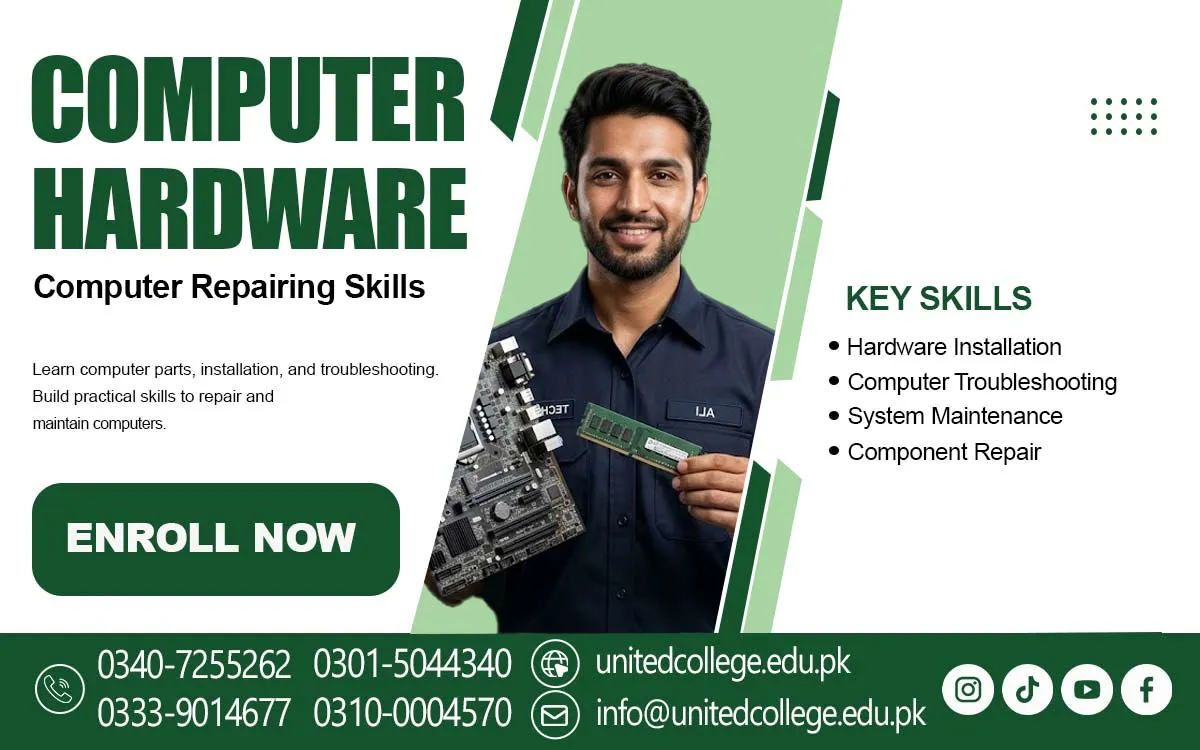
The Computer Hardware Training offered by United College of Technology is relevant to individuals interested in exploring computer maintenance, component identification, system assembly, and basic troubleshooting. It provides a course-based learning option for people who want to understand the technical side of computers. Interested learners can contact the institute directly to confirm current course details and available training information.
Make Safe Handling a Part of Every Repair Task
Computer components are sensitive to physical damage and electrical problems. Static electricity can affect electronic circuits even when the damage is not immediately visible. Before touching internal parts, learners should understand how to reduce static electricity risks by using suitable precautions and handling components by their edges. They should also avoid placing circuit boards on surfaces that may create static charges.
Electrical safety is another important part of computer repair. The system should be disconnected from its power source before internal maintenance begins. Learners should avoid touching exposed electrical connections and should never open a power supply unit because it may contain dangerous stored electrical energy. Developing safe habits from the beginning helps create responsible working practices.
Turn Regular Practice Into Stronger Technical Confidence
Technical knowledge develops through consistent learning and practical experience. Beginners should take time to identify different components, understand their functions, and observe how they connect inside a computer. Repeating basic activities can improve their ability to recognize hardware parts and understand common system problems. Patience is especially important because repair tasks may require several checks before the actual fault becomes clear.
Enrolling in a Computer Hardware Course in Gawadar can help beginners develop practical skills, understand computer components, and gain experience in troubleshooting and repairing different computer systems. These skills may be useful in computer repair shops, IT support environments, equipment maintenance services, and personal repair activities. However, practical ability takes time to develop, and learners should continue improving their knowledge as computer technology changes.
Frequently Asked Questions (FAQs)
Hardware refers to the physical parts of a computer, while software includes the programs and instructions that tell the computer what to do.
Yes, beginners can start with basic computer knowledge and gradually develop an understanding of technical components and maintenance practices.
Knowing specifications helps users compare systems, understand performance, and select suitable computers for different tasks.
A technician may examine power connections, temperature, cooling performance, and other possible causes before deciding what action is needed.
It can help users understand technical limitations, recognize warning signs, and make better decisions when maintaining or upgrading their devices.
Patience, attention to detail, curiosity, logical thinking, and a willingness to practise are helpful qualities for developing technical skills.
Admission Open: Start Your Professional Journey Today!
Join United College of Technology and build a career with practical training, recognized certifications, and Gulf job support. Seats are limited.
Apply Now via WhatsAppContact Information
- Address: Rawalpindi: F-272 Main New Katarian Stop, Old IJP Road | Lahore Campus: Lahore, Pakistan
- Phone/WhatsApp: 0340-7255262 / 0333-9014677 / 0301-5044340 / 0310-0004570 / 051-8770756
- Website: unitedcollege.edu.pk
















Leave a Comment